Have you ever notice how the default menu background has a very faint, almost annoying around the text, blur? [IMG]http://i.imgur.com/lclfKrF.gif[/IMG] Would you prefer having a proper 'frosted glass' effect blur? [IMG]http://i.imgur.com/w3QK1r7.gif[/IMG]
Have you ever notice how the default menu background has a very faint, almost annoying around the text, blur?
[IMG]http://i.imgur.com/lclfKrF.gif[/IMG]
Would you prefer having a proper 'frosted glass' effect blur?
[IMG]http://i.imgur.com/w3QK1r7.gif[/IMG]
What if my game is takes places in the past?
[IMG]http://i.imgur.com/X2RQcCV.gif[/IMG]
Or what if I want to give a 8bit atmosphere?
[IMG]http://i.imgur.com/NadzmFU.gif[/IMG]
Well, I guess you've now an idea of what this plugin is about, but is it just for the title menu?
Of course not! let's say you want to give your game a touch of pop art
[IMG]http://i.imgur.com/rMKE49W.gif[/IMG]
Ok, you got me, where can I find this plugin?
This plugin is hosted here:
https://github.com/kentaromiura/RPGMV-Plugins/blob/master/dist/js/plugins/kentaromiura_Menu_BackgroundFilters.js
just remember to click on the raw button before saving it
So how does this plugin works?
Once you loaded it in your project you'll find a list of filters available, all set by defaut to 0, this means that particular filter doesn't execute,
if you want to use any of the filter, just set them to 1, if you want you can control the order the filter are applied as, for example, the DotScreen filter makes everything b/w, running it after a sepia filter may not be a good idea, you want to run it first, so you just set that to 1 and the sepia one to 2, it doesn't matter the number as long as it's bigger
Okay, I think I get it, but what if I want to have different filters for different part of my game, for example I have a section where my hero see the past, how can I make only that part sepia?
Well, this plugin provides 4 commands, quoting the help:
Plugin Command
RemoveMenuBackgroundFilter $filter Removes the specif filter if exists
RemoveAllMenuBackgroundFilters Removes any filter applied
AppendMenuBackgroundFilter $filter Adds a filter at the end of the list
PrependMenuBackgroundFilter $filter Adds a filter at the begin of the list
where $filter can be any of the following:
Blur, BlurX, BlurY, ColorMatrix, ColorStep, CrossHatch, DotScreen, Gray,
Invert, Pixelate, RGBSplit, Sepia, Twist
using a combination of this you can create your personalised list of filters,
Is there any catch?
Alas, there is, this plugin works only where a gl context is supported, so ancient browsers (this includes not recent safari ios) are not supported, but it doesn't compromise anything, in those particular instance you just fallback on the default behaviour, so it's not a huge issue.
Here's you can check a table of where this is supported
http://caniuse.com/#feat=webgl
enjoy






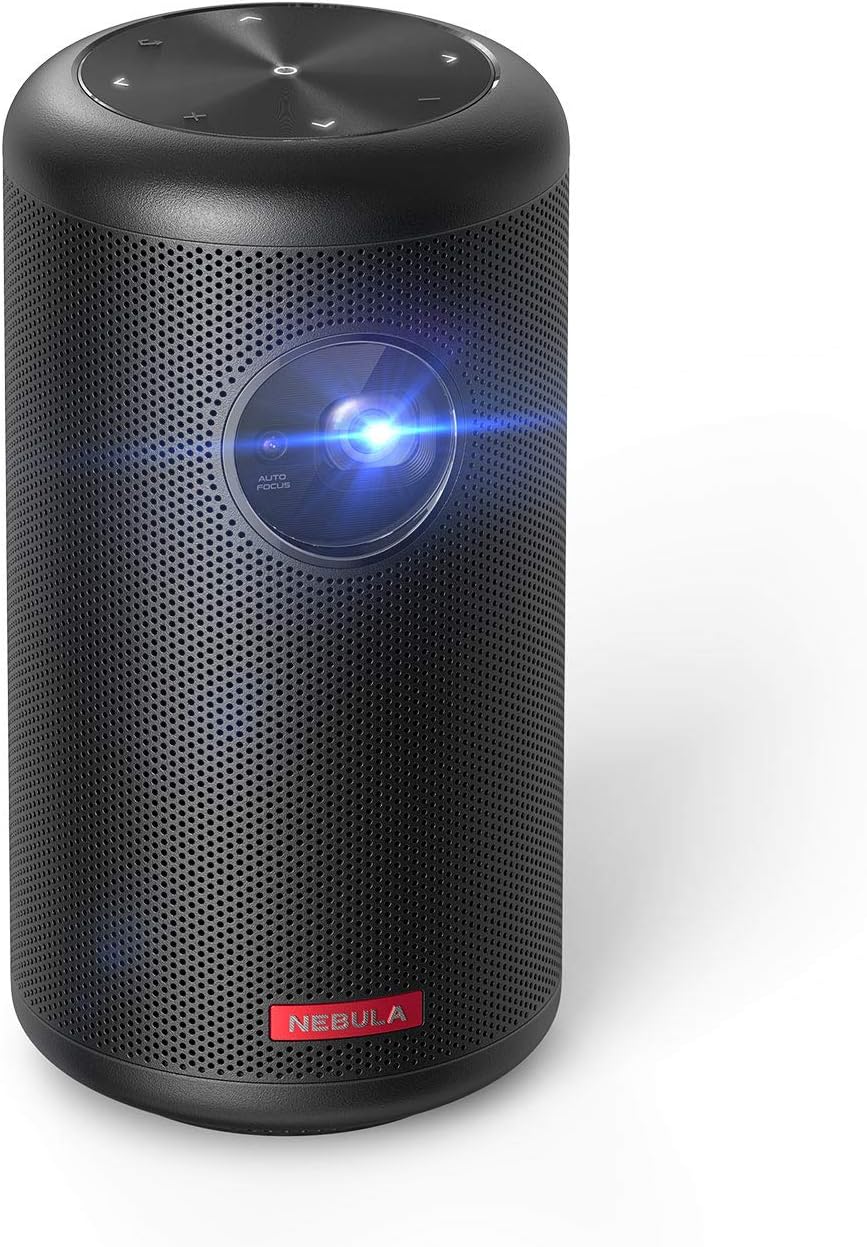 NEBULA by Anker Capsule II Mini Projector
Portable Android TV projector for movie nights, gaming, and indoor or outdoor viewing.
View on Amazon
NEBULA by Anker Capsule II Mini Projector
Portable Android TV projector for movie nights, gaming, and indoor or outdoor viewing.
View on Amazon