Ok this may be excessively stupid and an easy fix, but I've been messing with this for a while, and I cant seem to figure this out.
I'm using
this plugin, and I've tested all of the other plugins I'm using one by one, and even when this is the only one active- is still does this. So I'm assuming it's something with the actual plugin or I'm just dumb and missed an option somehow.
I'm testing this with
ONLY this plugin enabled and nothing else. So the screenshots are only what this plugin is doing on its own.
The plugin works fine with the main menu in game, where all the buttons look like this:
Same thing with the save menu, everything is as it should be. (I know it's long, I left it that way.)
But for some reason, ONLY the options menu, and audio submenu (if enabled) have squished buttons with no, or very little padding?
I can't seem to figure out why this is happening. I've combed through all the plugin parameters, I moved the plugin in every order I could think of with other plugins, I turned multiple parameter options off and on just to see if it would do anything- for whatever reason these two menus are persistent in looking like this. Is this user error? What am I doing wrong here? It's driving me crazy cause it looks super ugly compared to the original menu buttons.




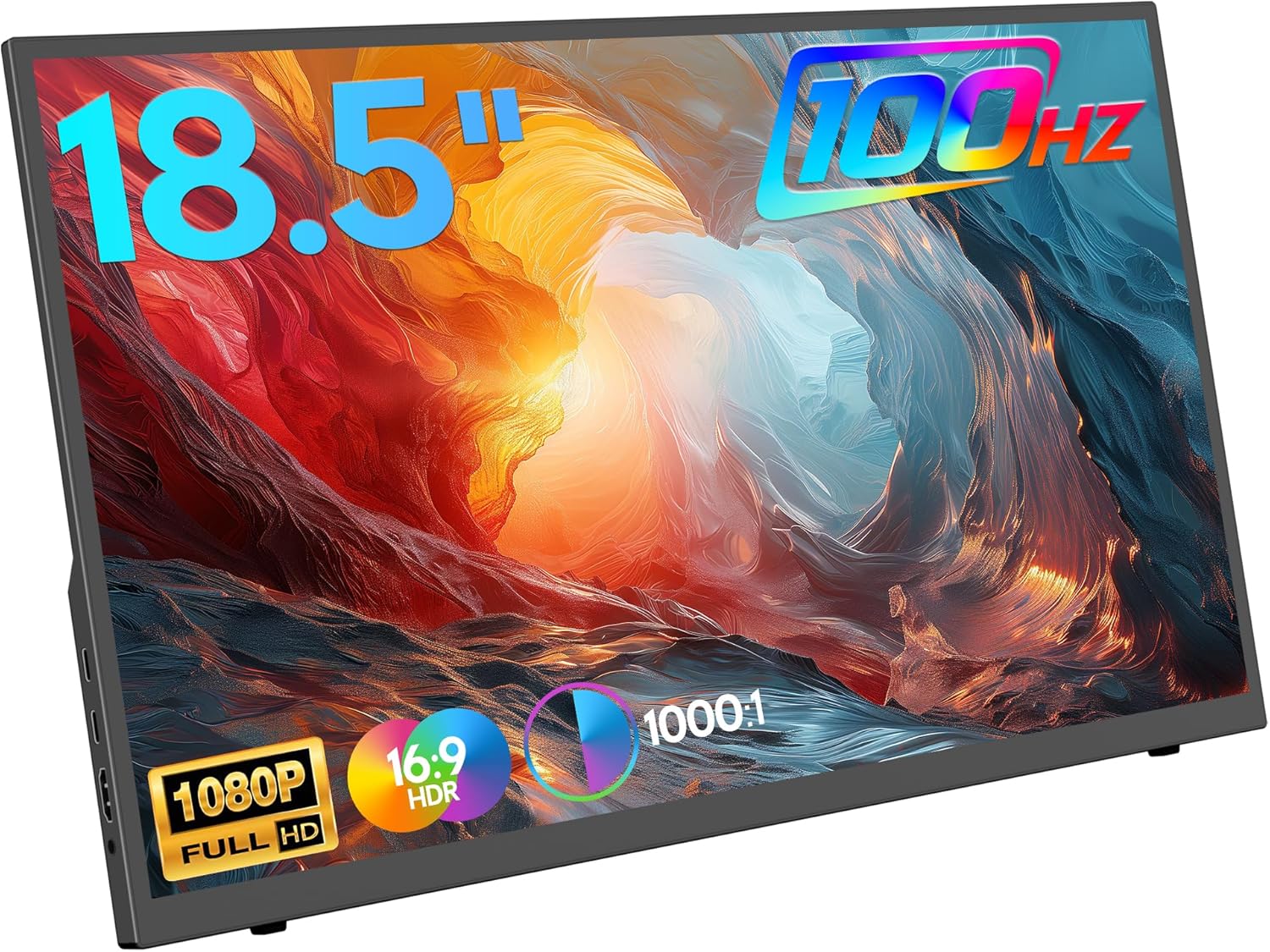 ZSCMALLS 18.5-Inch Portable Monitor
Portable 1080p screen for laptop expansion, travel desks, and compact workstations.
View on Amazon
ZSCMALLS 18.5-Inch Portable Monitor
Portable 1080p screen for laptop expansion, travel desks, and compact workstations.
View on Amazon