I have been using this plugin to create formations that apply different states to the party members that are in different positions. But I also want a maximum of 5 members so I have been using this separate, very simple, plugin for that. Almost everything works correctly, except, the 2nd party member's sprite is put in the position of the 5th party member. When the 2nd party member does an action it is also their sprite that does the action, so that's good, it's just in the wrong spot.
I have been using
this plugin to create formations that apply different states to the party members that are in different positions.
But I also want a maximum of 5 members so I have been using
this separate, very simple, plugin for that.
Almost everything works correctly, except, the 2nd party member's sprite is put in the position of the 5th party member.
When the 2nd party member does an action it is also their sprite that does the action, so that's good, it's just in the wrong spot.
The 2nd party member is not receiving the state that the formation plugin applies to the 5th party member, which is good, they are receiving the correct states as if they were in the correct part of the formation.
With the maximum members plugin disabled everything operates the same except it just doesn't have a 5th member and everything that comes with that.
It's just the sprite is in the wrong spot.
Unfortunately I don't understand Javascript. Haven't been able to find the exact source of the mismatch.
EDIT: Never Mind, after hours of thinking it was the code, turns out it was user error as is typical.
formation system v1.3.0
@Author unagi ootoro
@url
https://raw.githubusercontent.com/unagiootoro/RPGMZ/master/FormationSystem.js
If anyone finds this and has the same issue. Just make sure the note section of each event you create, for a formation, has the appropriate number for the party member you want it to match. Always starting with 0 then 1 then 2 an so on, in order so that you don't mix things up.






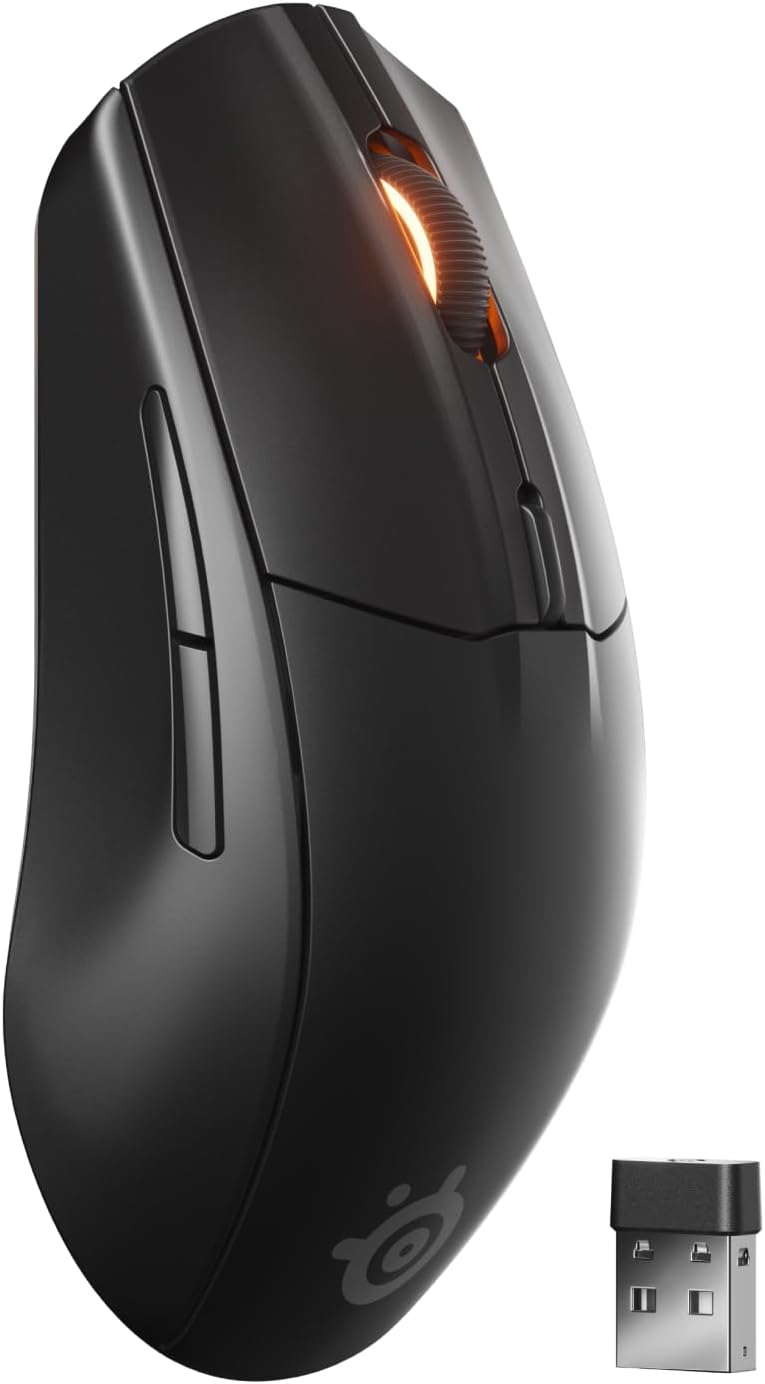 SteelSeries Rival 3 Wireless Gen 2 Gaming Mouse
Dual wireless gaming mouse with fast response and long battery life for PC players.
View on Amazon
SteelSeries Rival 3 Wireless Gen 2 Gaming Mouse
Dual wireless gaming mouse with fast response and long battery life for PC players.
View on Amazon