I'm using
Triacontane's SceneCustomMenu pluginto create several menus. I want a main menu with a list of actors, and other with fixed word commands, such as "Revive", then check if the highlighted actor is death to enable the "Revive" option.
The options should update while player is moving the cursor on menu, not only after selecting an actor.
So I need:
- Pick the data of the item highlighted on the main menu.
- Check the content of this data, and based on it, enable an option from a CommandList of fixed alternatives. It should be updated while the cursor move.
- And also move the CommandList window to other positions, e. g., side each actor highlighted from main menu.
In the end, I want to store the highlighted item of the list when cursor move, then check the data to enable an option.
The initial problem is that CommandList of fixed words bugs when I try to check the data, although I can check actor states without the CommandList without problems.
The plugin also offers a default way to store data on game variables, but only after they are selected.
Thanks!
P.S.: Triacontane also has two add-ons for the plugin, but I don't know if they are related to my problem.
- SceneCustomMenuEx
- MenuSubCommand




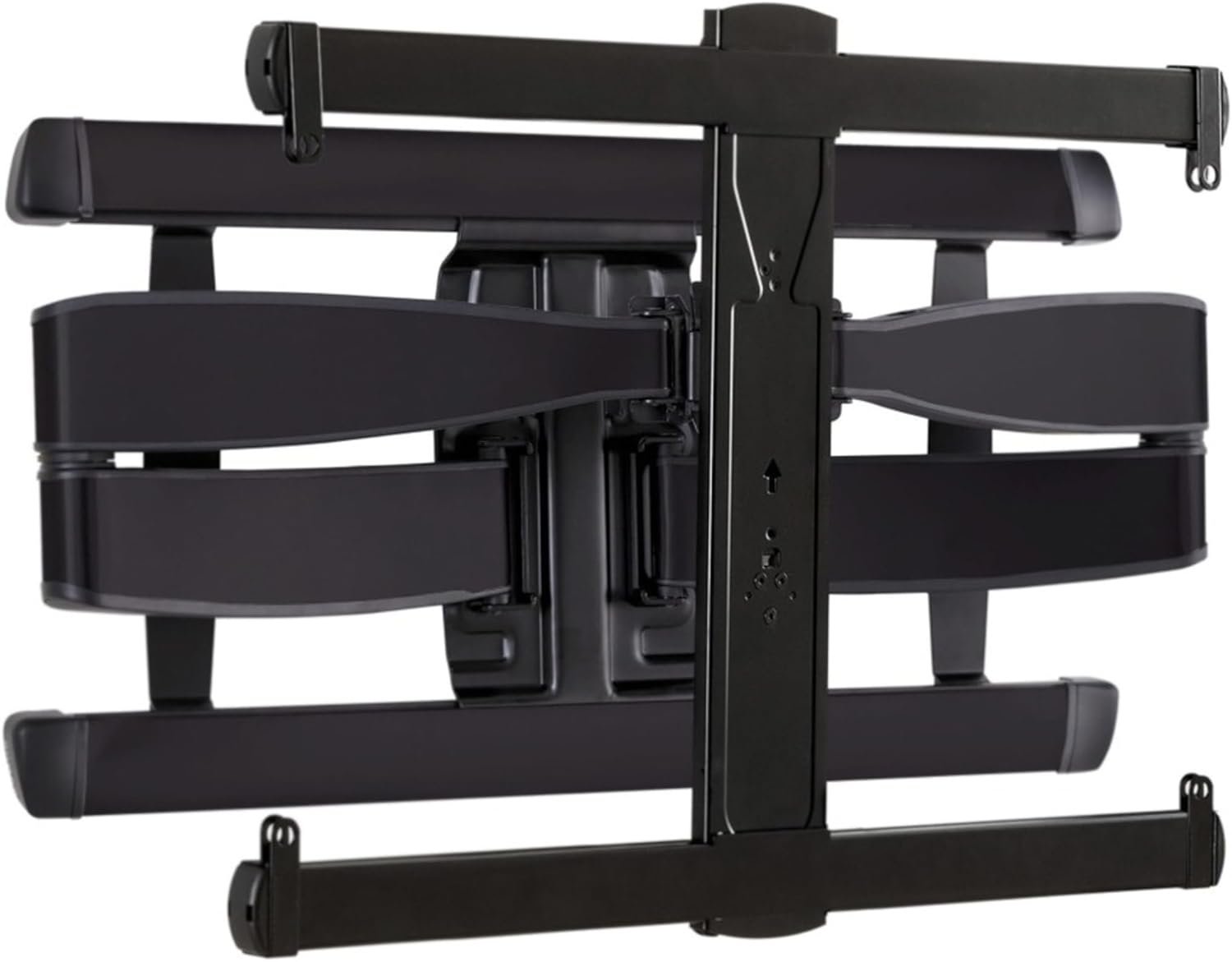 SANUS Advanced Full-Motion TV Wall Mount
Full-motion TV mount for flexible viewing angles and a cleaner entertainment wall.
View on Amazon
SANUS Advanced Full-Motion TV Wall Mount
Full-motion TV mount for flexible viewing angles and a cleaner entertainment wall.
View on Amazon