Preserved forum archive. This topic stores the original first post and locally mirrored RPG Maker Web attachments when available. It is posted by the BMMPlay archive account, not by the original creator.
Source forum path: Game Development Engines > Legacy Engine Support > RPG Maker MV Support
Summary
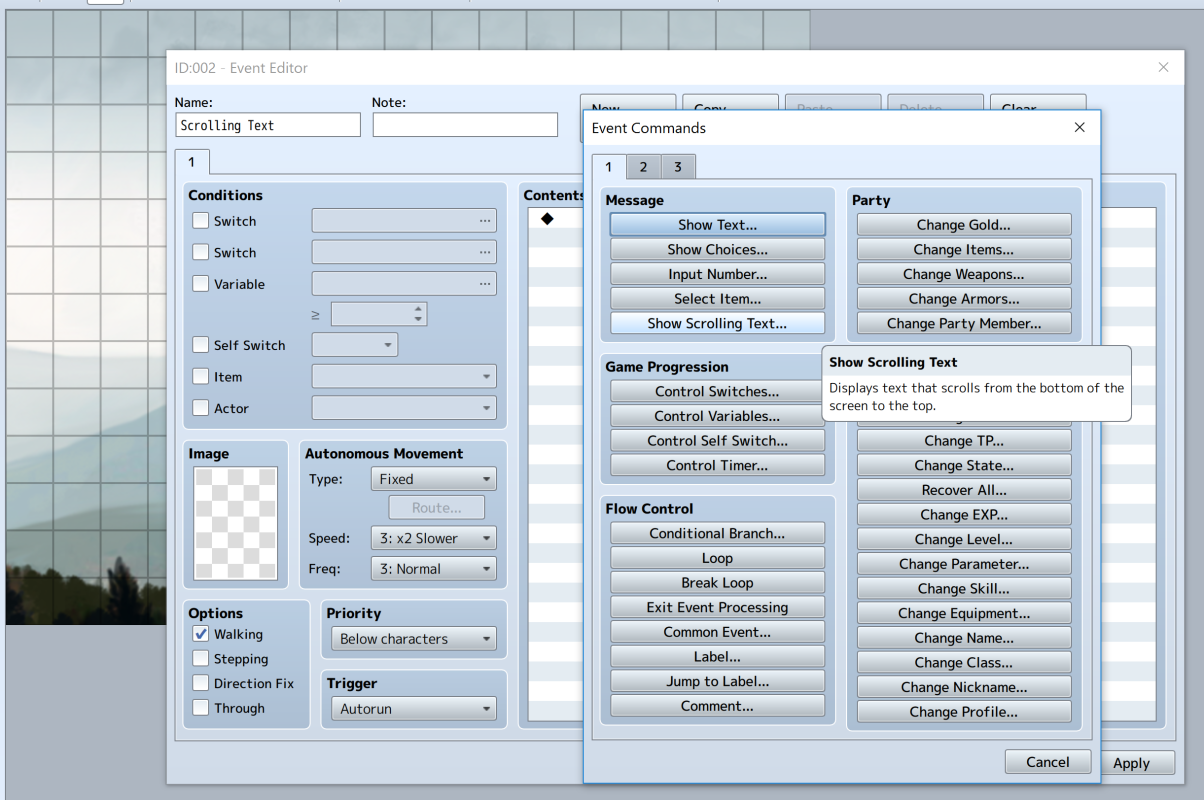
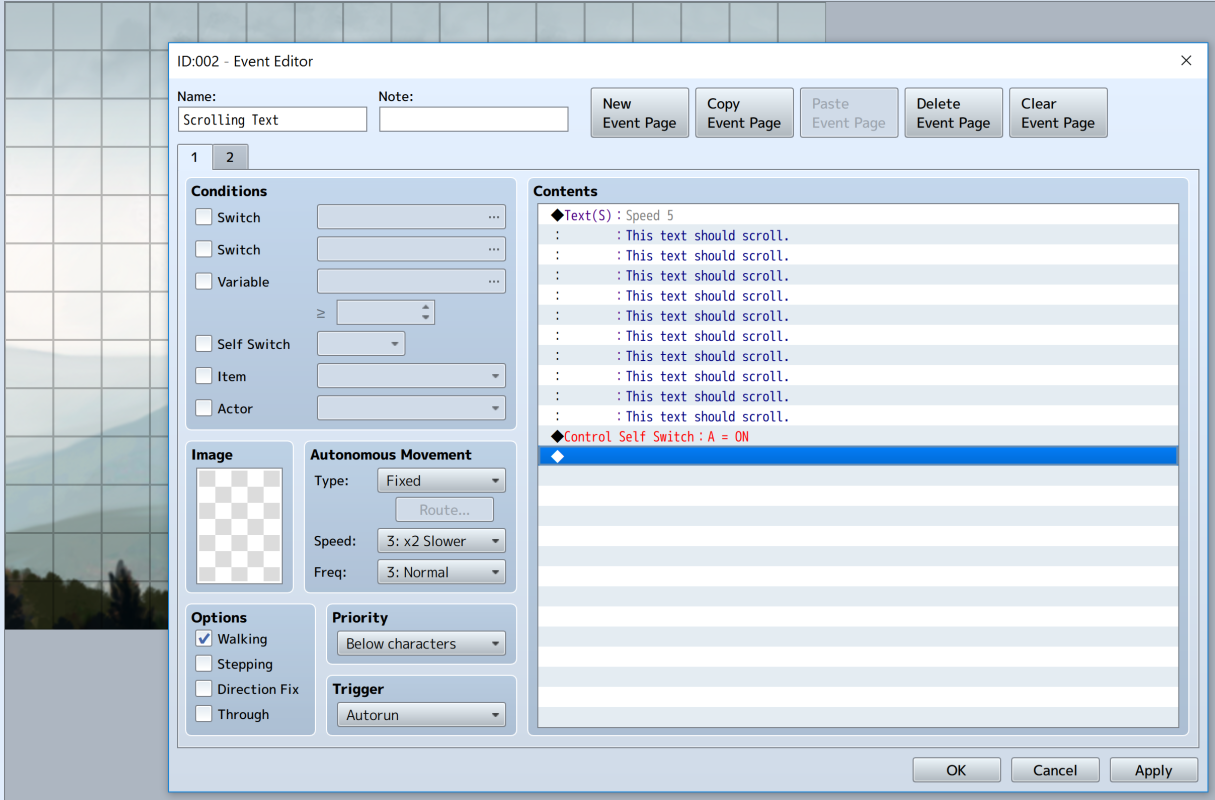
So I am fairly familiar with RPG Maker. I used VX ACE heavily in the past. In RPG Maker VX ACE there was a "Show Scrolling Text" option under the "Message" portion of "Event Commands". In RPG Maker MV there also seems to be a "Show Scrolling Text" option under the "Message" portion of "Event Commands". (See Example 1) However, when I create a text event using the "Show Scrolling Text" option, it doesn't seem to work properly. (See Example 2)
Archived First Post
So I am fairly familiar with RPG Maker. I used VX ACE heavily in the past.
In RPG Maker VX ACE there was a "Show Scrolling Text" option under the "Message" portion of "Event Commands".
In RPG Maker MV there also seems to be a "Show Scrolling Text" option under the "Message" portion of "Event Commands". (See Example 1)
However, when I create a text event using the "Show Scrolling Text" option, it doesn't seem to work properly. (See Example 2)
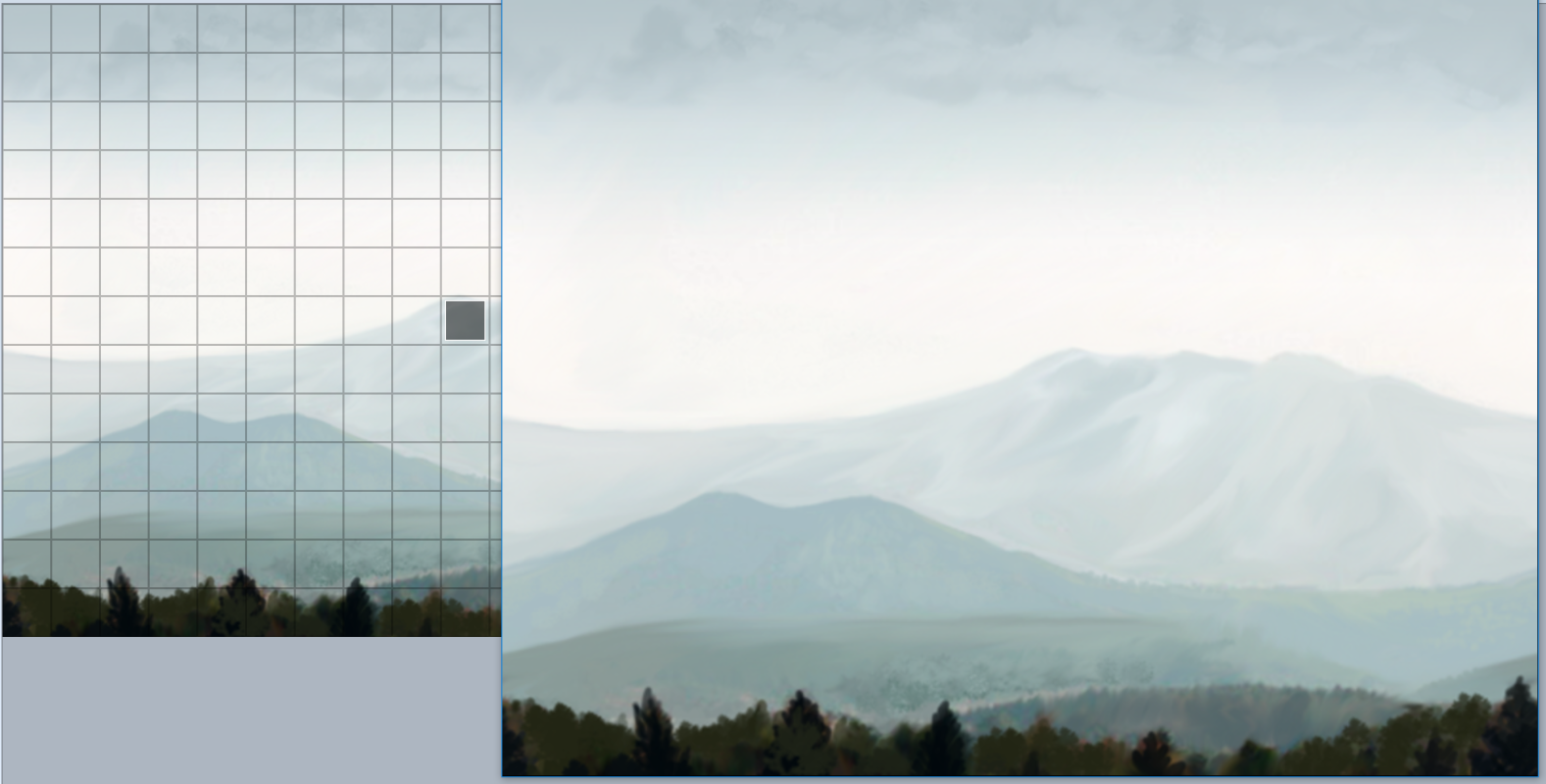
When I playtest the game and arrive to the point where the Scrolling Text event should activate, instead no text is shown at all. (See Example 3)
Instead of text appearing on the screen, the game forces the player to wait "X" amount of time ("X" depending on how much text I put in the event and what scrolling speed I used) before continuing with whatever else the event is supposed to do.
This is a major disappointment as the Scrolling Text feature is a great way to display either Credits or an Opening Cutscene.
I have looked online for tutorials to see if I am creating the event wrong somehow, but everything I find seems to show people doing exactly what I'm doing but with success.
Any help would be greatly appreciated.
Protected download
Protected download
Protected download
Downloads / Referenced Files
Log in to download
Log in, then follow the RPG Maker Developers Group to see these download links.
This is a major disappointment as the Scrolling Text feature is a great way to display either Credits or an Opening Cutscene. I have looked online for tutorials to see if I am creating the event wrong somehow, but everything I find seems to show people doing exactly what I'm doing but with success. Any help would be greatly appreciated. {
Referenced Images / Attachments
ST Example 1.pngST Example 2.pngST Example 3.png
Creator Claims / Removal
If you are the original creator and want this listing reassigned, edited, or removed, join BMMPlay and contact the moderators with proof that matches the original RPG Maker Web profile, linked GitHub, itch.io page, or another public creator identity.






 7-in-2 USB-C Multiport Adapter for MacBook Pro and Air
Slim USB-C hub for HDMI, USB, card access, and everyday laptop expansion.
View on Amazon
7-in-2 USB-C Multiport Adapter for MacBook Pro and Air
Slim USB-C hub for HDMI, USB, card access, and everyday laptop expansion.
View on Amazon