

 Chromecast with Google TV HD
Compact streaming device for movies, live TV apps, and personalized entertainment.
View on Amazon
Chromecast with Google TV HD
Compact streaming device for movies, live TV apps, and personalized entertainment.
View on Amazon
Bmmplay may earn a commission from qualifying purchases made through these links.
No products in the cart.


Simple enough for a child, powerful enough for a developer
BMM_Archive · July 15, 2026
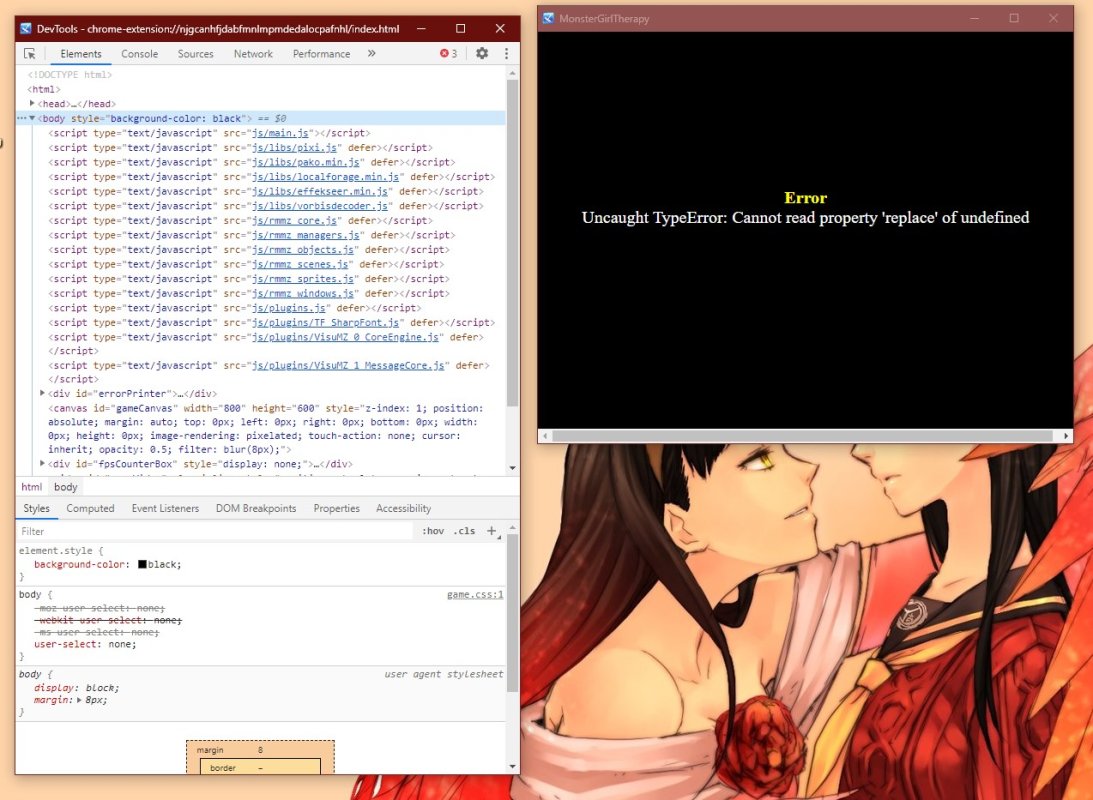
Okay, let's see if someone can actually help with this problem. ... I tried a lot (see below), but it persists. I want to use the VisuStella Message Core Plugin – among other things, to provide my RMMZ game with multiple languages. Here you can find the team's very detailed guide to this function. Cool stuff! And everything worked out fine ... at least until I tried to change and save the CSV file in Excel. {
Log in, then follow the RPG Maker Developers Group to see these download links.
Log in to download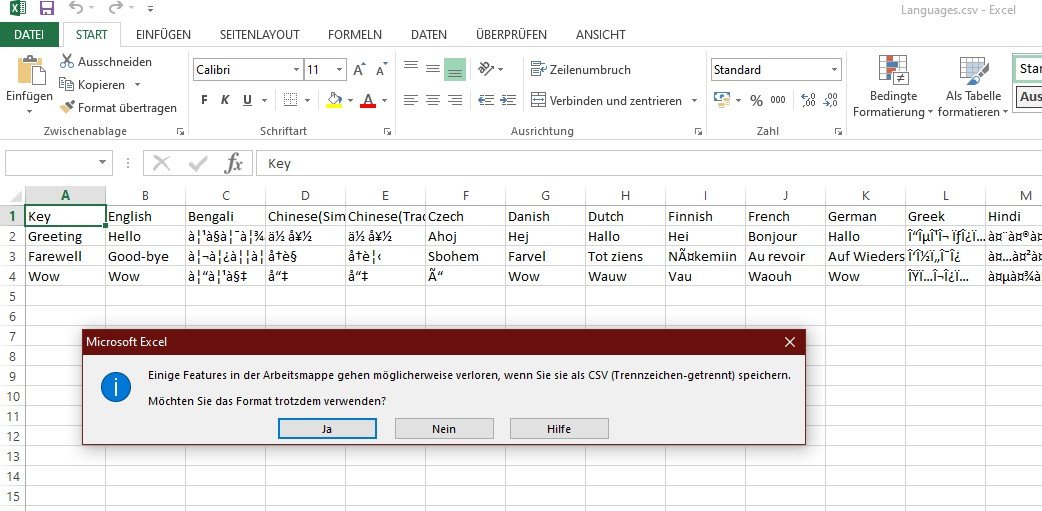
If you are the original creator and want this listing reassigned, edited, or removed, join BMMPlay and contact the moderators with proof that matches the original RPG Maker Web profile, linked GitHub, itch.io page, or another public creator identity.
Chromecast with Google TV HD
Compact streaming device for movies, live TV apps, and personalized entertainment.
View on Amazon
Bmmplay may earn a commission from qualifying purchases made through these links.
No replies yet.
Loading summary...
Bmmplay creator tools
Log in or create an account to use this creator tool.
Join the conversation
Your reaction is ready. Log in and you will return to this page to add it.
Are you sure you want to close this music player?
 Playstation DualSense Charging Station
Dock-style charging station for keeping two DualSense controllers ready between sessions.
View on Amazon
Playstation DualSense Charging Station
Dock-style charging station for keeping two DualSense controllers ready between sessions.
View on Amazon
Bmmplay may earn a commission from qualifying purchases made through these links.
Community safety