




public

Rpg Maker Developers Group

Simple enough for a child, powerful enough for a developer

2 Followers

MZ Left/Right Scrollable Window_Selectable? (Solved I made a plugin for this)

BMM Archive · July 15, 2026

Preserved forum archive. This topic stores the original first post and locally mirrored RPG Maker Web attachments when available. It is posted by the BMMPlay archive account, not by the original creator.

Original Source

  • Original title: MZ Left/Right Scrollable Window_Selectable? (Solved I made a plugin for this)
  • Original author: ct_bolt
  • Original date: May 6, 2022
  • Source thread: https://forums.rpgmakerweb.com/threads/left-right-scrollable-window_selectable-solved-i-made-a-plugin-for-this.147356/
  • Source forum path: Game Development Engines > RPG Maker Javascript Plugins > Javascript/Plugin Support

Summary

Spoiler: My original posted question How to make Window_Selectable able to scroll left/right not just up/down? So I believe I did this a while back in RMMV but now I'm having a hard time to remember the process... ... I remember I'll need to add in the sprites for the left/right arrows since for whatever reason that were neglected from being added by default. I've done that fairly easily.. attached is the script that adds the arrow sprites.

Archived First Post

How to make Window_Selectable able to scroll left/right not just up/down?

So I believe I did this a while back in RMMV but now I'm having a hard time to remember the process...

... I remember I'll need to add in the sprites for the left/right arrows since for whatever reason that were neglected from being added by default. I've done that fairly easily.. attached is the script that adds the arrow sprites.

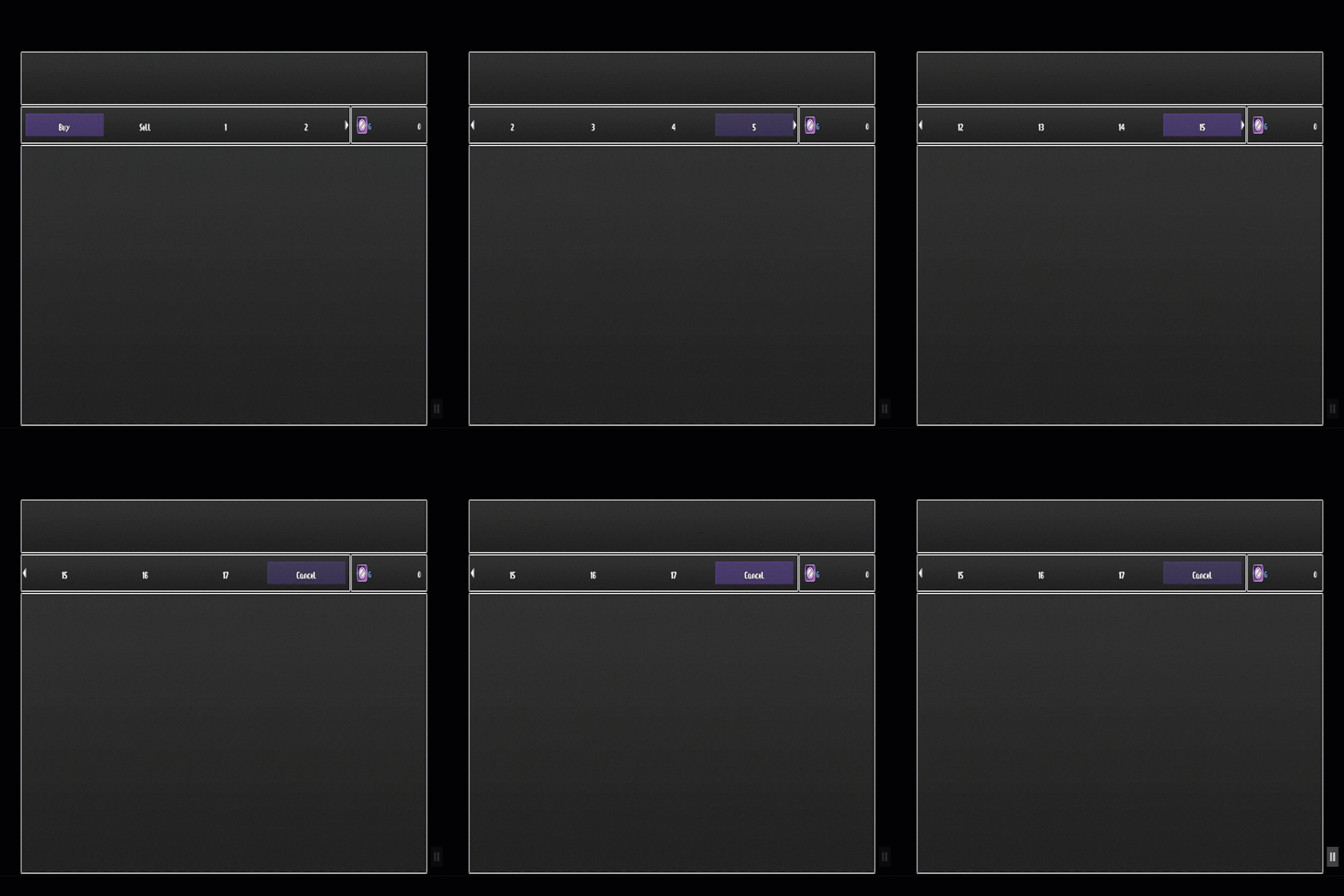
Question now is how would I go about making the Window_Selectable scroll the Selectable Items left & right like it does for Up & Down?

For example say I have just 1 row with 8 columns but only want 3 columns displayed on screen, when the player moves the cursor to the 4th item, the selectable items should then "scroll" to the left by 1 (items 2 through 4 would be displayed)

Hope my question makes sense.

Thanks in advance for all the help.


Edit/Update:
Solved

It's all done now Works exactly as it should.
This was quite the process though honestly. Had to alias quite a few functions and add a bunch of new code... but I did manage to get it all working now and have made a plugin for this.
It's now available on my itch.io page found here:

Plugin Video Demo:

Downloads / Referenced Files

Log in to download

Log in, then follow the RPG Maker Developers Group to see these download links.

Log in to download

Referenced Images / Attachments

ct-bolt.itch.io
ct-bolt.itch.io
ct-bolt.itch.io
ct-bolt.itch.io
Creator Claims / Removal

If you are the original creator and want this listing reassigned, edited, or removed, join BMMPlay and contact the moderators with proof that matches the original RPG Maker Web profile, linked GitHub, itch.io page, or another public creator identity.

#039#rpg-maker-archive#js-support

Replies (0)

No replies yet.

0 replies 1 view

Log in to reply.

User Avatar