


Yanfly Animated Sideview Enemies conflicting with Bestiary plugin
BMM_Archive · July 15, 2026

Preserved forum archive. This topic stores the original first post and locally mirrored RPG Maker Web attachments when available. It is posted by the BMMPlay archive account, not by the original creator.
Original Source
- Original title: Yanfly Animated Sideview Enemies conflicting with Bestiary plugin
- Original author: kazema
- Original date: September 21, 2018
- Source thread: https://forums.rpgmakerweb.com/threads/yanfly-animated-sideview-enemies-conflicting-with-bestiary-plugin.100331/
- Source forum path: Game Development Engines > RPG Maker Javascript Plugins > Javascript/Plugin Support
Summary
I'm using Yanfly Animated Sideview Enemies and I have the enemies properly animating in game, however I am also using Mr.Trivel's Monster book which allows players to view previously defeated enemies. The problem is when I defeat an enemy and check the bestiary, their image does not show up. { "lightbox_close": "Close", "lightbox_next": "Next",


Archived First Post
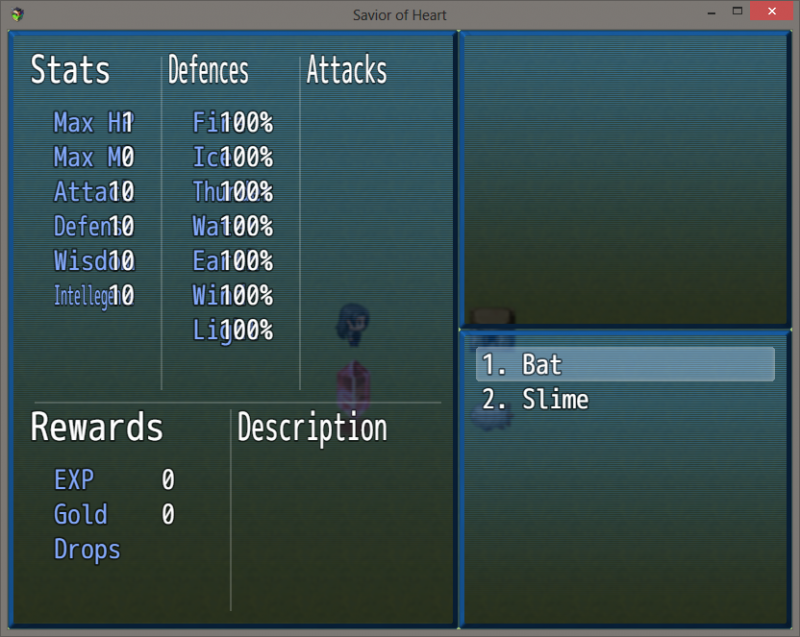
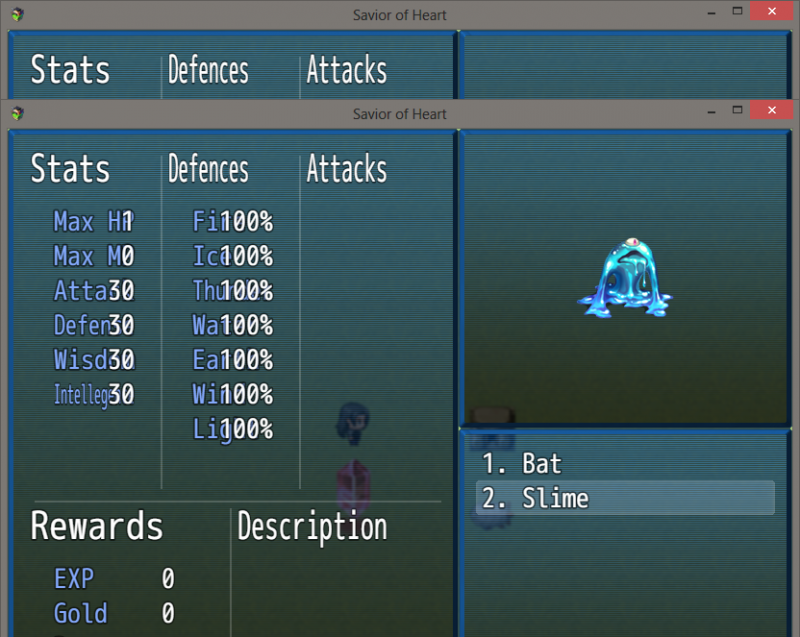
I'm using Yanfly Animated Sideview Enemies and I have the enemies properly animating in game, however I am also using Mr.Trivel's Monster book which allows players to view previously defeated enemies. The problem is when I defeat an enemy and check the bestiary, their image does not show up.
Protected download
It works with enemies without an animation.
Protected download
I have chosen a separate still image for enemies within the database that is within the sv_enemies folder to be the image that shows up in the bestiary and tried to move the plugin above and below Yanfly's but to no avail.
This is might be because Yanfly's plugin requires you to place animated enemy images within sv_actors and not sv-enemies. The tagline required for animated enemies might also be an issue.
If anyone has any idea as to what the issue is, or a fix for the issue it would be greatly appreciated. Thanks!
Protected download
It works with enemies without an animation.
Protected download
I have chosen a separate still image for enemies within the database that is within the sv_enemies folder to be the image that shows up in the bestiary and tried to move the plugin above and below Yanfly's but to no avail.
This is might be because Yanfly's plugin requires you to place animated enemy images within sv_actors and not sv-enemies. The tagline required for animated enemies might also be an issue.
If anyone has any idea as to what the issue is, or a fix for the issue it would be greatly appreciated. Thanks!
Downloads / Referenced Files
Log in to download
Log in, then follow the RPG Maker Developers Group to see these download links.
Log in to downloadReferenced Images / Attachments
Creator Claims / Removal
If you are the original creator and want this listing reassigned, edited, or removed, join BMMPlay and contact the moderators with proof that matches the original RPG Maker Web profile, linked GitHub, itch.io page, or another public creator identity.
Replies (0)
No replies yet.
0
replies
9
views
Topic Summary
Loading summary...
