


Compatability issues between two plugins
BMM_Archive · July 15, 2026

Original Source
- Original title: Compatability issues between two plugins
- Original author: Sodium89
- Original date: May 4, 2019
- Source thread: https://forums.rpgmakerweb.com/threads/compatability-issues-between-two-plugins.108655/
- Source forum path: Game Development Engines > RPG Maker Javascript Plugins > Javascript/Plugin Support
Summary
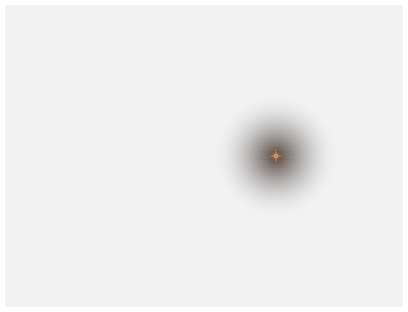
I'm using Khas Ultra lighting and Java Hut Save Extension and they don't seem to work well together. My whole game is centered around Khas Ultra Lighting and I need it too much to go find another lighting plugin. JavaHut's plugin allows a screenshot to be shown in the save files. The problem: If the lighting is on, then the screenshot appears transparent in all areas except where the light is. { "lightbox_close": "Close",
Archived First Post
The problem: If the lighting is on, then the screenshot appears transparent in all areas except where the light is.
Protected download
I used previous versions of Khas Lighting and they worked. The new version doesn't work now. And both plugin developers are inactive now so I can't ask them. So, can someone take a look at the plugins and perhaps give me a solution to this problem?
Links here:
https://rpgmakermv.co/resources/javahuts-save-extension-2nd-plugin.1069/
https://mega.nz/#F!ZcYUkC7S!hyCQej47BxowGyC7xBtPYA (Khas Ultra Lighting is in the Advanced Lighting folder, Version 4.2. Sorry it's sort of big... he didn't post it as only the js file anywhere else...)
Downloads / Referenced Files
Log in, then follow the RPG Maker Developers Group to see these download links.
Log in to downloadReferenced Images / Attachments
Creator Claims / Removal
If you are the original creator and want this listing reassigned, edited, or removed, join BMMPlay and contact the moderators with proof that matches the original RPG Maker Web profile, linked GitHub, itch.io page, or another public creator identity.


Replies (0)
No replies yet.
Topic Summary
Loading summary...
