


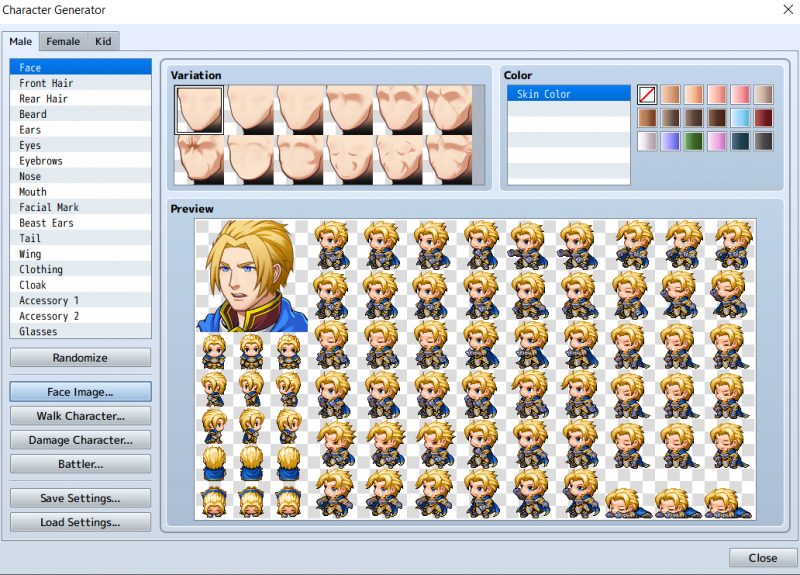
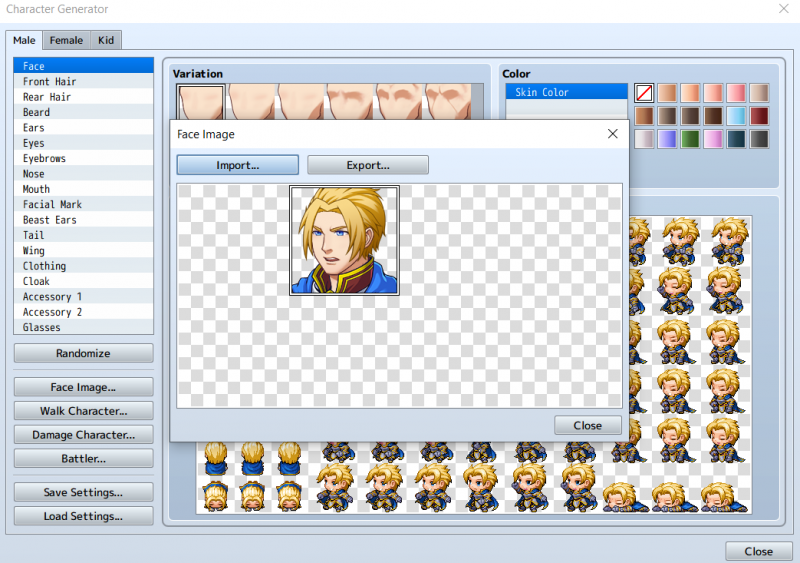
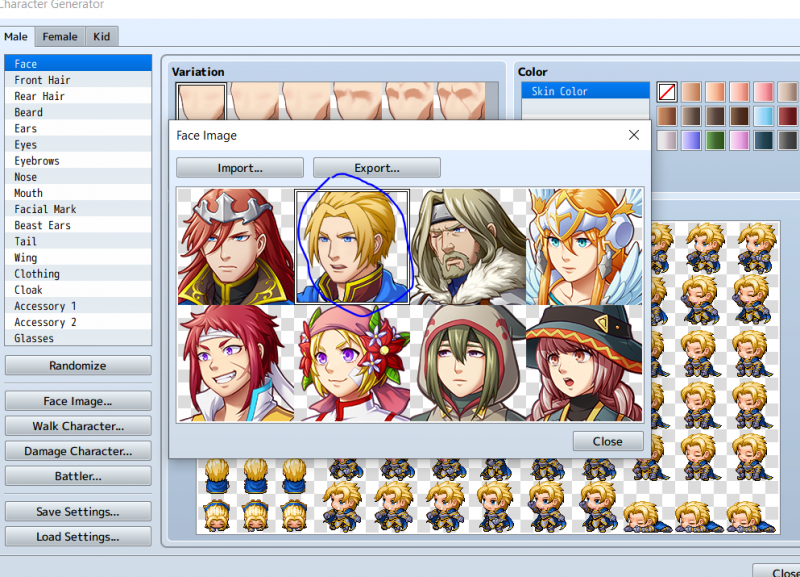
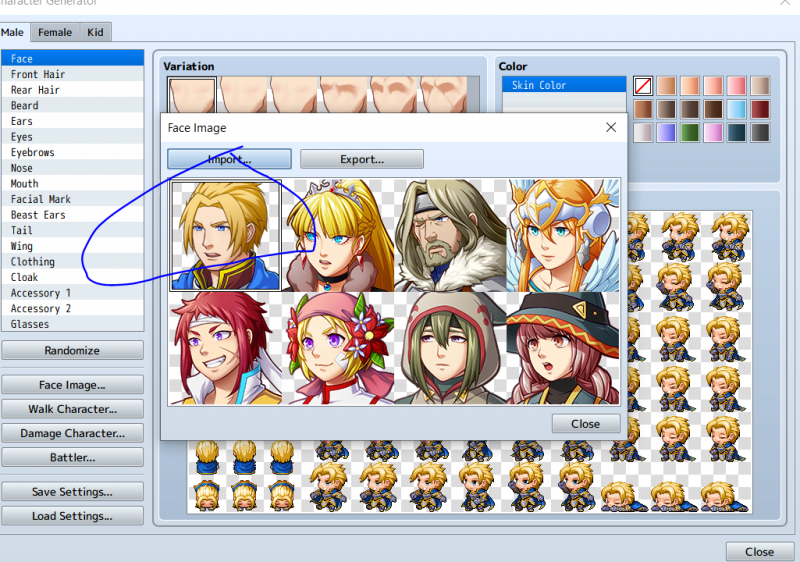
[MV] Face image's don't work.
BMM_Archive · July 15, 2026

Original Source
- Original title: [MV] Face image's don't work.
- Original author: dagonman
- Original date: September 16, 2020
- Source thread: https://forums.rpgmakerweb.com/threads/mv-face-images-dont-work.127432/
- Source forum path: Game Development Engines > Legacy Engine Support > RPG Maker MV Support
Summary
When I launch Character Generator and then go to face image ---> import ---> and choose any face png files (including default ones) it wont let me select any and load it. It seems to be stuck to the default character face and even when clicking other faces, his face just goes over the other images. I have tried reinstalling, completely wiping all files, new projects, renaming images. I need serious help lol. { "lightbox_close": "Close", "lightbox_next": "Next",


Archived First Post
Protected downloadProtected downloadProtected downloadProtected download
Downloads / Referenced Files
Log in, then follow the RPG Maker Developers Group to see these download links.
Log in to downloadReferenced Images / Attachments
Creator Claims / Removal
If you are the original creator and want this listing reassigned, edited, or removed, join BMMPlay and contact the moderators with proof that matches the original RPG Maker Web profile, linked GitHub, itch.io page, or another public creator identity.
Replies (0)
No replies yet.
Topic Summary
Loading summary...
