


Help Using Irina's Visual Novel Busts [Thread can be closed!]
BMM_Archive · July 15, 2026

Original Source
- Original title: Help Using Irina's Visual Novel Busts [Thread can be closed!]
- Original author: Phoenixsylph
- Original date: July 3, 2020
- Source thread: https://forums.rpgmakerweb.com/threads/help-using-irinas-visual-novel-busts-thread-can-be-closed.123553/
- Source forum path: Game Development Engines > RPG Maker Javascript Plugins > Javascript/Plugin Support
Summary
[Thread can be closed, what I was confused about...it literally just meant the # of the picture, I feel quite silly! Thank you.] Pardon me for being a little stupid, [Idk why out of all the plugins I'm using this one is confusing to me, but it is.] I have no idea what the [ID] is supposed to be in the commands....is it the *name* of the image in the image folder? Is it the 'show picture' number, or do we not use show picture at all, and just use...


Archived First Post
Pardon me for being a little stupid, [Idk why out of all the plugins I'm using this one is confusing to me, but it is.]
I have no idea what the [ID] is supposed to be in the commands....is it the *name* of the image in the image folder? Is it the 'show picture' number, or do we not use show picture at all, and just use the text commands, or plugin commmands?
I feel like this is super obvious, but there are IDs for different things [such as map numbers and whatnot]
and I'm at the point where I just want to get my busts to show with the plugin and learn the rest from there, but I can't if I don't even know what the code is supposed to be.
Right away, I see in the directions the first thing mentioned is about *clearing* the busts, I also am very confused on what the Busts are supposed to be name...since it says it should have [BUST] after it, for example I have in the image>folder>
SilvannaH[BUST] as the image name.
I also understand that 'normal' is 0 for the expression, and each expression is a 'number' in the scripts/codes.
I just wish there were more examples of what is supposed to go where, on the strings.
Basically, where to I put my img>[Filename] and what goes where,
ID=?? [mypicture name, ect]
So say I wanted my bust to slide in, and my image file was name Harold[BUST]
\bustSlideIn[id, duration]
^ this, would be written in the textbox as:
\bustSlideIn[Harold[BUST], 20]
[20 is the slide duration in the parameters.]
or is bustSlideIn where the filename is supposed to go?
like:
\Harold[BUST]Slidein[0, 20]
because '0' is the normal expression? I have nooo idea. I am so confused. I am willing to buy it for someone willing to show me, I appreciate it! As long as I know how to get my bust to show and slide in, or what goes where in the strings, I will be all set from there. :x thank you <3
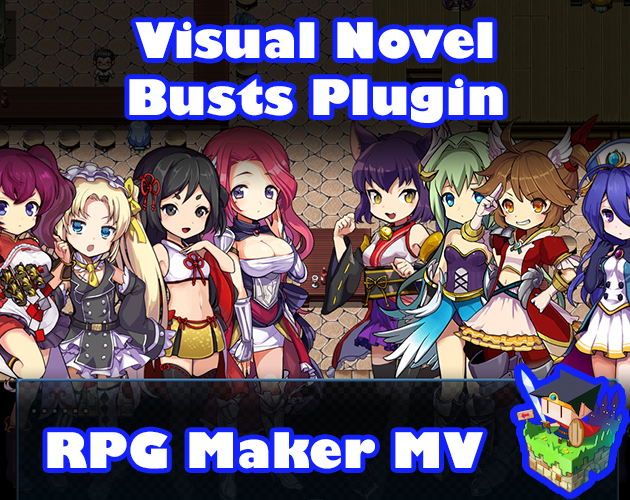
Visual Novel Busts plugin for RPG Maker MV by Irina
 atelieririna.itch.io
Downloads / Referenced Files
Log in, then follow the RPG Maker Developers Group to see these download links.
Log in to downloadReferenced Images / Attachments
Creator Claims / Removal
If you are the original creator and want this listing reassigned, edited, or removed, join BMMPlay and contact the moderators with proof that matches the original RPG Maker Web profile, linked GitHub, itch.io page, or another public creator identity.
Replies (0)
No replies yet.
Topic Summary
Loading summary...
