Recently I'm implementing a series of graphical features for battle scene. Among all of the features, the most foundamental one is to display actor static portraits on the battle scene, and make sure enemy attacks can trigger skill animations on these portraits like side view mode.
For implementing this basic feature, I have used Yanfly's
YEP_BattleStatusWindow plugin and Mr Trivel's
MrTS_Battler_BattleUI plugin.
YEP_BattleStatusWindow helps me display attack animations on portraits, while
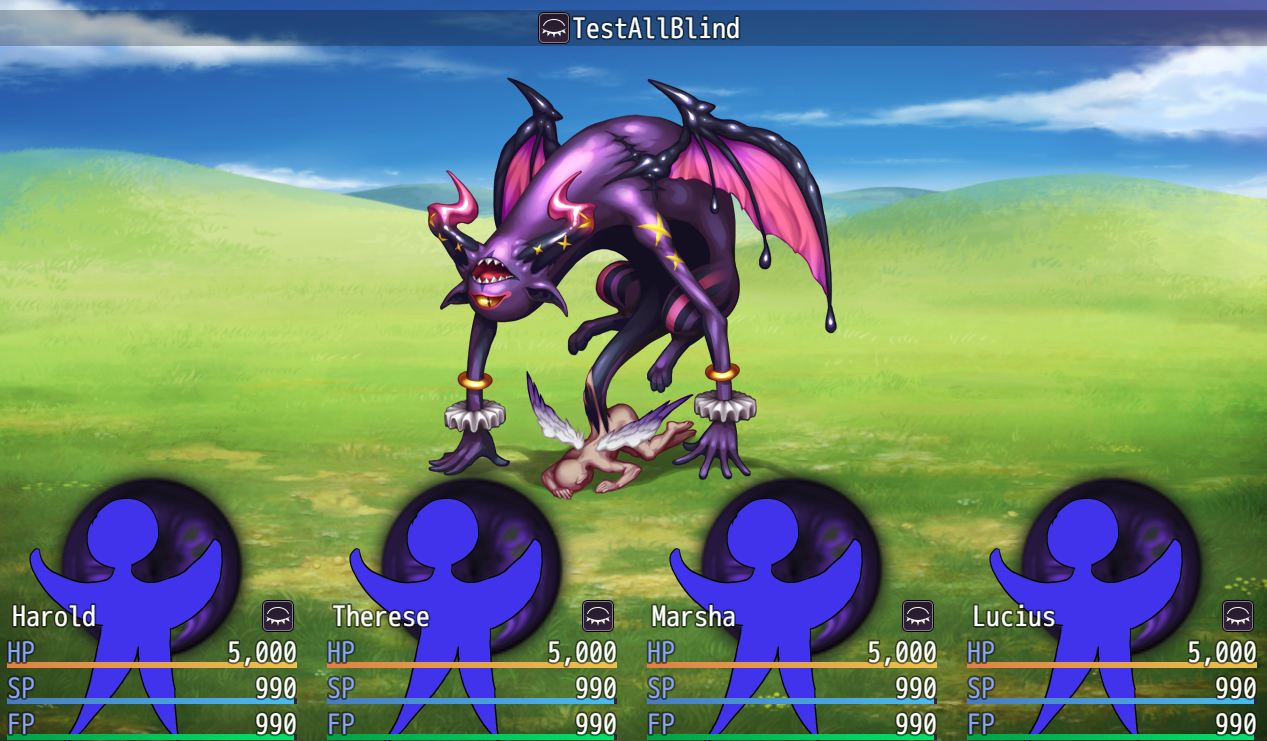
MrTS_Battler_BattleUI plugin helps display the portraits. Now the problem is: The enemy skill animations are hided by actor portraits. Below is a sample:
I have briefly gone through the two plugins and below are some conclusions just for reference:
1. Yanfly's plugin hasn't done any structure change. It re-positions all side view sprites horizontally at the bottom, and hides the sv sprites. So the battler animations still belong to where they initially are.
2. For Mr Trivel's plugin, it doesn't set the static portraits into any existing objects. These static sprites are newly created and are directly added to children of
Scene_Battle._spriteset. From there these sprites will be rendered by rpgmaker default scripts.
I guess in the next step, I need to ensure the portraits sprites can be rendered before animation sprites, but unfortunately I really have no clue where to start. I would be grateful if anyone could provide some guidance. Solutions totally different from this path would also be appreciated




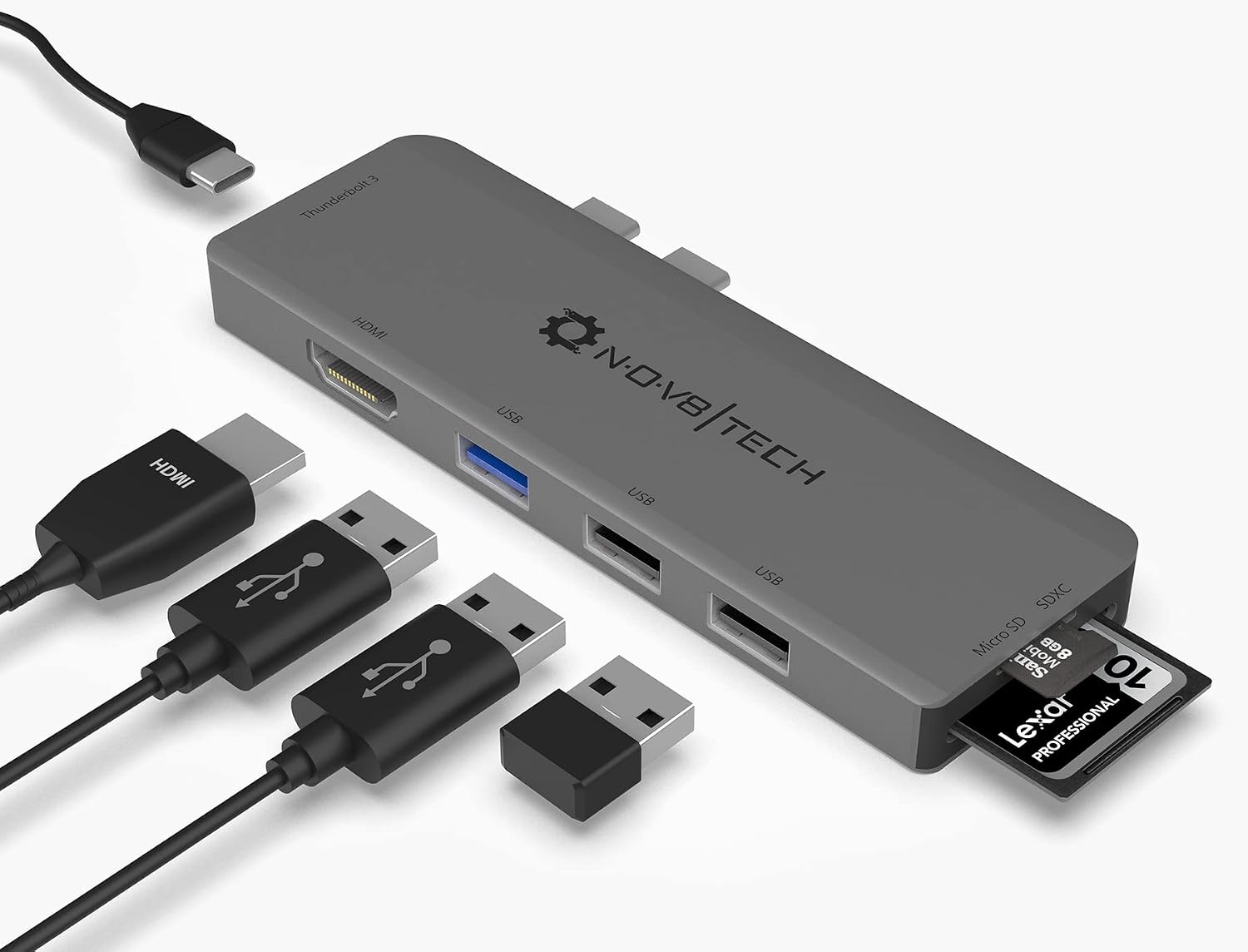 7-in-2 USB-C Multiport Adapter for MacBook Pro and Air
Slim USB-C hub for HDMI, USB, card access, and everyday laptop expansion.
View on Amazon
7-in-2 USB-C Multiport Adapter for MacBook Pro and Air
Slim USB-C hub for HDMI, USB, card access, and everyday laptop expansion.
View on Amazon