




Original Source
- Original title: SOUL Caliburn CMS
- Original author: Nirvis
- Original date: August 27, 2016
- Source thread: https://forums.rpgmakerweb.com/threads/soul-caliburn-cms.67454/
- Source forum path: Game Development Engines > RPG Maker Javascript Plugins > Javascript/Plugin Support
Summary
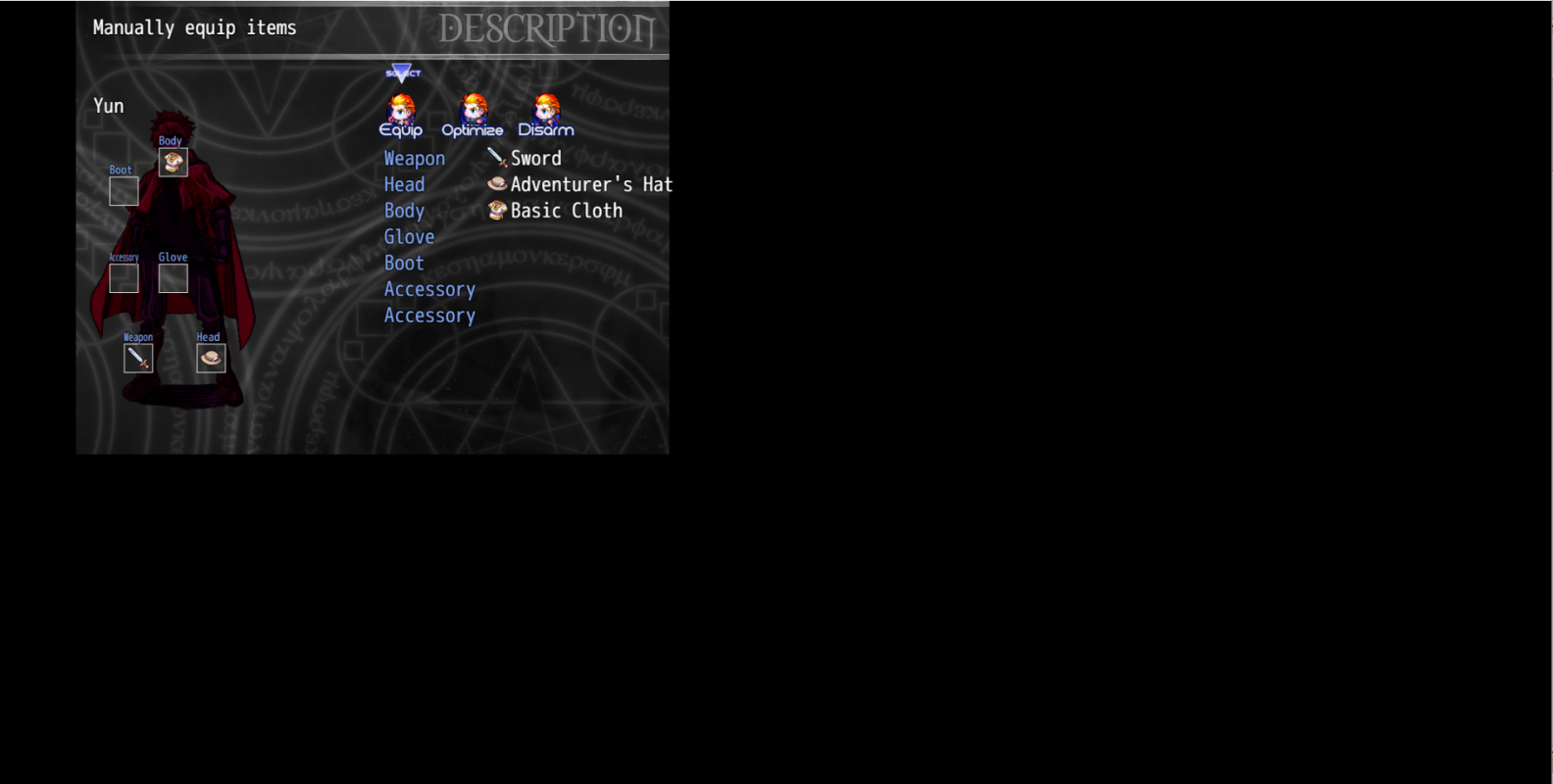
So I am using a plugin to change the resolution of the game, and when I installed the Soul Caliburn CMS (custom menu), the images were not rescaled and go messed up. I fixed them by manually changing the images. The only thing I did not know how to change is: In the equip menu I want to switch the categories of the boxes (as they are pointing at the wrong parts since I changed the equip types in the database). { "lightbox_close": "Close",
Archived First Post
In the equip menu I want to switch the categories of the boxes (as they are pointing at the wrong parts since I changed the equip types in the database).
Protected download
And when I access the item menu it gets very laggy and sometimes freezes.
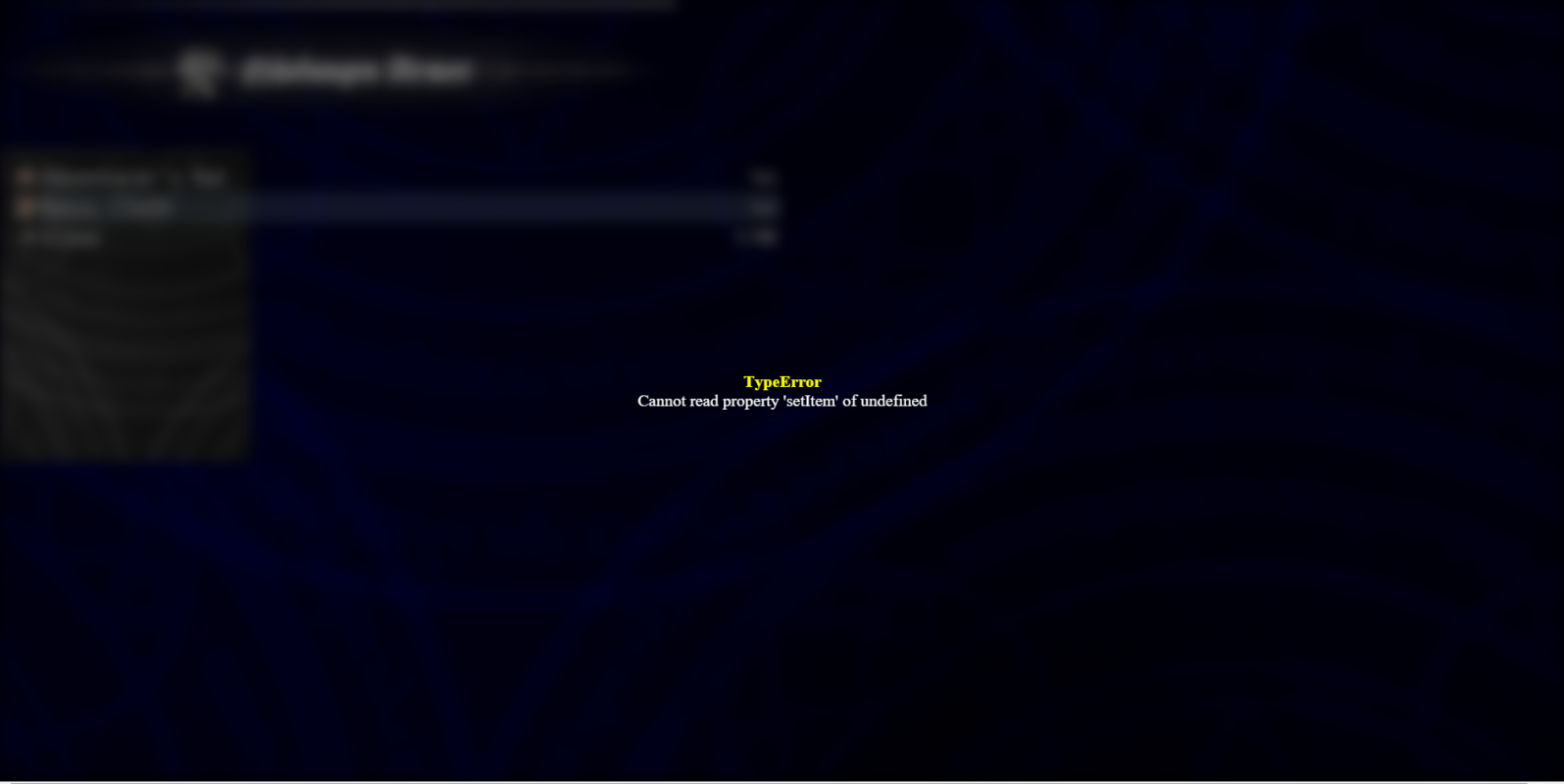
Also if I select a category, then try to exit I get this error (unless I turn off yanfly's item core):
Protected download
Downloads / Referenced Files
Log in, then follow the RPG Maker Developers Group to see these download links.
Log in to downloadReferenced Images / Attachments
Creator Claims / Removal
If you are the original creator and want this listing reassigned, edited, or removed, join BMMPlay and contact the moderators with proof that matches the original RPG Maker Web profile, linked GitHub, itch.io page, or another public creator identity.
Replies (0)
No replies yet.
Topic Summary
Loading summary...

