Preserved forum archive. This topic stores the original first post and locally mirrored RPG Maker Web attachments when available. It is posted by the BMMPlay archive account, not by the original creator.
Source forum path: Game Development Engines > Legacy Engine Support > RPG Maker MV Support
Summary
I don't know if anyone found this out yet but you can have a special skill, rather any skill perform their attack with a regular normal attack animation. All you have to do is switch the "Attack" skill with whatever skill you want to use for that slot, or put the skill at the top of the category "Skills". Once this is done the animation sequence will be your "Normal Attack" with whatever animation you have without the beginning part of it where you throw out your hands(welcome gesture). The...
Bmmplay may earn a commission from qualifying purchases made through these links.
Archived First Post
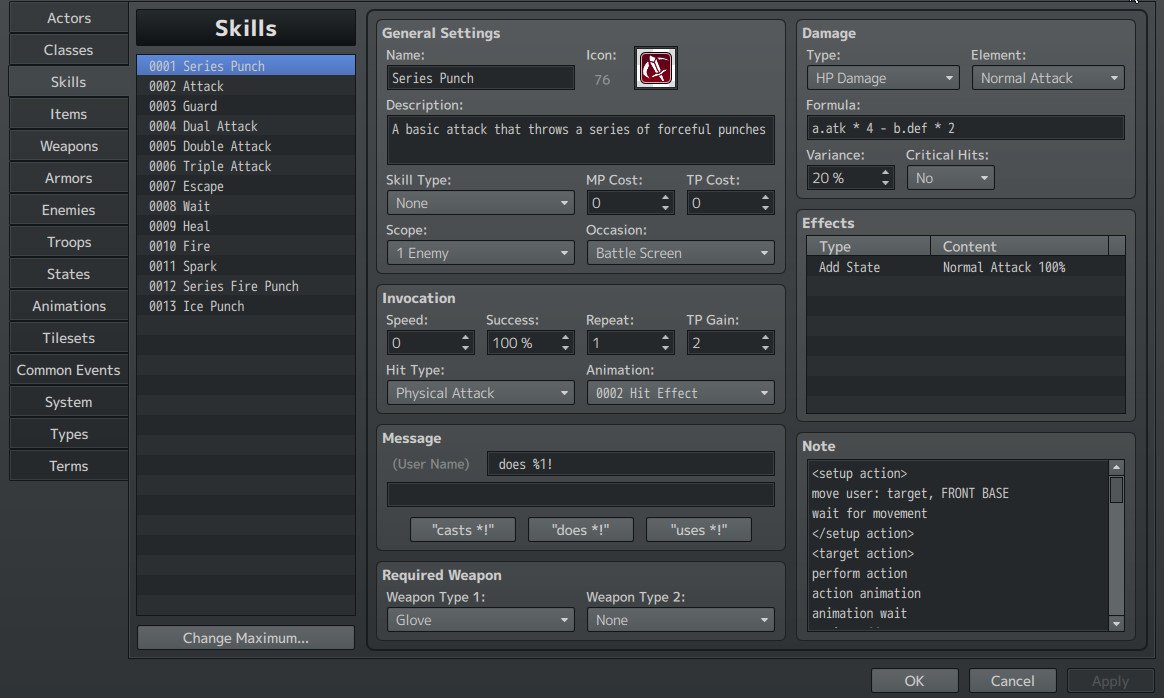
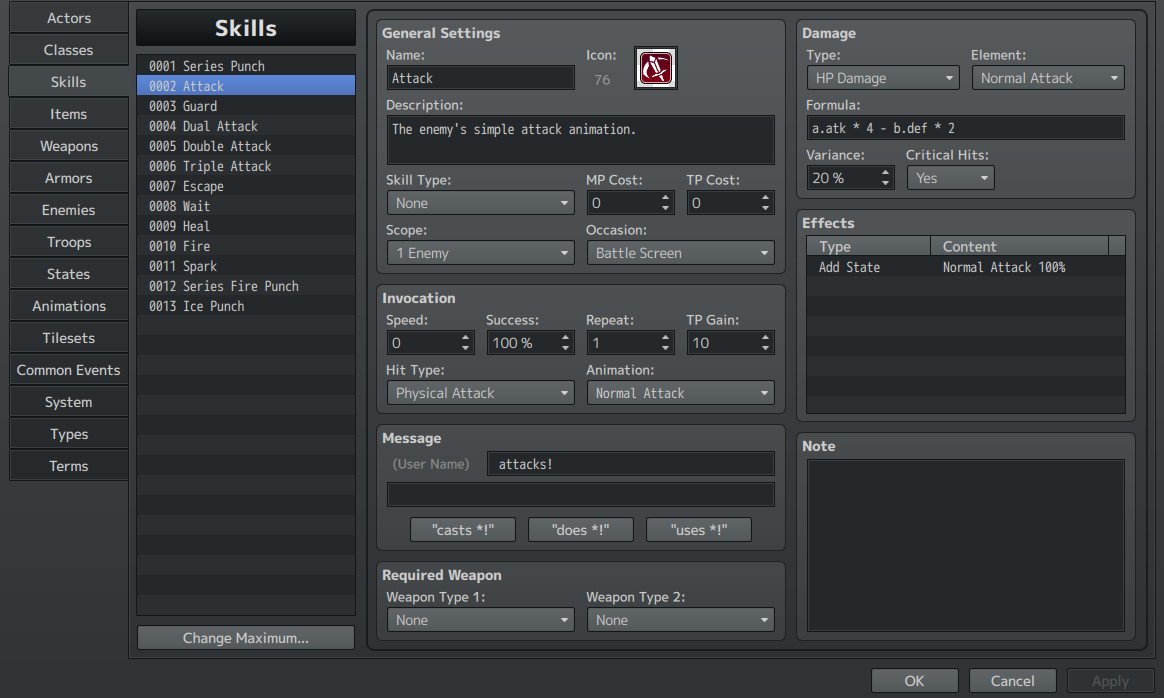
I don't know if anyone found this out yet but you can have a special skill, rather any skill perform their attack with a regular normal attack animation. All you have to do is switch the "Attack" skill with whatever skill you want to use for that slot, or put the skill at the top of the category "Skills". Once this is done the animation sequence will be your "Normal Attack" with whatever animation you have without the beginning part of it where you throw out your hands(welcome gesture). The sequences apply in consecutive order and also affect enemies' action animations as well. Unfortunately, what I've tested has shown me that the animation sequences can only be altered or switched once as there is only one default skill per slot. To note one more thing that I skipped: 1st slot=Attack, 2nd slot=Guard, 3rd slot=Dual Attack, 4th slot=Double Attack, 5th slot=Triple Attack, 6th slot=Escape, 7th slot=Wait, 8th slot=Heal, 9th slot=Fire, 10th slot=Spark; in this order, whichever skill you choose-default or custom, that you put into "X" slot will take precedence of that slot's action animation or let's just say properties. E.g, if your Skill is called "Ice Storm" and let's say its skill type is set to "None" and has an Animation that looks similar to what the skill signifies such as a blizzard e.g, then when it's replaced with the skill in the 3rd slot which is "Dual Attack"...then when in battle and the skill "Ice Storm" is used you will see "Ice Storm" look like 2 consecutive normal attacks(whatever attack motion you have set on your weapon i.e, swing/thrust/missile) but with the blizzard-looking animation during the attack. To make this even more clear check out my animation sequence below, by the way I'm having trouble uploading a video so I'll just upload an image. Remember, a custom skill can take precedence over any skill in the list of default skills. Here it is! Give it a try! It works! Protected download Protected download
Downloads / Referenced Files
Log in to download
Log in, then follow the RPG Maker Developers Group to see these download links.
If you are the original creator and want this listing reassigned, edited, or removed, join BMMPlay and contact the moderators with proof that matches the original RPG Maker Web profile, linked GitHub, itch.io page, or another public creator identity.




 PlayStation DualSense Wireless Controller - White
Extra DualSense controller for couch co-op, backup play, or PC and mobile sessions.
View on Amazon
PlayStation DualSense Wireless Controller - White
Extra DualSense controller for couch co-op, backup play, or PC and mobile sessions.
View on Amazon