I don't even know what to say. This unbelievable. I've spent hours and hours of time and effort in to putting this thing together-- and now it's gone. Poof. Please someone see if you can help me.
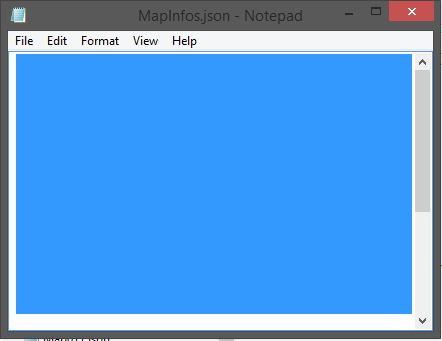
I was running a test on my game, when my computer shut off. Not slept, but shut off. I open up RPG Maker again and it says "Cannot read game.rpgproject" I quickly check the data files and every single json is completely clear except for my map files. My MapInfo file is clear, though. I make a copy of the game and make a fresh game, copying and pasting everything in there except for the game.rpgproject file, and it still doesn't work. (I figured this would happen, considering the json files are clear.) I try again by making a new game and just pasting the map files. Doesn't work, as expected. I try to put the mapinfo file in there and it doesn't work. Here's a picture:
You can highlight it as if somethings there, but it's clear. I've lost hope.
I'm using RPG Maker MV and my deployment is odd. I got the demo internet deployed and then bought it through steam. I did a backup of all steam files no to long ago but I'm not sure if this will help because all my game files are in Documents/Games/
I'm using a Windows 8.1
This is the second time this has happened to me, and this just happens to be a very big project of mine. I am completely heartbroken and angry. Is there anything I can do?




 Kingston IronKey Locker+ 50 G2 256GB Encrypted USB Drive
Encrypted USB storage for secure files, travel documents, and work backups.
View on Amazon
Kingston IronKey Locker+ 50 G2 256GB Encrypted USB Drive
Encrypted USB storage for secure files, travel documents, and work backups.
View on Amazon