


How can I have the player walk off screen to exit areas?
BMM_Archive · July 15, 2026

Original Source
- Original title: How can I have the player walk off screen to exit areas?
- Original author: ThisExitSign
- Original date: October 24, 2016
- Source thread: https://forums.rpgmakerweb.com/threads/how-can-i-have-the-player-walk-off-screen-to-exit-areas.70070/
- Source forum path: Game Development Engines > Legacy Engine Support > RPG Maker MV Support
Summary
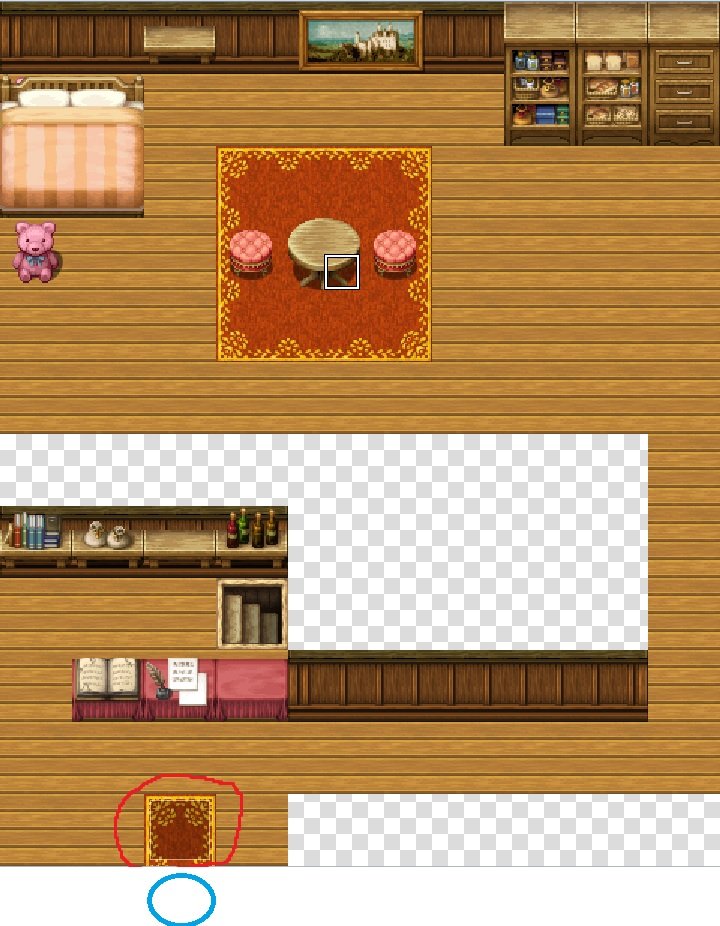
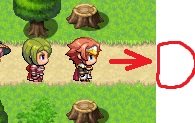
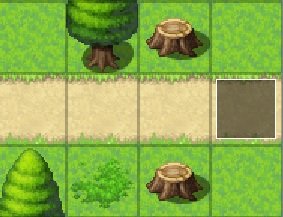
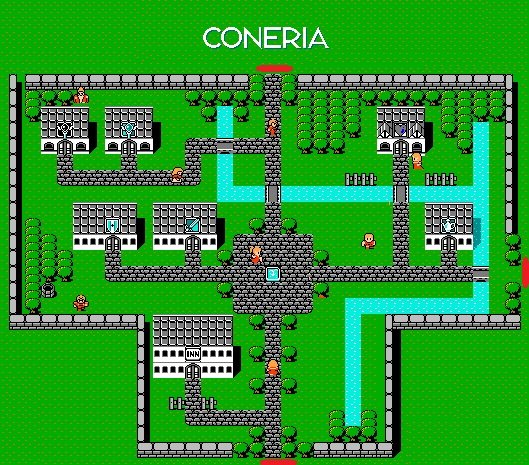
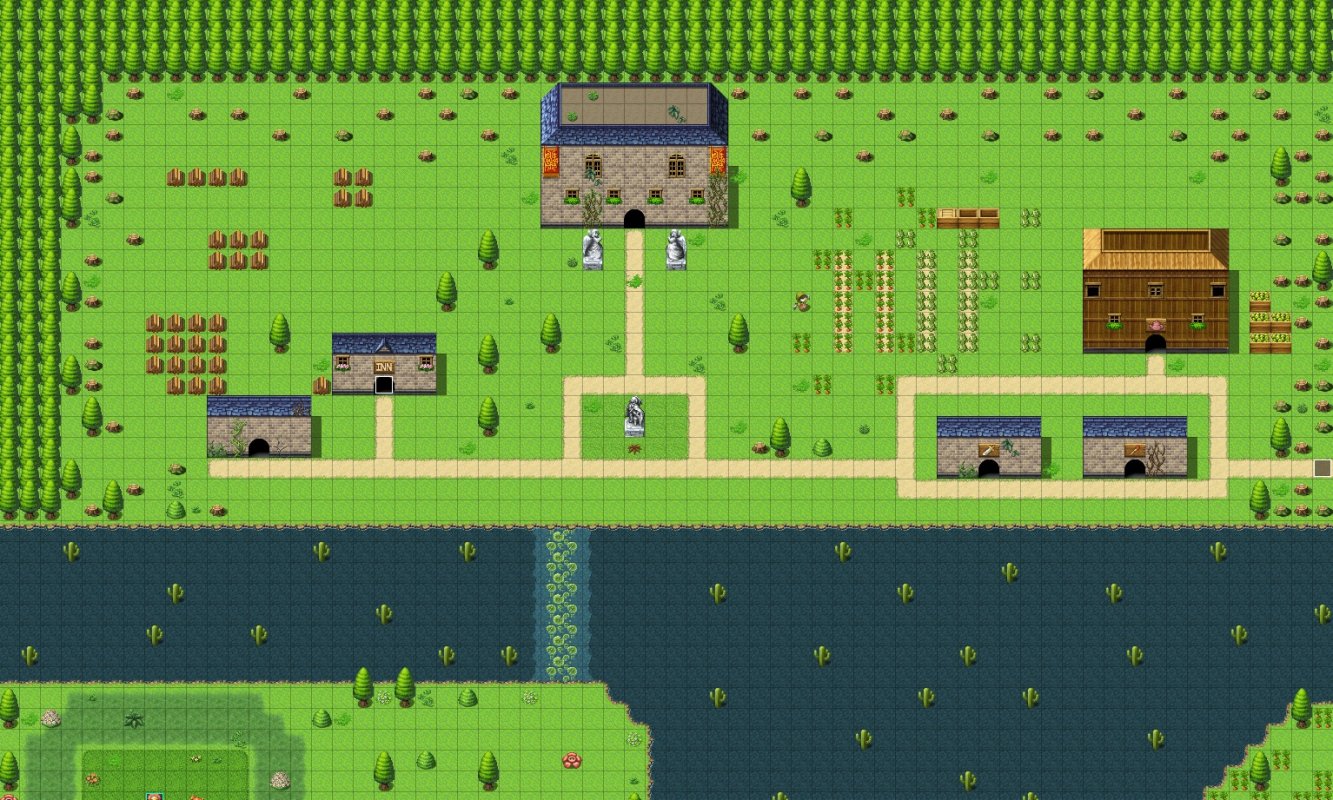
Hello, I recently purchased RPG Maker MV and have been experimenting with the program and trying to learn it. I am in quiet the pickle however. I am unable to figure out how I can have the player walk off the screen in certain areas and trigger a transfer event (eg leaving an area). The red circles in image 1 and the highlighted tile in image 3 show the tile in which players trigger the transfer event by walking onto them. Meaning that regardless if the player enters from the left, right,...
Archived First Post
I hope that made sense, if not please ask me to try re-phrase my question and I'll try! Thank you for your time.
1.
Protected download
2.
Protected download
3.
Protected download
4.
Protected download
5.
Protected download
Downloads / Referenced Files
Log in, then follow the RPG Maker Developers Group to see these download links.
Log in to downloadReferenced Images / Attachments
Creator Claims / Removal
If you are the original creator and want this listing reassigned, edited, or removed, join BMMPlay and contact the moderators with proof that matches the original RPG Maker Web profile, linked GitHub, itch.io page, or another public creator identity.


Replies (0)
No replies yet.
Topic Summary
Loading summary...
