Hello, I have been working on my game for several months and never run into an issue with using parallax; however, this morning I created a map the same way I have created every other one and now am getting a double image. I use orangemapshot to screenshot the map, export it to photoshop, add what I want and remove shadows/ect, and save to parallax folder as !filename. I add the par for areas I want to beable to walk behind. For some reason, above and below the map I am...
Hello,
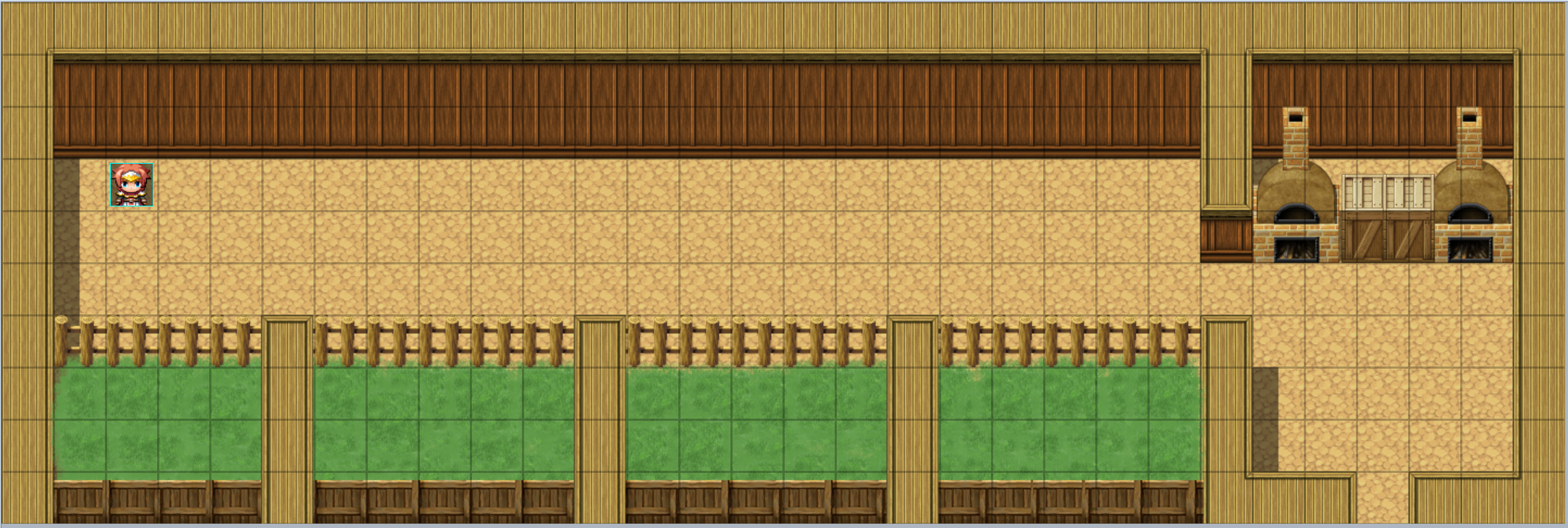
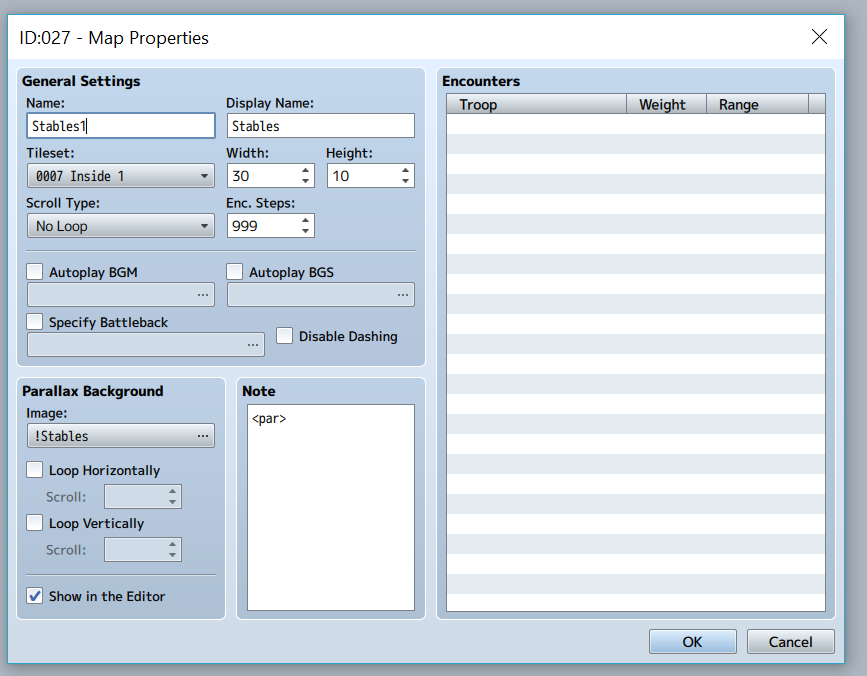
I have been working on my game for several months and never run into an issue with using parallax; however, this morning I created a map the same way I have created every other one and now am getting a double image. I use orangemapshot to screenshot the map, export it to photoshop, add what I want and remove shadows/ect, and save to parallax folder as !filename. I add the par for areas I want to beable to walk behind.
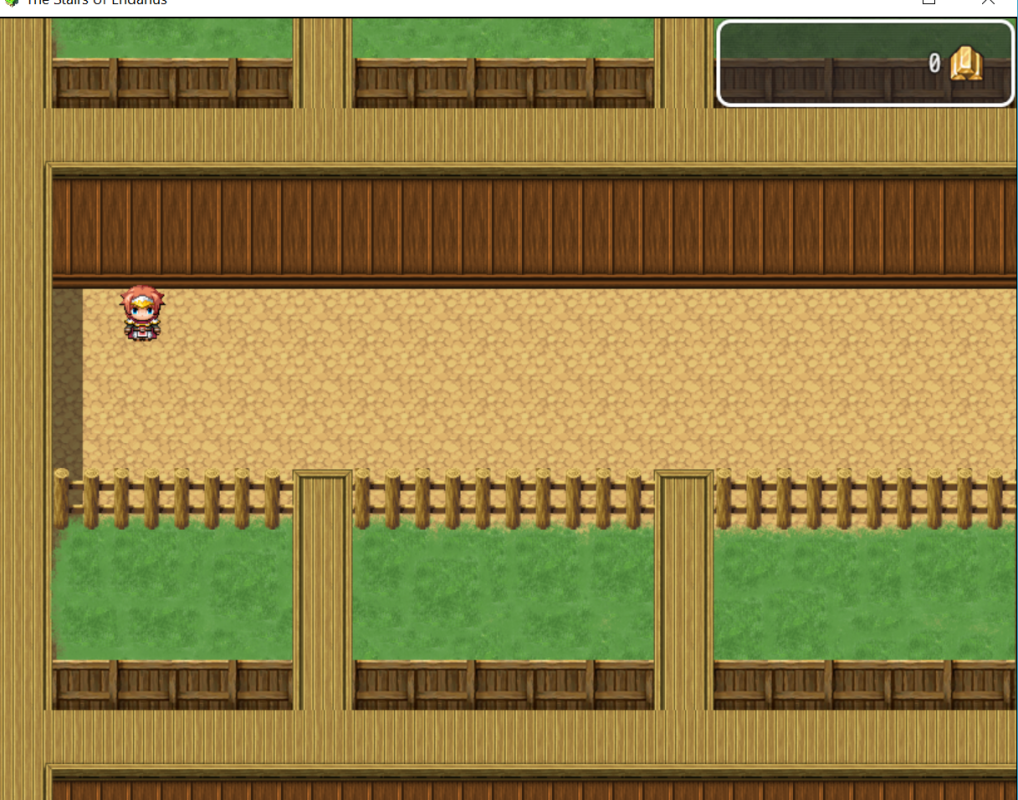
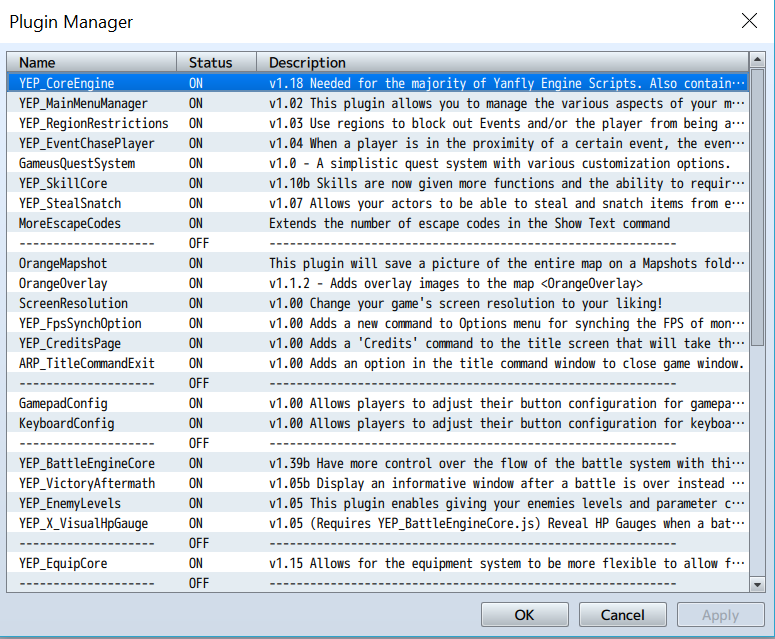
For some reason, above and below the map I am seeing a repeat of the map (see picture below). I can not for the life of me figure out what is causing it to do this. I haven't changed any other settings or added new plugins
Protected download.
Protected download
See the repeated image above and below
Protected download
Plugins
Protected download
Thanks for the help






 ANYPLUS USB C Docking Station Dual Monitor
Multiport USB-C dock for dual-monitor laptop desks and cleaner cable management.
View on Amazon
ANYPLUS USB C Docking Station Dual Monitor
Multiport USB-C dock for dual-monitor laptop desks and cleaner cable management.
View on Amazon