


Eventing Dungeon Doors
BMM_Archive · July 15, 2026

Original Source
- Original title: Eventing Dungeon Doors
- Original author: Zonen
- Original date: October 12, 2016
- Source thread: https://forums.rpgmakerweb.com/threads/eventing-dungeon-doors.69560/
- Source forum path: Game Development Engines > Legacy Engine Support > RPG Maker MV Support
Summary
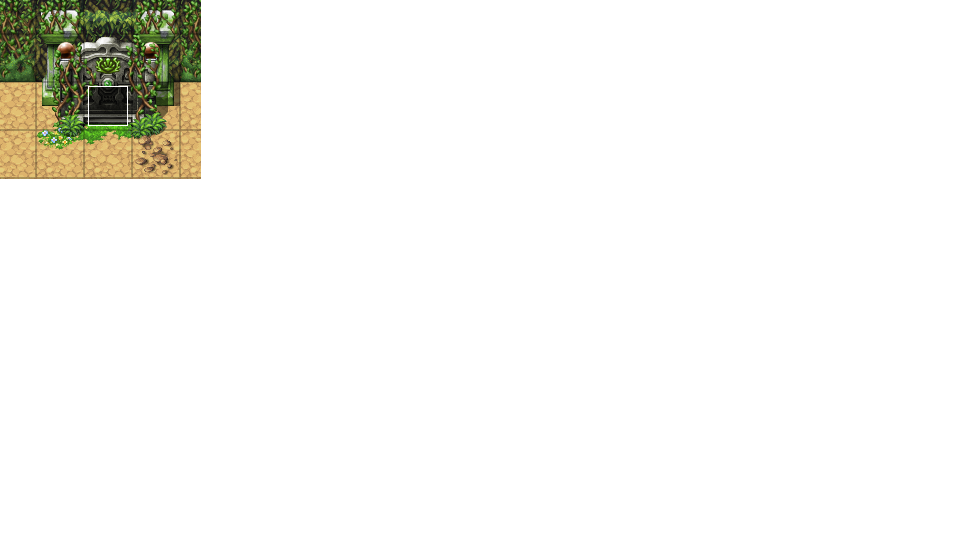
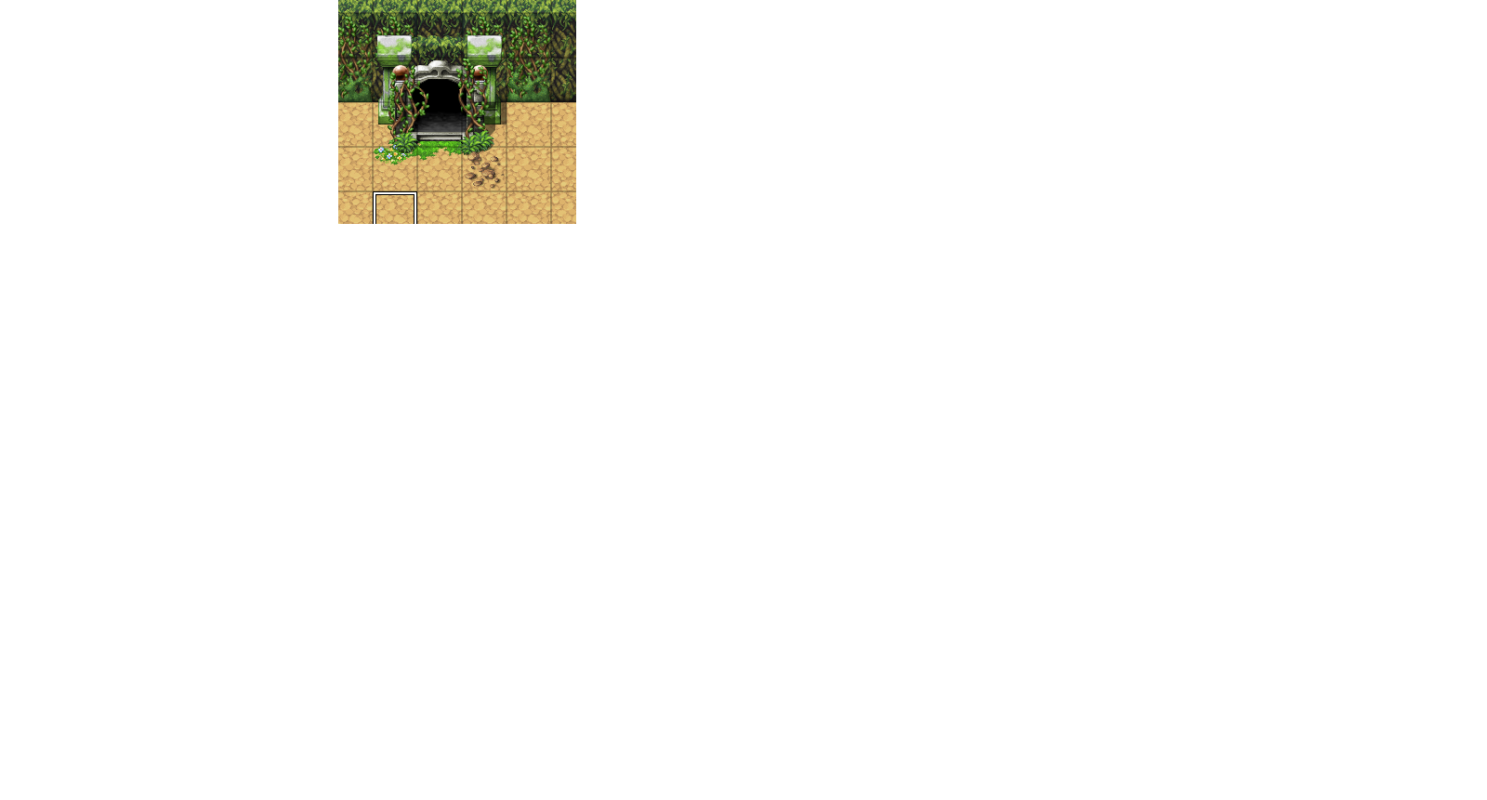
Ok so I have a map that has this door, first file. Upon accessing the door I want it to transition to the door open file (Second Pic). My first attempt was to make two of the same map, one with the open door, one with the closed. The problem I am having with this is I have treasure chests on the first map. I can't for the life of me find a way to make the chests remain open on the second map if I use two maps. The...
Archived First Post
If my question is hard to understand just let me know and I'll try to explain it differenty.
Protected download
Protected download
Downloads / Referenced Files
Log in, then follow the RPG Maker Developers Group to see these download links.
Log in to downloadReferenced Images / Attachments
Creator Claims / Removal
If you are the original creator and want this listing reassigned, edited, or removed, join BMMPlay and contact the moderators with proof that matches the original RPG Maker Web profile, linked GitHub, itch.io page, or another public creator identity.


Replies (0)
No replies yet.
Topic Summary
Loading summary...
