



Preserved forum archive. This topic stores the original first post and locally mirrored RPG Maker Web attachments when available. It is posted by the BMMPlay archive account, not by the original creator.
Original Source
- Original title: How do I use diagonal sprites?
- Original author: Valancourt
- Original date: July 31, 2016
- Source thread: https://forums.rpgmakerweb.com/threads/how-do-i-use-diagonal-sprites.66181/
- Source forum path: Game Development Engines > Legacy Engine Support > RPG Maker MV Support
Summary
Hey everyone, I'm having a hard time trying to figure out how to use diagonal sprites. The script I am using is the Super Orange Movement one: { "lightbox_close": "Close",
Archived First Post
Hey everyone,
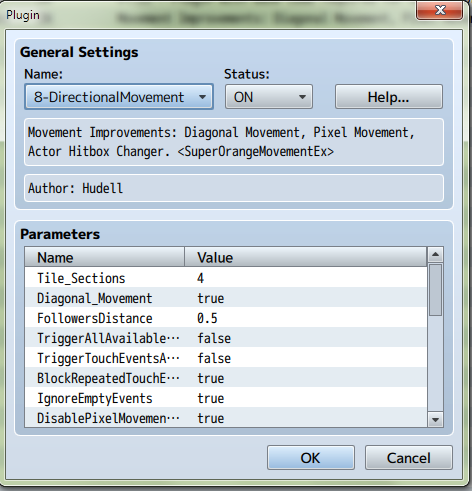
I'm having a hard time trying to figure out how to use diagonal sprites. The script I am using is the Super Orange Movement one:
Protected download
As you can see, the sprite is affixed normally in the window there:
Protected download
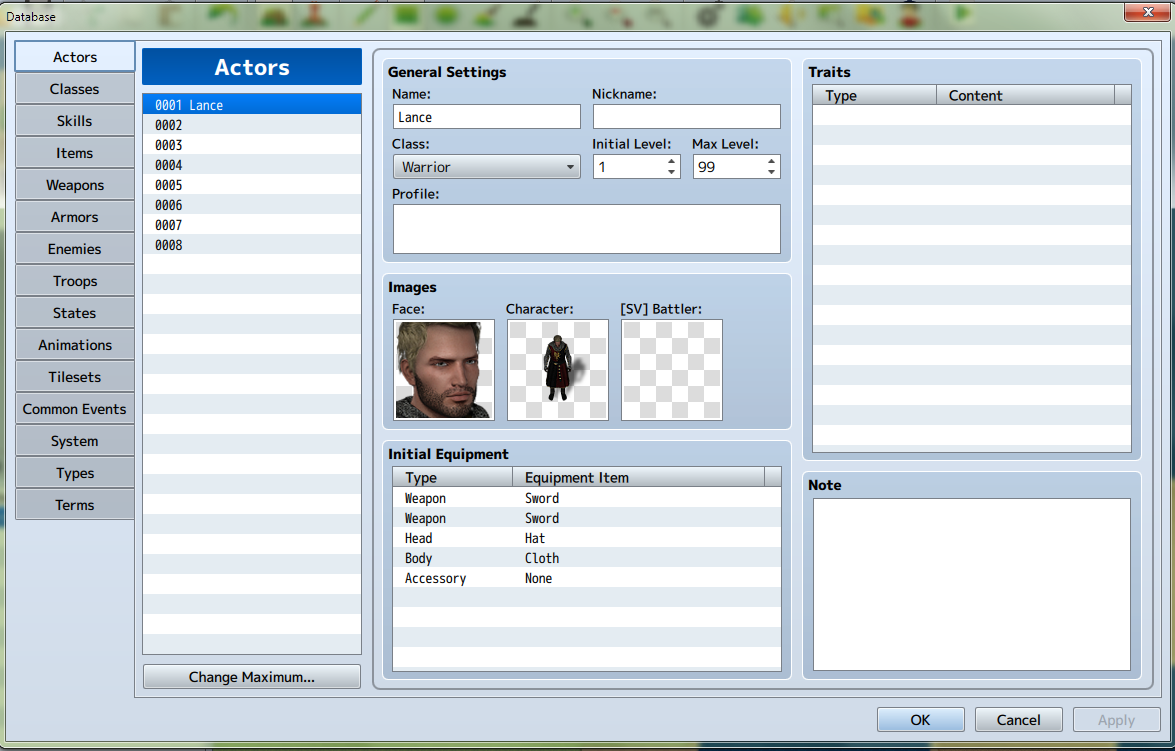
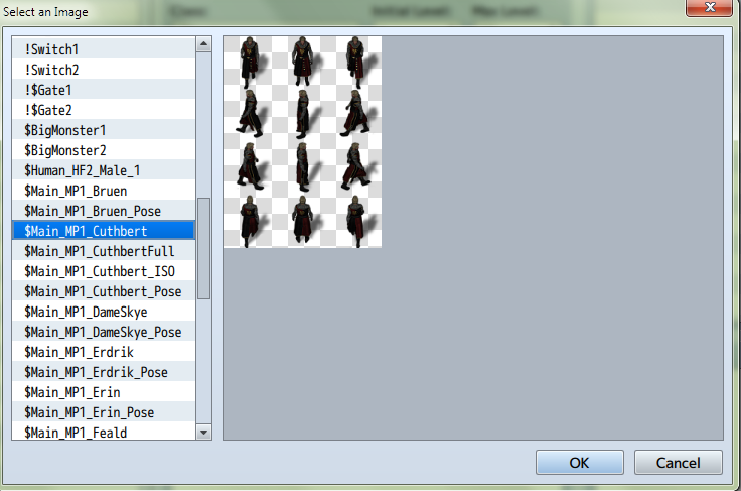
Here is his sprite sheet:
Protected download
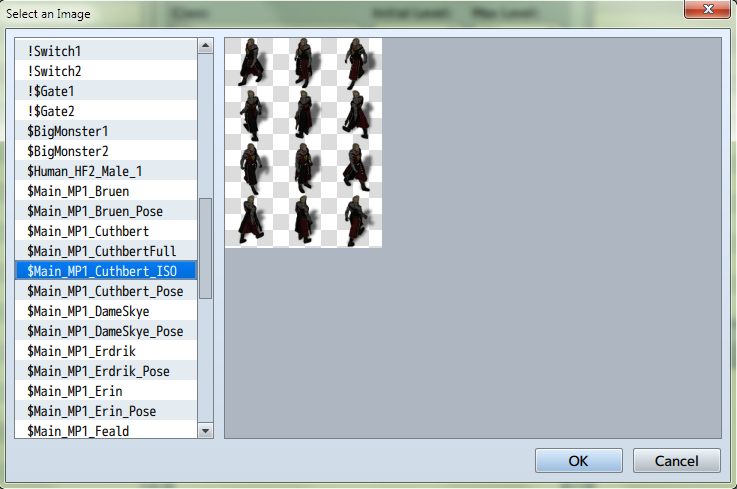
Here are his diagonal sprites:
Protected download
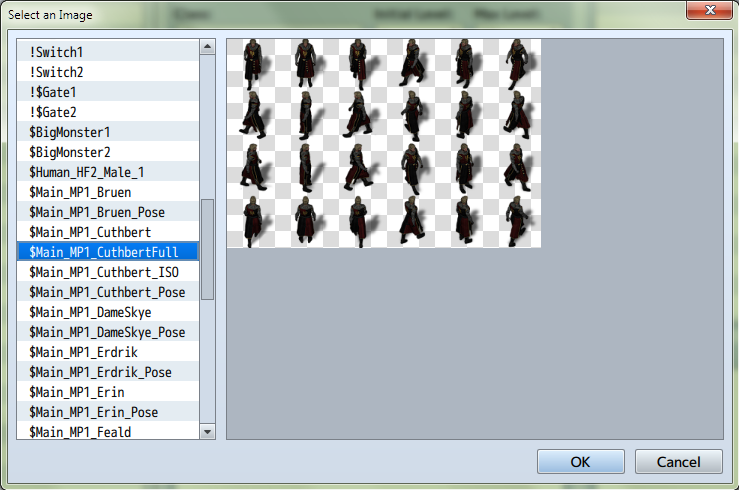
I have no idea how to get the game to access these sprites. So what I did was in Photoshop, combined the two sprite sheets to produce this:
Protected download
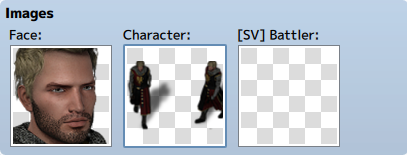
But then when I choose this sprite sheet for the character window, I get this:
Protected download
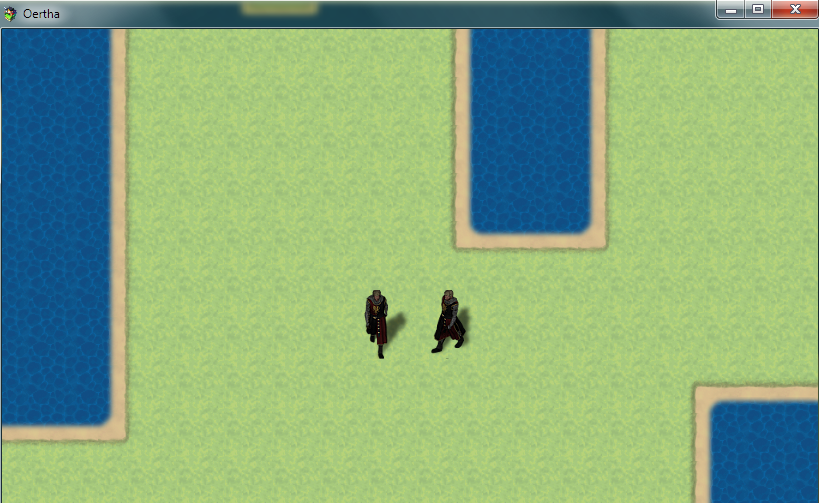
And then in game it looks like this:
Protected download
So how on earth do I get the guy to appear normally in game and then the game draws the diagonal sprites??
Thanks for any help!
I'm having a hard time trying to figure out how to use diagonal sprites. The script I am using is the Super Orange Movement one:
Protected download
As you can see, the sprite is affixed normally in the window there:
Protected download
Here is his sprite sheet:
Protected download
Here are his diagonal sprites:
Protected download
I have no idea how to get the game to access these sprites. So what I did was in Photoshop, combined the two sprite sheets to produce this:
Protected download
But then when I choose this sprite sheet for the character window, I get this:
Protected download
And then in game it looks like this:
Protected download
So how on earth do I get the guy to appear normally in game and then the game draws the diagonal sprites??
Thanks for any help!
Downloads / Referenced Files
Log in to download
Log in, then follow the RPG Maker Developers Group to see these download links.
Log in to downloadReferenced Images / Attachments
Creator Claims / Removal
If you are the original creator and want this listing reassigned, edited, or removed, join BMMPlay and contact the moderators with proof that matches the original RPG Maker Web profile, linked GitHub, itch.io page, or another public creator identity.
Replies (0)
No replies yet.
0
replies
1
view
Topic Summary
Loading summary...


