




Preserved forum archive. This topic stores the original first post and locally mirrored RPG Maker Web attachments when available. It is posted by the BMMPlay archive account, not by the original creator.
Original Source
- Original title: NPC Schedule help
- Original author: AllyJamy
- Original date: July 31, 2016
- Source thread: https://forums.rpgmakerweb.com/threads/npc-schedule-help.66147/
- Source forum path: Game Development Engines > Legacy Engine Support > RPG Maker VXAce Support
Summary
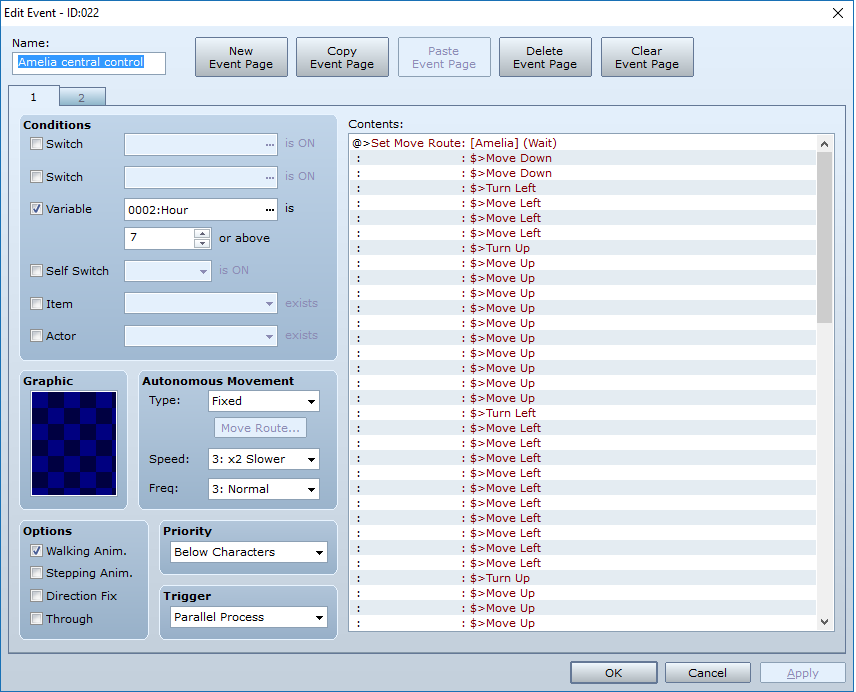
Hi, so I'm trying to get a NPC schedule working for my game. I'm using the scripts: Harvest Moon style Variable Based Calendar and Weather System By Selchar and Remember event position by Shaz I have the NPC perform a schedule depending on what time of day it is. In this case, a 7PM the NPC gets out of bed, makes some breakfast, goes to eat at the table and then heads out to the door.
Archived First Post
Hi, so I'm trying to get a NPC schedule working for my game.
I'm using the scripts: Harvest Moon style Variable Based Calendar and Weather System By Selchar
and Remember event position by Shaz
I have the NPC perform a schedule depending on what time of day it is. In this case, a 7PM the NPC gets out of bed, makes some breakfast, goes to eat at the table and then heads out to the door.
The variable based calender works how it sounds, you have your variables that change based on what time the clock says it is. You have the variables (Hours, minuets, days, weeks, years, ect)
and I've run into a number of problems:
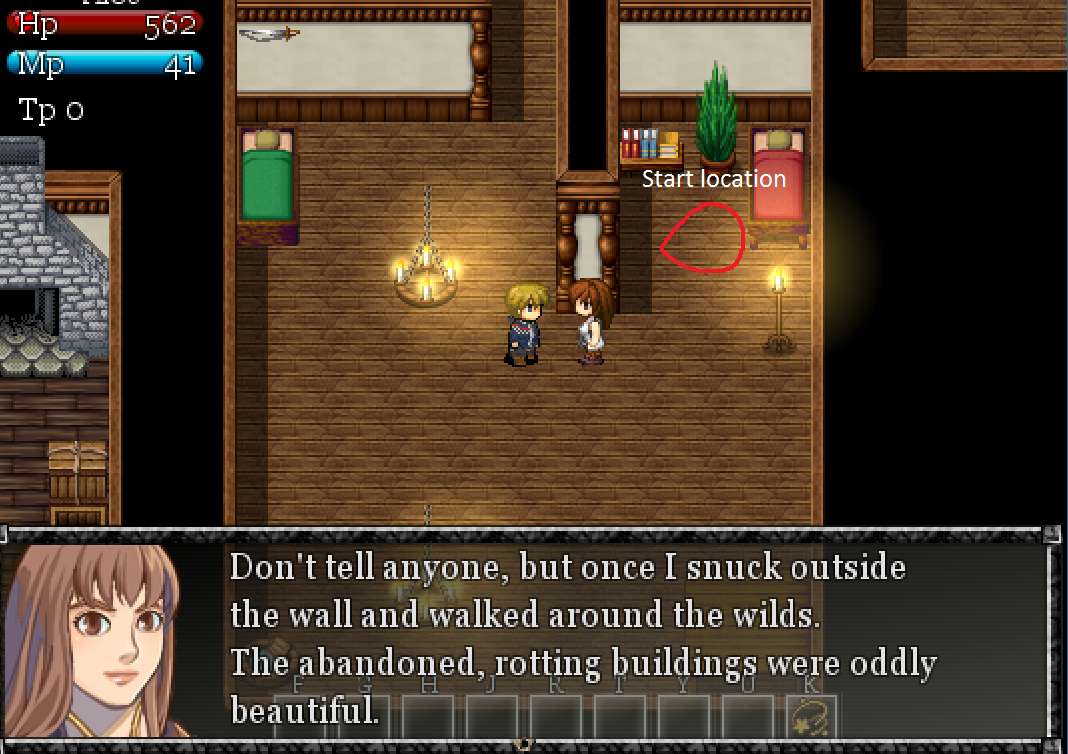
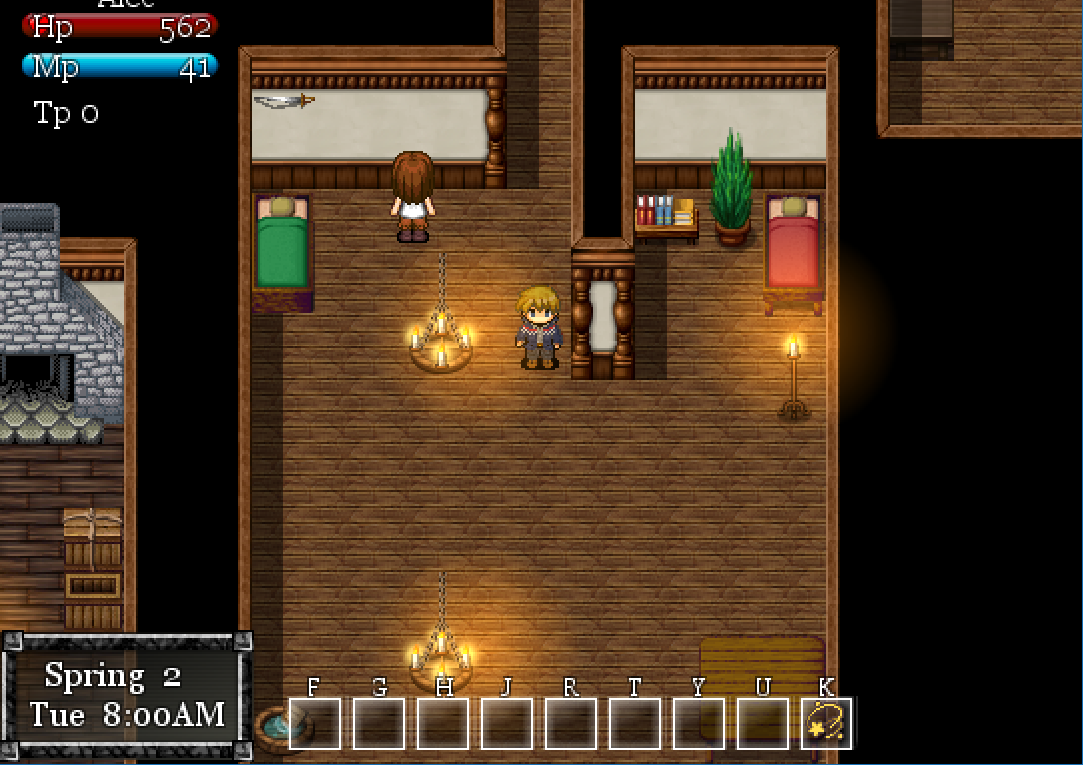
-After leaving the level and returning the move route activates from the start and while the remember position remembers where the NPC was, the move route activates
from the start and the NPC usually ends up walking into a wall
-Without the Remember event position by Shaz, when you walk in and out of a level the event just starts from the beginning and original location. Even if you've just watched the NPC do 2/3's of its schedule..
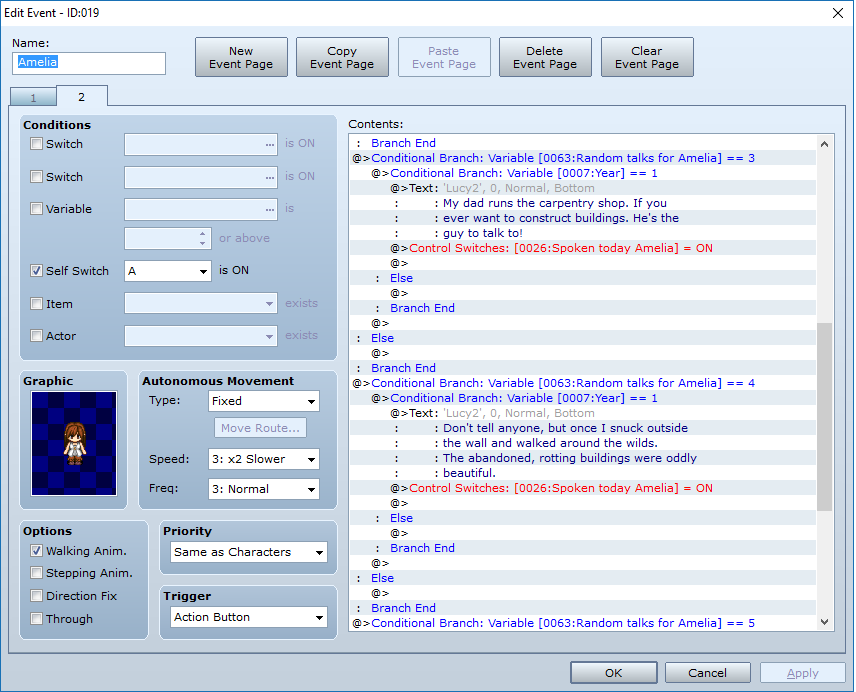
-Talking to the NPC on the first page of the event stops it entirely sometimes
-Talk to the NPC on the second page and it will keep walkin or /Repeat its move route again
I've tried putting the move route in common events, the autonomous movement and a parallel processes event in the scene. Still the same or similar or the same results..
Does anyone know how to make an NPC schedule work well?
Protected download
Protected download
Protected download
Protected download
Protected download
I'm using the scripts: Harvest Moon style Variable Based Calendar and Weather System By Selchar
and Remember event position by Shaz
I have the NPC perform a schedule depending on what time of day it is. In this case, a 7PM the NPC gets out of bed, makes some breakfast, goes to eat at the table and then heads out to the door.
The variable based calender works how it sounds, you have your variables that change based on what time the clock says it is. You have the variables (Hours, minuets, days, weeks, years, ect)
and I've run into a number of problems:
-After leaving the level and returning the move route activates from the start and while the remember position remembers where the NPC was, the move route activates
from the start and the NPC usually ends up walking into a wall
-Without the Remember event position by Shaz, when you walk in and out of a level the event just starts from the beginning and original location. Even if you've just watched the NPC do 2/3's of its schedule..
-Talking to the NPC on the first page of the event stops it entirely sometimes
-Talk to the NPC on the second page and it will keep walkin or /Repeat its move route again
I've tried putting the move route in common events, the autonomous movement and a parallel processes event in the scene. Still the same or similar or the same results..
Does anyone know how to make an NPC schedule work well?
Protected download
Protected download
Protected download
Protected download
Protected download
Downloads / Referenced Files
Log in to download
Log in, then follow the RPG Maker Developers Group to see these download links.
Log in to downloadReferenced Images / Attachments
Creator Claims / Removal
If you are the original creator and want this listing reassigned, edited, or removed, join BMMPlay and contact the moderators with proof that matches the original RPG Maker Web profile, linked GitHub, itch.io page, or another public creator identity.
Replies (0)
No replies yet.
0
replies
2
views
Topic Summary
Loading summary...


