

public
No products in the cart.

Simple enough for a child, powerful enough for a developer
BMM_Archive · July 15, 2026
How do I fix this? This never happened before. I made a 77 x 33 image all parallaxed. When I placed the player start and test play, the character is not in the same location. I know you put a ! in front of the file name for rpgmaker MV. That doesn't work for Ace. { "lightbox_close": "Close",
Log in, then follow the RPG Maker Developers Group to see these download links.
Log in to download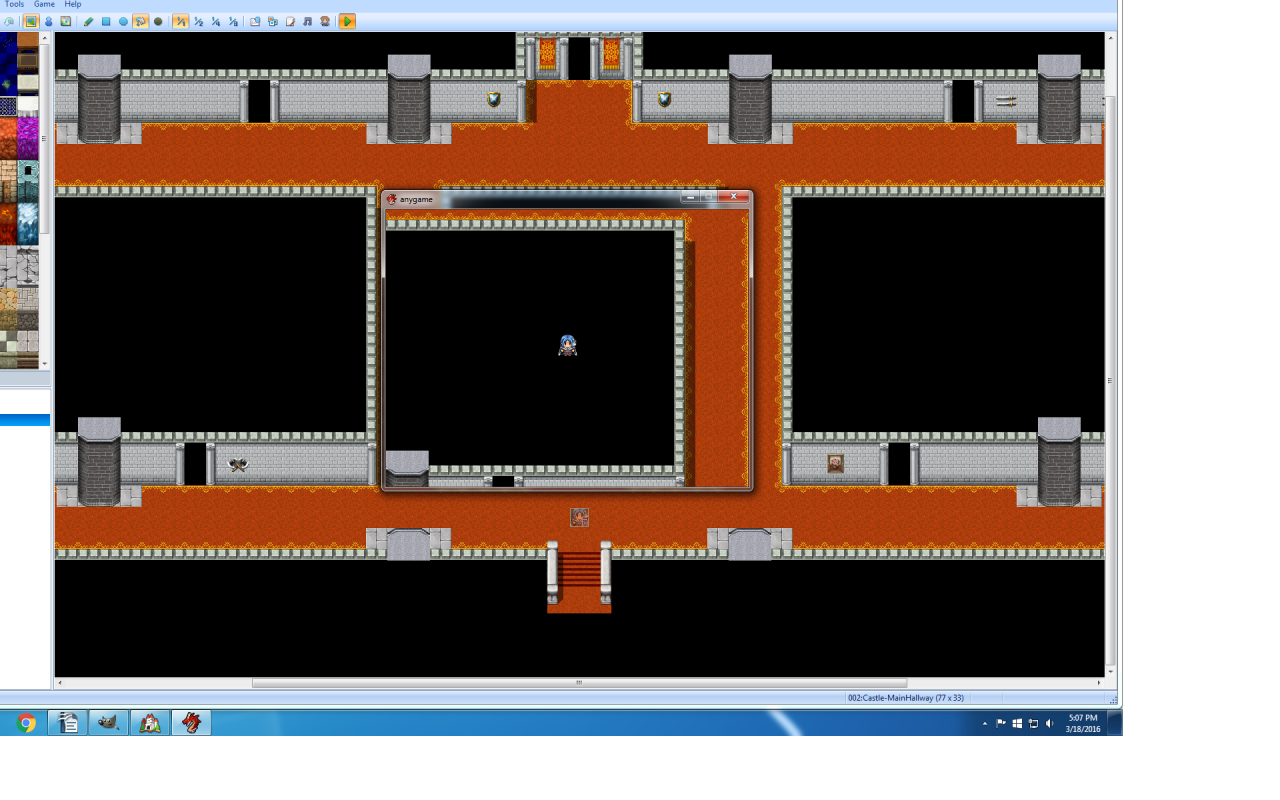
If you are the original creator and want this listing reassigned, edited, or removed, join BMMPlay and contact the moderators with proof that matches the original RPG Maker Web profile, linked GitHub, itch.io page, or another public creator identity.
No replies yet.
Loading summary...
Bmmplay creator tools
Log in or create an account to use this creator tool.
Join the conversation
Your reaction is ready. Log in and you will return to this page to add it.
Are you sure you want to close this music player?
Community safety



