


Enemy Sprite Will not Show up
BMM_Archive · July 15, 2026

Original Source
- Original title: Enemy Sprite Will not Show up
- Original author: ExplodingJellyfish
- Original date: March 16, 2016
- Source thread: https://forums.rpgmakerweb.com/threads/enemy-sprite-will-not-show-up.58815/
- Source forum path: Game Development Engines > Legacy Engine Support > RPG Maker MV Support
Summary
I am trying to add an enemy battler sprite to my RPG Maker MV game, and i am using the side view fighting, i had put a picture of the sprite (png format) into the sv_enemies folder as usual and it showed up, i realized i messed up the picture so i save and closed the program and fixed up the errors and opened RPG Maker MV up again and loaded up the image again (in the png format i made sure) into the sv_enemies folder, but it would not...
Archived First Post
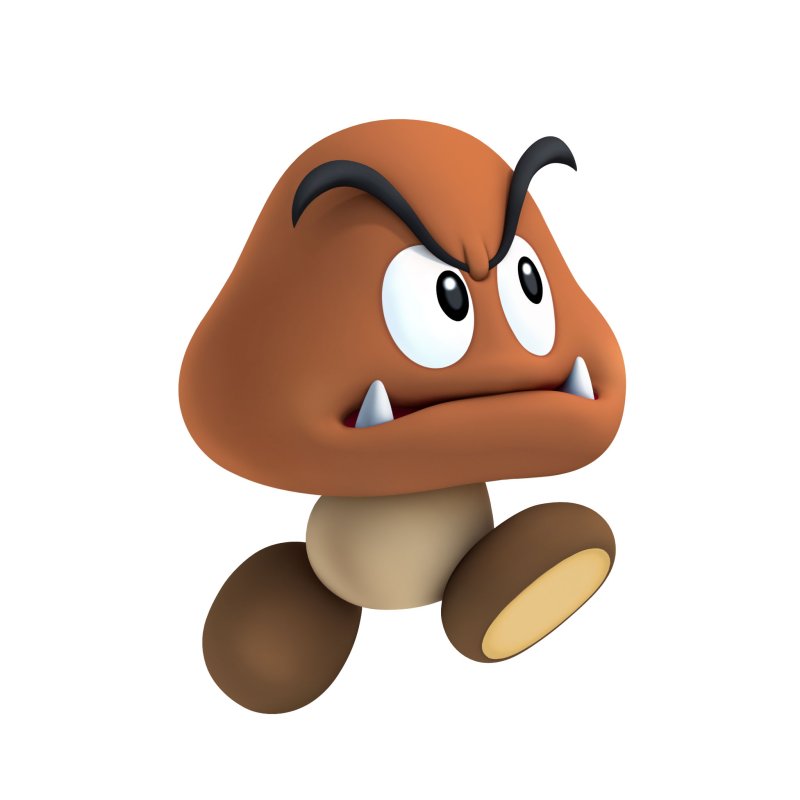
Here is the photo i am trying to add to my game: (it is forced to be jpg in this case)
Protected download
Downloads / Referenced Files
Log in, then follow the RPG Maker Developers Group to see these download links.
Log in to downloadReferenced Images / Attachments
Creator Claims / Removal
If you are the original creator and want this listing reassigned, edited, or removed, join BMMPlay and contact the moderators with proof that matches the original RPG Maker Web profile, linked GitHub, itch.io page, or another public creator identity.
Replies (0)
No replies yet.
Topic Summary
Loading summary...

