PD_Facechat & PD_TweenAnimation (2017/02/05 v2.00) Creator name: Shio_inu (PixelDOG) Overview Face chat system like a "Tales of" series skits.
PD_Facechat & PD_TweenAnimation (2017/02/05 v2.00)
Creator name: Shio_inu (PixelDOG)
Overview
Face chat system like a "Tales of" series skits.
How to use Face Chat System
Creating and Preparing Files
The graphics for face chat uses the following parts
・Main/ Base: (メインパーツ)
Eyes for blinking
Set for facial expressions
・Eye blinking (まばたきパーツ)
Eyes for the face
First frame is displayed, while the system blinks randomly.
Any number of blinks can be set.
・Lip sync (口パクパーツ)
Part of the mouth movement used when speaking.
First frame is displayed, but only texts that are set to talk will be animated.
You can set any number of these.
When creating face graphics as pictures, keep the following in mind.
・Match the size of the height and width.
Only square size is supported.
If you're using vertical or horizontal face graphics, make sure they're square.
・Blink and mouth movement images should be aligned with the main image.
If you don't align it, the display are misaligned.
If the eye and mouth parts don't overlap, even a rough cutout like this will display properly.
Looks easier this way.
Arrange them vertically by expression to complete the face graphics for face chat.
After you created the pictures, put in the information into the plugin.
Enter "Eye Anim Num" for blinking and "Mouse Anim Num" for mouth movement.
Enter the number of pixels for face graphic in the "Face size" field.
This concludes how to Use Face Chat System.
=-=-=-=-=-=-=-=-=-=-=-=-=-=-=-=-=-=-=-=-=
Plugin Commands examples
Code:
FaceChat start alex,brian,carol
# Start face chat (no title) with pictures names alex,brian,carol
Code:
FaceChat start daisy,enryu,falcon Chat
# Start face chat (titled "Chat") with pictures names daisy, enryu, and falcon (skit "title" command)
# The characters alex and brian talk (with speaking animation).
Code:
FaceChat emotion carol,daisy 4
# Changed the expression of the characters carol and daisy to number 4.
Code:
FaceChat balloon daisy,enryu 8
# Show balloon #8 for characters daisy and enryu
Code:
FaceChat tween gomez,helen 5
# Plays tween animation #5 for characters gomez and helen. (6 animations total)
# Character alex joins in conversation
# Character brian leaves the conversation
# Ends the conversation.
Preview
Tween Animations (6 total)
Terms of Use-
Can be used for commercial use, mature content, modify material, redistribution after modification.
If redistribution, please credit the source- "Shio_inu" or "PixelDOG"
You can not sale the material as itself, that's not allowed.
You can download zip file (2 js files) from the thread attachment or Dropbox link:
https://www.dropbox.com/s/nlidwnaoaxzynhh/PD_FaceChat.zip?dl=1
Recreation demo
https://www.dropbox.com/s/9bam228bra5sw79/FaceChatDemo.zip?dl=1
Note: edited face graphics and pictures artwork by junenbo
Inside zip, there's Extra folder which include example of pictures
Another note:
When using this plugin command
Code:
FaceChat start picture_name Chat
Replace picture_name with the name of your picture. Skit title command cannot use spaces for some reason, you have keep it in one word or use underscore.
Terms of Use- Can be used for commercial use, mature content, modify material, redistribution after modification. If redistribution, please credit the source- "Shio_inu" or "PixelDOG" You can not sale the material as itself, that's not allowed.








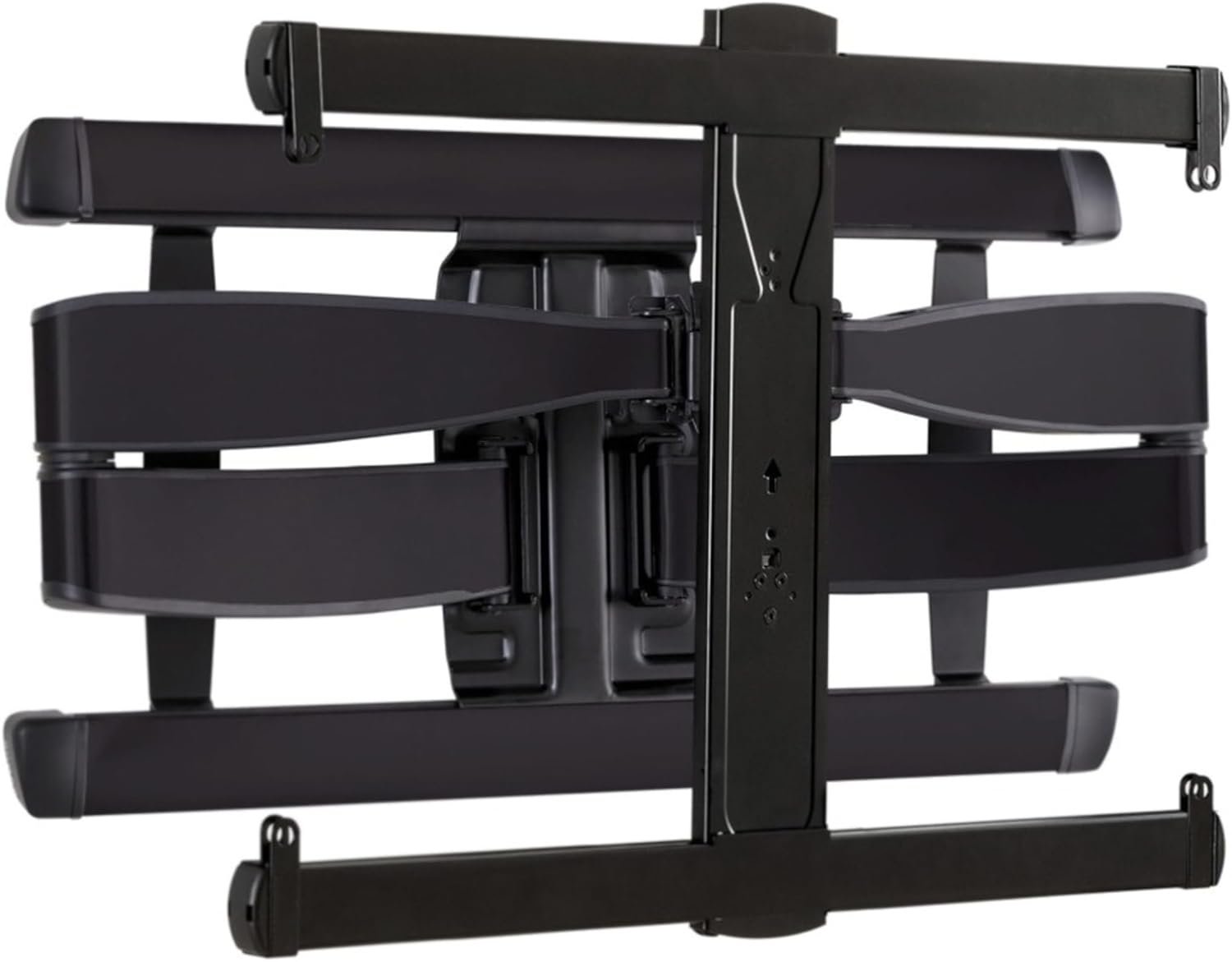 SANUS Advanced Full-Motion TV Wall Mount
Full-motion TV mount for flexible viewing angles and a cleaner entertainment wall.
View on Amazon
SANUS Advanced Full-Motion TV Wall Mount
Full-motion TV mount for flexible viewing angles and a cleaner entertainment wall.
View on Amazon