Introduction
This plugin uses region IDs to determine a player 'floor level'. Even autotiles can be drawn ABOVE players (if player is on lower ground). I have tried to find this type of plugin for a long time, then decided to code one my self.
I know you can use different tilesets or events to accomplish this, but this saves a lot of tiles in my tilesets. And no more event switches to toggle higher / lower ground.
Use event comments <lower> or <higher> to assign event floor level. If autotiles A3 (roofs) or A4 (walltop) tiles are used "Auto-assign" (no comments found) will assign the event to
higher floor level, else event is assigned to
lower floor level.
Also works (for example) with "
OcRam_Local_Coop" and Yanfly engine -plugins (no issues known).
ps. You can use this plugin indoors as door passages also (shown later).
Here's what you need:
- "OcRam_Passages" -plugin
- Mark regions
- RegionID 16 = Underpassage (this will set player to lower ground)
- RegionID 17 = Overpassage (this will set player to higher ground, also draws B-E layers)
- RegionID 18 = Cover tile for tiles B-E (transparent background)
- RegionID 19 = Autotile Cover for A tiles (opaque background)
- RegionID 20 = Always block passage (for blocking ie. door way sides)
- RegionID 21 = Block passage AND draw tiles ABOVE, if on lower floor
- RegionID 22 = Block passage to underpassage region (can be used to fix RMMV core "bug" where passable tile, like "bush", allows passage over cliffs)
Credits to PandaMaru for bridge tiles.
3. Try it
All OcRam -plugins now available at ocram-codes.net
Please read: Terms of Use
Latest version: Download from here
All my plugins: Check 'em out!
My (long-term) project

Credits to PandaMaru for bridge tiles. Spoiler: Example indoors 3. Try it Spoiler: Video on YouTube (tutorial and demonstration)




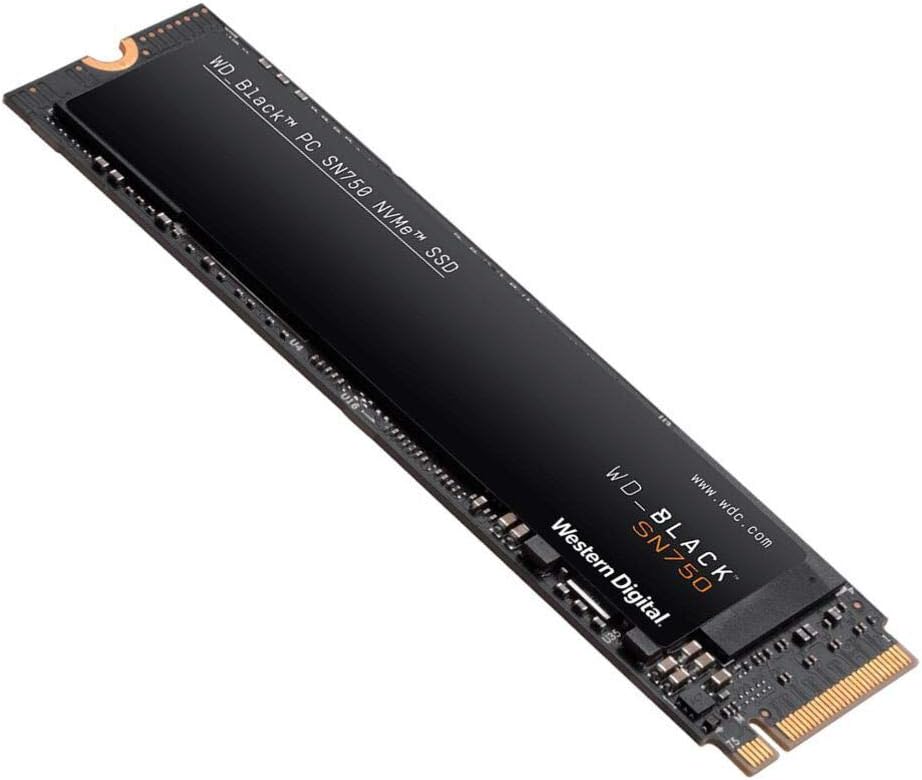 WD_BLACK 2TB SN750 NVMe Internal Gaming SSD
High-capacity NVMe storage pick for expanding a gaming PC or performance setup.
View on Amazon
WD_BLACK 2TB SN750 NVMe Internal Gaming SSD
High-capacity NVMe storage pick for expanding a gaming PC or performance setup.
View on Amazon