This is probably a dumb question with a blatantly obvious solution, but I'm a complete newbie, and I've done far more photoshopping than actual game making so far.
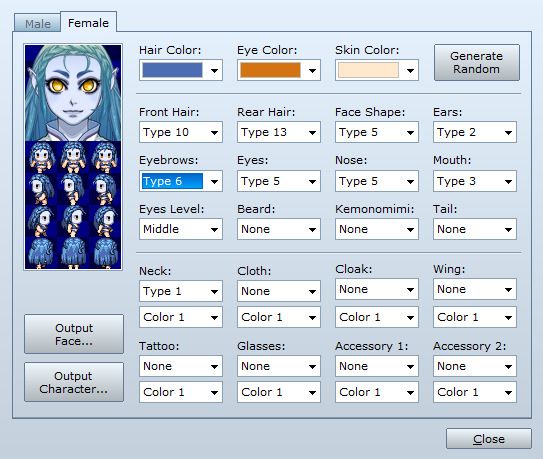
I've succeeded in changing my actor's face skin colour by changing the colours of the graphics in the "generator" folder in the installation directory, including the colour of the face and ears on the sprite. The rest of her body is still human colour though, and I want to change that. Where can I find the graphics that control the body skin colour?
Bonus question! I changed the colour of the skin by running all the files through an automated action in photoshop. Is there an easier way to do this? Some third party software, perhaps? It seems easy, but it's still fairly time consuming.




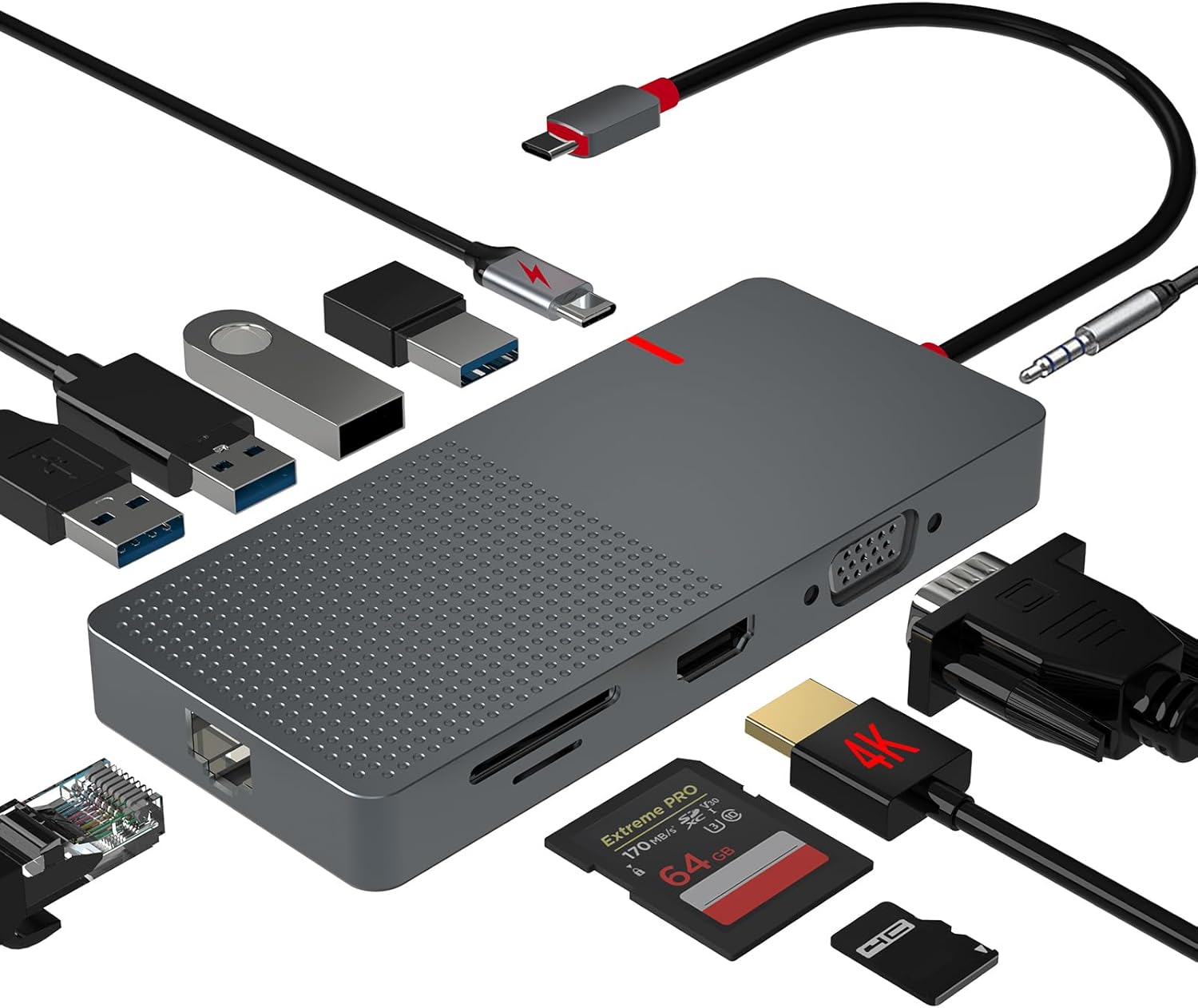 ANYPLUS USB C Docking Station Dual Monitor
Multiport USB-C dock for dual-monitor laptop desks and cleaner cable management.
View on Amazon
ANYPLUS USB C Docking Station Dual Monitor
Multiport USB-C dock for dual-monitor laptop desks and cleaner cable management.
View on Amazon