Download
Hello RPG Maker MV community!
I'm excited to share my plugin,
Ten_CharacterOverlay v1.2, which allows you to attach character-like overlay sprites (such as hats, icons, effects, or accessories) to events and the player. These overlays can be positioned, animated, and layered precisely, adding visual flair to your game without needing complex scripting.
Features
- Attach overlays to events or the player: Use comment tags for automatic setup or script calls for dynamic control.
- Flexible positioning: Set pixel offsets (X/Y) from the event's position.
- Z-layer control: Render overlays "above" or "below" the event for proper depth.
- Animation support: Enable 3-frame stepping animation for dynamic effects.
- Character sheet compatibility: Uses standard RPG Maker MV character sprite sheets (8 characters per sheet).
- Dynamic show/hide: Toggle overlays on/off during gameplay via script calls.
- Player support: Full API support for the player character.
- Automatic cleanup: Overlays are removed when events are erased.
Installation
- Download the plugin file (Ten_CharacterOverlay.js).
- Place it in your project's js/plugins/ folder.
- In the Plugin Manager, add and enable the plugin.
- Configure the plugin parameters as described below.
Plugin Parameters
The plugin uses a structured parameter called "Sprites" to define each overlay configuration. Each sprite entry includes:
- name: Unique ID for the overlay (used in tags and scripts).
- filename: Sprite sheet file from img/characters/ (e.g., "Actor1.png").
- characterIndex: Index (0-7) of the character in the spritesheet.
- layer: "above" or "below" the event.
- offsetX / offsetY: Pixel offsets from the event's center.
- animated: Enable/disable 3-frame animation.
Usage
1. Comment Tags (Automatic Setup)
Add these to the first page of an event's comments:
- characterSprites: NAME show - Shows the overlay named "NAME" on map load.
- characterSprites: NAME hide - Hides it (default state).
Example: For an event with a hat, add characterSprites: hat show in the comments.
2. Script Calls (Dynamic Control)
Use these anywhere in events or scripts for runtime control:
- $gameMap.event(ID).showOverlay("NAME") - Show overlay on event ID.
- $gameMap.event(ID).hideOverlay("NAME") - Hide overlay on event ID.
- $gamePlayer.showOverlay("NAME") - Show on player.
- $gamePlayer.hideOverlay("NAME") - Hide on player.
- Inside an event: this.character(0).showOverlay("NAME") for "This Event".
Examples
- Hat on NPC: Configure a "hat" sprite with offsetY: -10, layer: "above". Add characterSprites: hat show to the event.
- Animated effect: Set animated: true for a glowing aura that cycles through frames.
- Dynamic toggle: Use script calls in events to show/hide overlays based on switches or variables (e.g., equip a hat item to show the overlay).
Notes
- Sprite files must follow RPG Maker MV's character sheet format (e.g., 4x2 grid for 8 characters).
- No plugin commands are needed; everything is handled via parameters and script calls.
- Compatible with RPG Maker MV (not MZ).
- Tested for performance, but avoid excessive overlays on busy maps.
Download



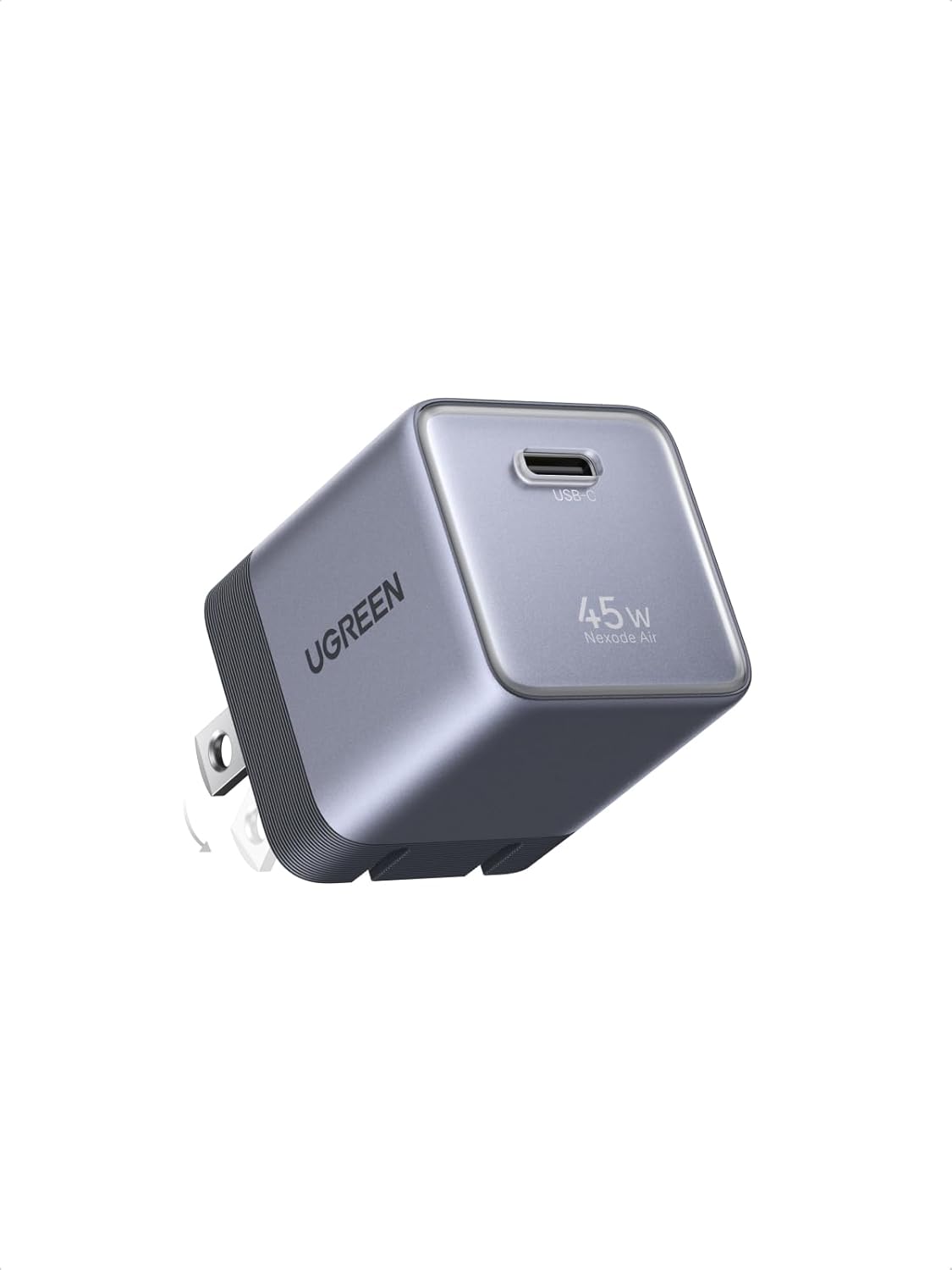 UGREEN Nexode Air 45W USB-C Charger Block
Compact foldable GaN charger for phones, tablets, and light laptop charging.
View on Amazon
UGREEN Nexode Air 45W USB-C Charger Block
Compact foldable GaN charger for phones, tablets, and light laptop charging.
View on Amazon

