Quasi AudioFor a newer version, go here: About This plugin lets you play audio at a certain location. The audios volume and pan will be determined based off the players distance from the audio location. Audio can also be binded to an event. Play a Q Audio at X Y:
Quasi Audio
#ff0000">For a newer version, go here:
https://forums.rpgmakerweb.com/index.php?threads/qplugins-latest-qm-regioncolliders.73023/
About
This plugin lets you play audio at a certain location. The audios volume and pan will be determined based off the players distance from the audio location. Audio can also be binded to an event.
Plugin Commands
Play a Q Audio at X Y:
qaudio play ID TYPE AUDIO MAXVOLUME RADIUS X Y
To loop audio at X Y
qaudio loop ID TYPE AUDIO MAXVOLUME RADIUS X Y
Play a Q Audio at event location ( follows event )
qaudio play ID TYPE AUDIO MAXVOLUME RADIUS EVENTID
To loop audio at event location
qaudio loop ID TYPE AUDIO MAXVOLUME RADIUS EVENTID
ID - A Unique ID for the audio, can be a number or letter. Used for stopping the audio. if * is used for ID a unique ID will be found, down side to using * is you won't know the ID so you will not be able to stop it. Though you can get the ID with some script calls after you play the qaudio.
TYPE - bgm, bgs, me, or se
AUDIO - The filename of the audio to play
MAXVOLUME - The max volume of the audio when play is directly on the audio location. From 0 - 100
RADIUS - The tile distance the audio can be heard
X - The grid X Location for the audio
Y - The grid Y Location for the audio
EVENTID - The event ID to bind the audio to
Stop a Q Audio
qaudio stop ID
ID - The unique ID you set when playing the Q Audio.
Links
https://github.com/quasixi/Quasi-MV-Master-Demo/blob/master/js/plugins/QuasiAudio.js





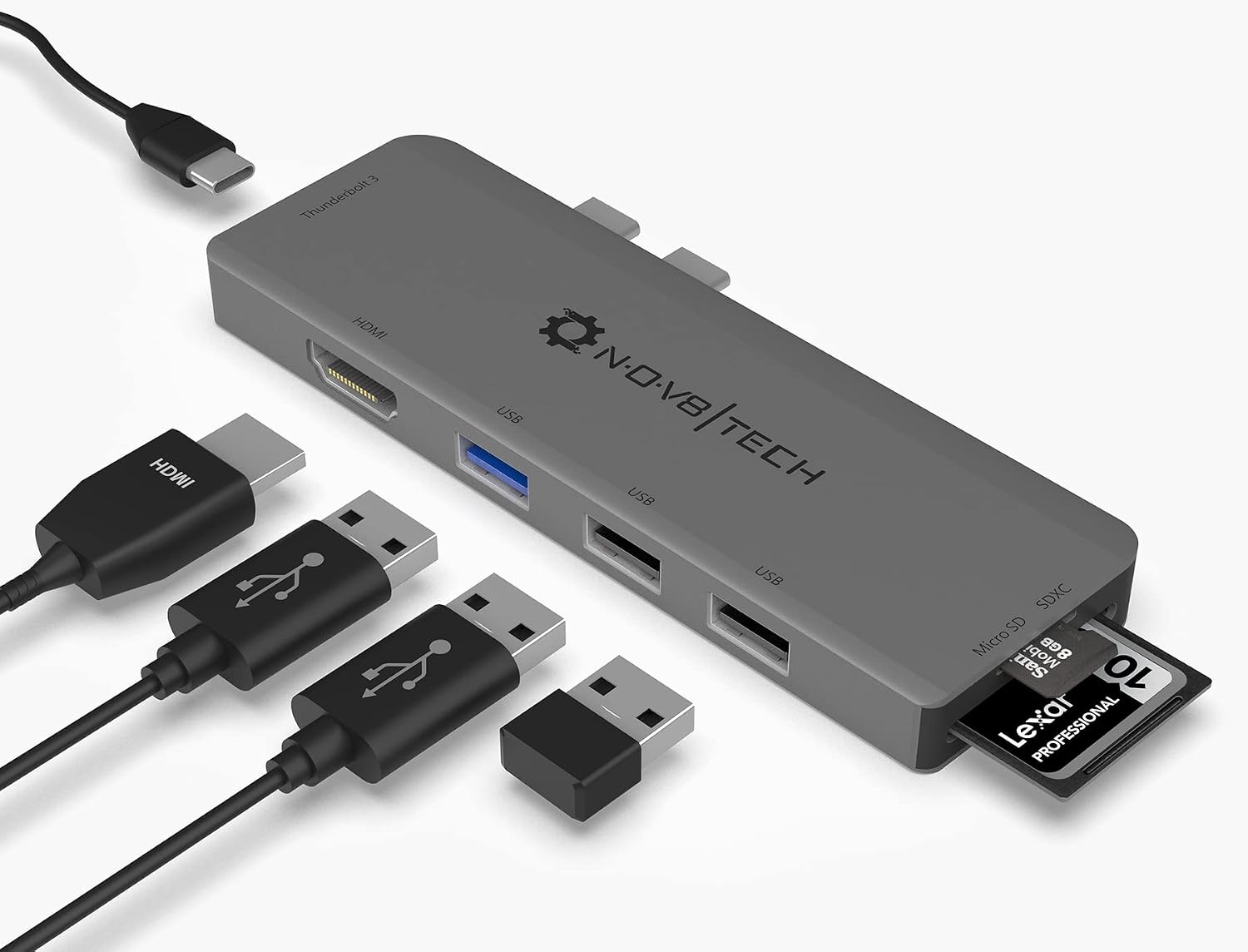 7-in-2 USB-C Multiport Adapter for MacBook Pro and Air
Slim USB-C hub for HDMI, USB, card access, and everyday laptop expansion.
View on Amazon
7-in-2 USB-C Multiport Adapter for MacBook Pro and Air
Slim USB-C hub for HDMI, USB, card access, and everyday laptop expansion.
View on Amazon