

MZ Event cut off in Game
BMM_Archive · July 15, 2026

Original Source
- Original title: MZ Event cut off in Game
- Original author: AltoRosei
- Original date: October 30, 2025
- Source thread: https://forums.rpgmakerweb.com/threads/mz-event-cut-off-in-game.180786/
- Source forum path: Game Development Engines > RPG Maker MZ Support
Summary
Hello, I have been using RPG Maker for a while now. Up to this point, I never had an issue like this. Normally, event cutoffs are an easy fix with Photoshop or any other photo editor program. However, this is the first time, no matter how many times I try to edit the image and attempt different 48x48 pixels. Always with the event tab, it shows the flowers fitting fine and not cut off; however, when I play my game, for some reason the flowers are so badly cut off....
Archived First Post
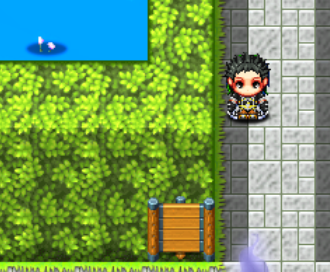
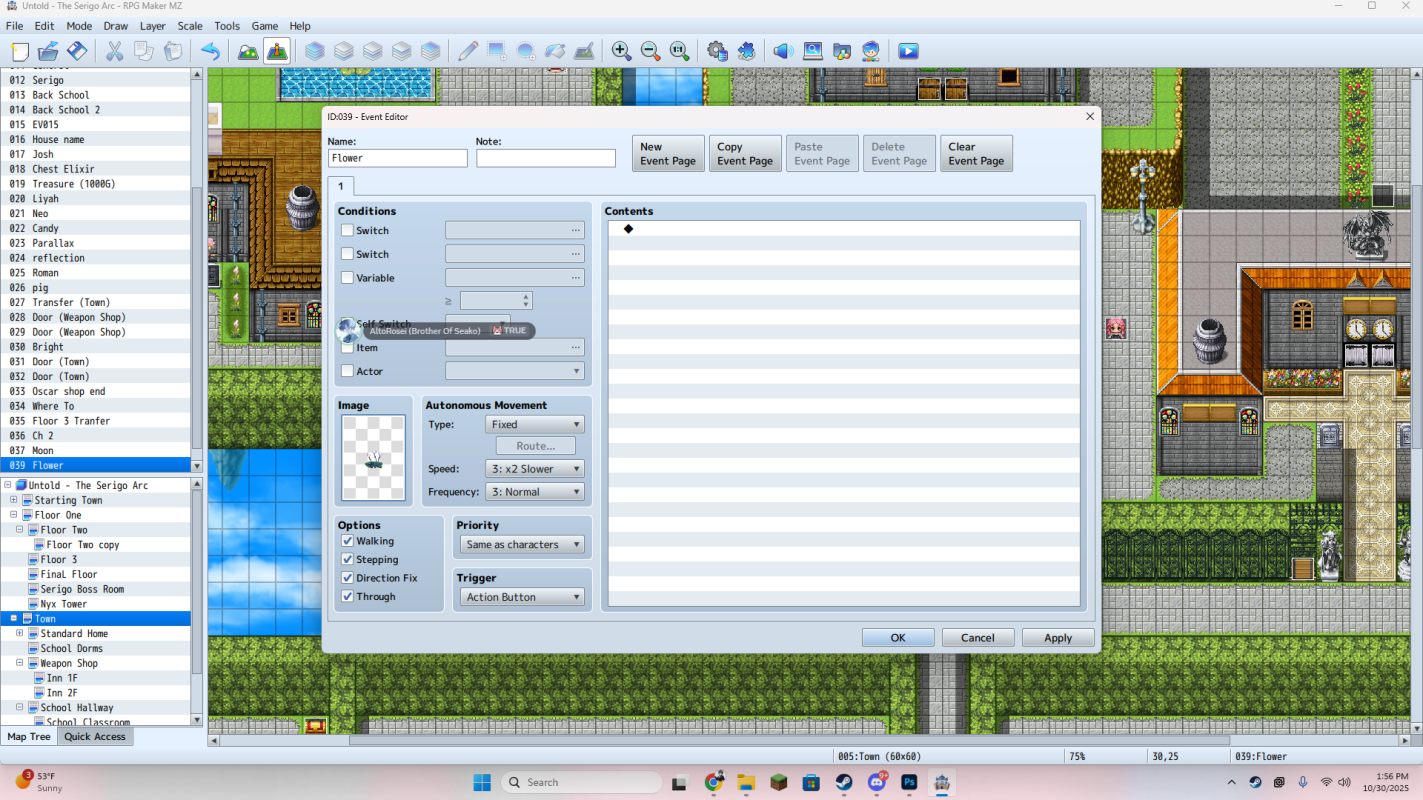
Edit version of Flowers:
OG Flower File:
Downloads / Referenced Files
RPG Maker Web attachments are mirrored locally when available. Other external links remain hosted by their original creator or third-party service.
- Local mirror: 331321-e96d986db4c55762636dfccc246f6d82.png
SHA-256:7757a73b4a903219a56edba316d6608503e7c871ddcb2cdc6b990f64bc6307f2
Original attachment URL: https://forums.rpgmakerweb.com/attachments/1761850695104-png.352241/ - Local mirror: 331320-29fcaea2598a5fc77035a161b25ea672.png
SHA-256:52ec47372cfa65f337ab8b91a5c0b93a4b03ad02731358559733c2d48a5e0254
Original attachment URL: https://forums.rpgmakerweb.com/attachments/1761850613363-png.352240/
Referenced Images / Attachments
Creator Claims / Removal
If you are the original creator and want this listing reassigned, edited, or removed, join BMMPlay and contact the moderators with proof that matches the original RPG Maker Web profile, linked GitHub, itch.io page, or another public creator identity.
Replies (0)
No replies yet.
Topic Summary
Loading summary...