Equipment Variables v1.03
LadyBaskerville
Introduction
By default, equipment can change an actor's parameters like MHP, ATK and MDF, and assign a wide range of traits to the actor that has equipped it. However, what equipment cannot do, is to change variables based on which actor - if any - has equipped it. If, for example, you are using
Yanfly's Actor Variables plugin to give your actors a set of special "parameters", the only way to make equipment influence these variables is to constantly check the actors' equipment - which comes with another set of problems.
This plugin simply lets you specify a variable, a value and an actor in the note box of any piece of equipment, and takes care of the rest.
Features
- For any piece of equipment, you can specify which variable you want to increase by how much if a certain actor has equipped it. When the actor equips the item, the variable will increase and decrease again when the actor deequips it.
How to use
Use a notetag of the format
Code:
<Add to Variable: variableId, value, actorId>
on the note box of a piece of equipment (weapon or armor).
variableId: The ID of the variable you want to change
value: The value you want to add to the variable. Use a negative value if you want to decrease the variable.
actorId: The ID of the actor that has to equip the item for the change to take place. If it doesn't matter which actor has the item equipped, use 0.
You can put as many notetags underneath each other as you want.
Examples
Code:
<Add to Variable: 11, 10, 1>
<Add to Variable: 21, 10, 2>
<Add to Variable: 31, 10, 3>
<Add to Variable: 41, 10, 4>
If actor #1 has this equipped, increase variable
#11 by 10, but if actor #2 / #3 / #4 has this equipped, add 10 to variable
#21 /
#31 /
#41, respectively.
Code:
<Add to Variable: 35, 50, 0>
If any actor has this equipped, increase variable
#35 by 50.
Plugin
Download it here:
LB_EquipVariables.js
Demo
None yet, but if you would like one, let me know
Credit
- LadyBaskerville
Terms of Use
- You may use this plugin in both non-commercial and commercial projects.
- You may edit this plugin and redistribute your edits, but do not claim you wrote the original code.
- You may redistribute this plugin elsewhere. In that case, please link back to this plugin thread if possible.
Author's notes
As far as I tested it, this plugin is compatible with Yanfly's Equip Core. If you want to use both plugins, place this plugin somewhere below Yanfly's in the plugin list.
The same applies to HIME_EquipSlotsCore: as far as I tested it, it should be compatible (as of version 1.03) as long as it is placed below Hime's plugin.
If you find any issues with this plugin, please make sure that you have started a new game after installing the plugin and not loaded the game from a savefile. If that doesn't fix the problem, feel free to leave a bug report in this topic.
Changelog
Version 1.03
- Added compatability with HIME_EquipSlotsCore.
Version 1.02
- Fixed bugs with Change Class, Change Weapon/Armor and Seal Slot.
Version 1.01
- Added support for negative values.
- Fixed a bug that kept variables from being reset upon deequipping.
Credit - LadyBaskerville Terms of Use - You may use this plugin in both non-commercial and commercial projects.




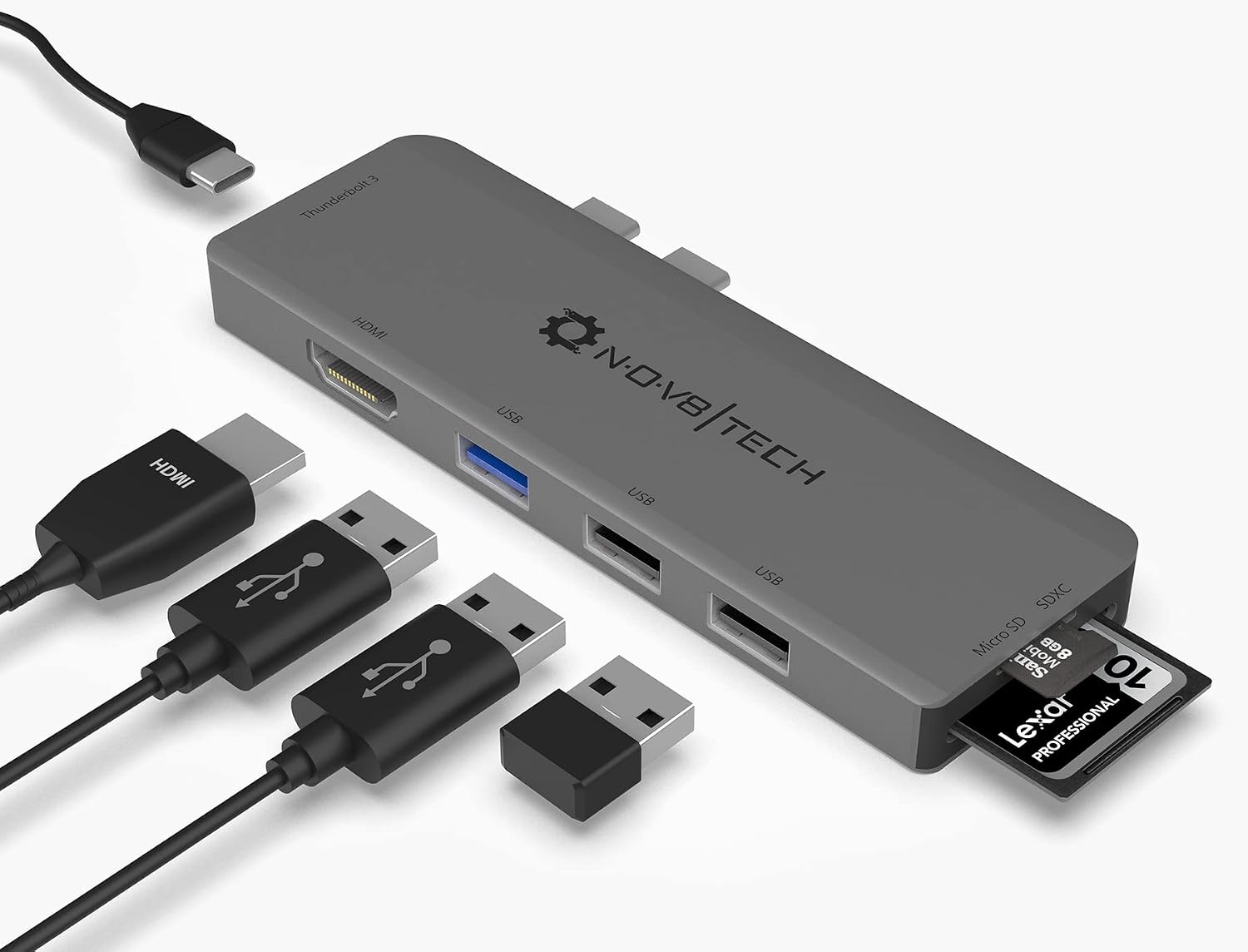 7-in-2 USB-C Multiport Adapter for MacBook Pro and Air
Slim USB-C hub for HDMI, USB, card access, and everyday laptop expansion.
View on Amazon
7-in-2 USB-C Multiport Adapter for MacBook Pro and Air
Slim USB-C hub for HDMI, USB, card access, and everyday laptop expansion.
View on Amazon