


MVNavash Sketchpad
BMM_Archive · July 15, 2026

Original Source
- Original title: Navash Sketchpad
- Original author: Naveed
- Original date: August 24, 2018
- Source thread: https://forums.rpgmakerweb.com/threads/navash-sketchpad.99315/
- Source forum path: Game Development Engines > RPG Maker Javascript Plugins > JS Plugin Releases (RMMV)
Summary
Navash Sketchpad Latest Version: v1.00 Introduction and Features: This plugin introduces a new Sketchpad scene. This scene allows the player to freely draw on the screen using touch controls.
Archived First Post
Latest Version: v1.00
This plugin introduces a new Sketchpad scene. This scene allows the player to freely draw on the screen using touch controls.
As the expected use is with a touch interface, the entire scene uses only touch controls to operate.
The sketchpad saves whatever the player has drawn, so the sketches are restored when the player opens the sketchpad
again. The sketchpad also supports multiple pages that the player can shift to.
You can customize different pens for the player to use. Each pen can have its own line color and size. It also includes an
eraser to erase any unwanted lines.
Features list:
- Creates a sketchpad scene where the player can freely draw using touch controls.
- Full interface is touch controlled.
- Multiple page support.
- Multiple customizable pen support.
- Eraser support
- Custom background for scene
Usage:
Players can draw freely on the sketchpad window. The tools window holds all the available pens, as well as the eraser and clear/accept buttons.
Interaction with the tools window is purely touch based.
Shifting between pages of the sketchpad can be done by touching the page number window at the left or right end.
All the pens can be made in the plugin parameters. You can customize the pen's line color and size. The default parameters include some premade pens for reference.
All of the usage instructions are included in the plugin help file.
Download:
Get the plugin here (or get the raw here).
Plugin Commands:
The sketchpad scene can be opened using the plugin command
Sketchpad
The sketchpad will open on the last used page.
Screenshots:
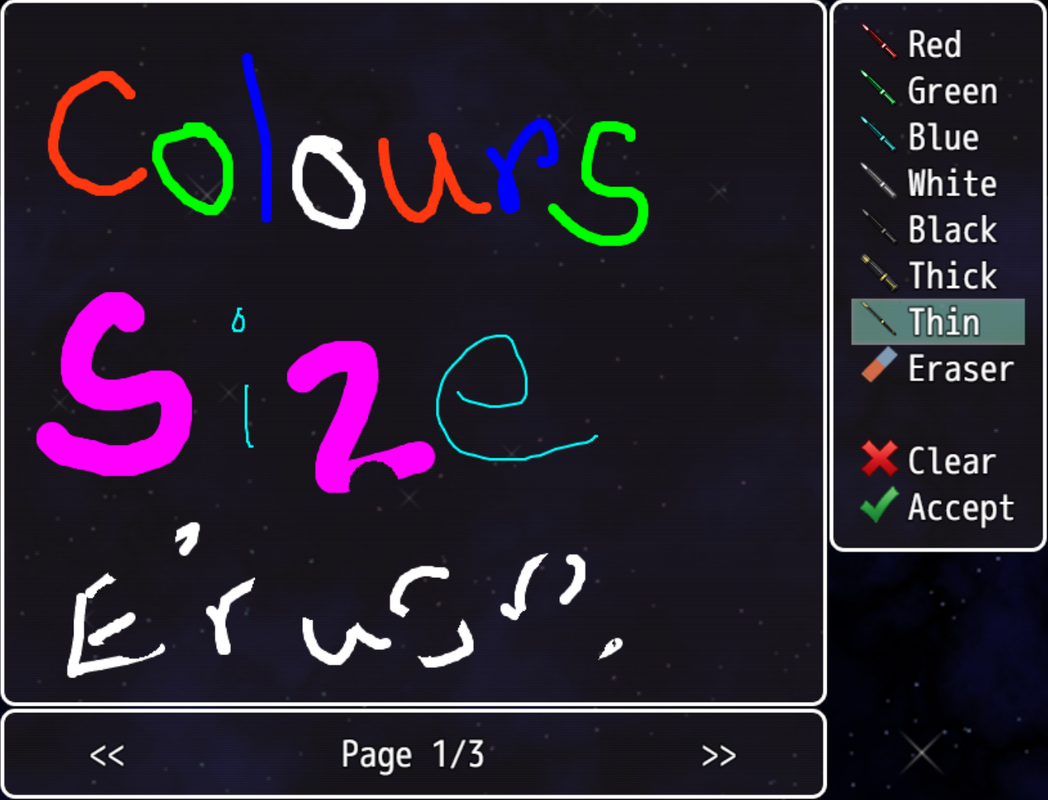
Multiple colors and sizes for pens.
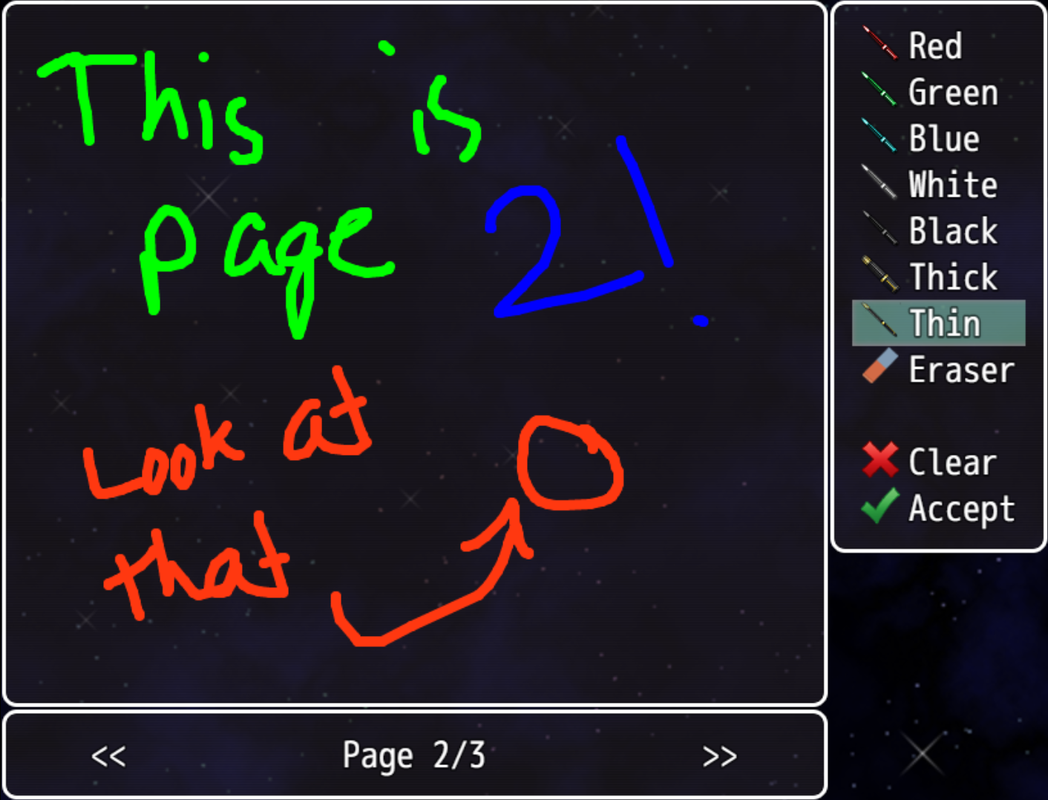
Multiple page support
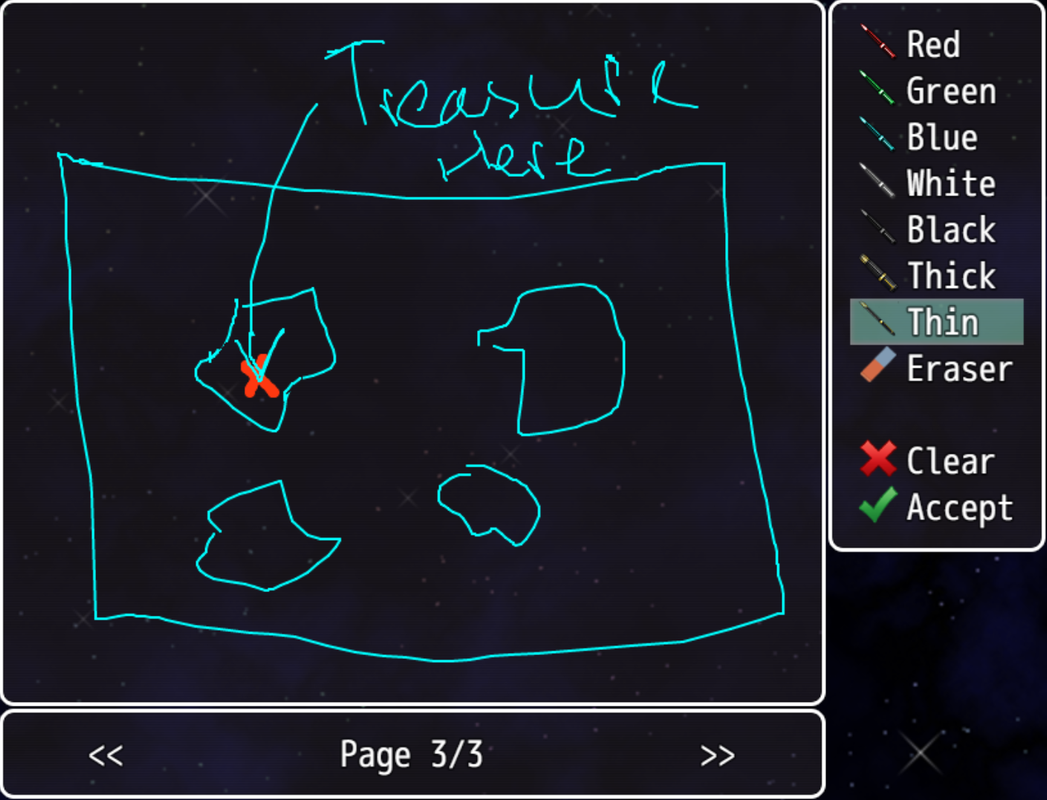
Just taking some notes...
Requirements:
- Requires RPG Maker MV version 1.5.0 or above.
Terms of Use:
- Free to use in non-commercial and commercial projects as long as credit is given
- Credit me as "Navash".
- Edits/Extension plugins are allowed to be shared publicly as long as I'm notified.
Changelog:
Features Mentioned
- Creates a sketchpad scene where the player can freely draw using touch controls.
- Full interface is touch controlled.
- Multiple page support.
- Multiple customizable pen support.
- Eraser support
- Custom background for scene
- Usage:
- Players can draw freely on the sketchpad window. The tools window holds all the available pens, as well as the eraser and clear/accept buttons.
- Interaction with the tools window is purely touch based.
- Shifting between pages of the sketchpad can be done by touching the page number window at the left or right end.
- All the pens can be made in the plugin parameters. You can customize the pen's line color and size. The default parameters include some premade pens for reference.
- All of the usage instructions are included in the plugin help file.
- Download:
- Get the plugin here (or get the raw here).
- Plugin Commands:
- The sketchpad scene can be opened using the plugin command
- Sketchpad
- Click to expand...
Downloads / Referenced Files
Log in, then follow the RPG Maker Developers Group to see these download links.
Log in to downloadLicense / Terms Note
Terms of Use: - Free to use in non-commercial and commercial projects as long as credit is given - Credit me as "Navash". - Edits/Extension plugins are allowed to be shared publicly as long as I'm notified.
Referenced Images / Attachments
Creator Claims / Removal
If you are the original creator and want this listing reassigned, edited, or removed, join BMMPlay and contact the moderators with proof that matches the original RPG Maker Web profile, linked GitHub, itch.io page, or another public creator identity.
Replies (0)
No replies yet.
Topic Summary
Loading summary...

