Preserved forum archive. This topic stores the original first post and locally mirrored RPG Maker Web attachments when available. It is posted by the BMMPlay archive account, not by the original creator.
Original Source
- Original title: [VX Ace]Wallpaper MOG Hunter
- Original author: Nérylis
- Original date: April 23, 2018
- Source thread: https://forums.rpgmakerweb.com/threads/vx-ace-wallpaper-mog-hunter.94454/
- Source forum path: Game Development Engines > Ruby Game System (RGSS) Scripts > RGSSx Script Support
Summary
Hello, I use the scripts from Yanfly and Blackmorning (complementary both) to make my menus, and the custom wallpaper from MOG Hunter. This one generates particles of light on the screen and they are activated on each screen (Items, Skills, etc...), except that of the status. Can you help me solve this little problem ? I join a demo below. Browse the menus to see the particles everywhere, then go to Status and you will see that there, the particles don't appear. In my opinion, the problem is to find...
Archived First Post
Hello,
I use the scripts from Yanfly and Blackmorning (complementary both) to make my menus, and the custom wallpaper from MOG Hunter. This one generates particles of light on the screen and they are activated on each screen (Items, Skills, etc...), except that of the status. Can you help me solve this little problem ?
I join a demo below. Browse the menus to see the particles everywhere, then go to Status and you will see that there, the particles don't appear. In my opinion, the problem is to find in the scripts of BlackMorning (Ace status menu addon) and MOG Hunter (Wallpaper_EX).
Link of the demo : http://www.mediafire.com/file/y6ait53t30oe0t8/Test.exe
Downloads / Referenced Files
Log in to downloadLog in, then follow the RPG Maker Developers Group to see these download links.
Log in to download
Creator Claims / Removal
If you are the original creator and want this listing reassigned, edited, or removed, join BMMPlay and contact the moderators with proof that matches the original RPG Maker Web profile, linked GitHub, itch.io page, or another public creator identity.






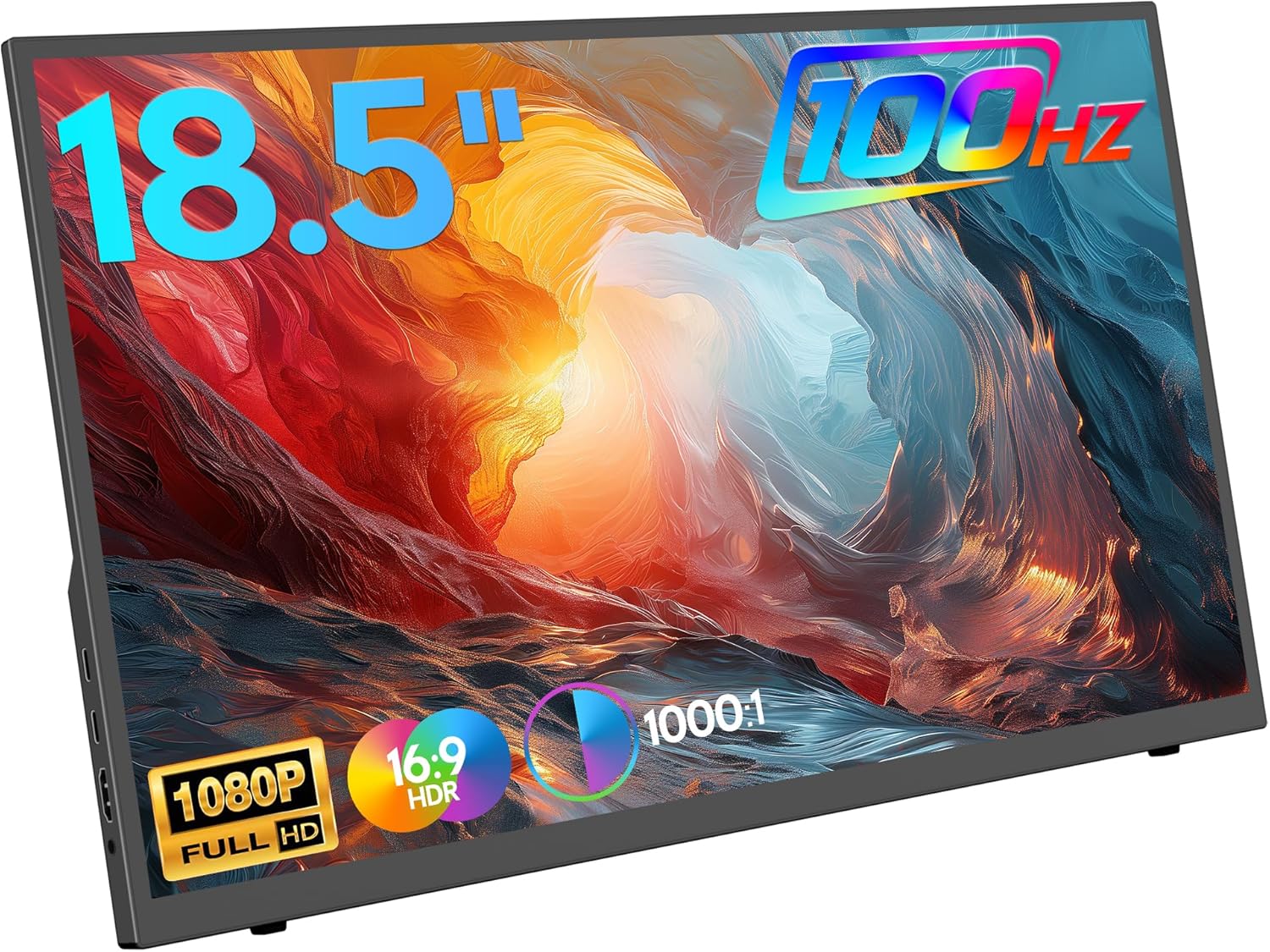 ZSCMALLS 18.5-Inch Portable Monitor
Portable 1080p screen for laptop expansion, travel desks, and compact workstations.
View on Amazon
ZSCMALLS 18.5-Inch Portable Monitor
Portable 1080p screen for laptop expansion, travel desks, and compact workstations.
View on Amazon