ItemCallScript - Version 1.0.0 (2018/09/16) Creator name: Triacontane Introduction Create an item or skill that will run any script when used.
ItemCallScript - Version 1.0.0 (2018/09/16)
Creator name: Triacontane
Introduction
Create an item or skill that will run any script when used.
Note: Javascript knowledge is required for use.
Instructions-
Specify the following in the item or skill note box:
<call:insert script here>
Example-
Code:
<call:AudioManager.playSe({name: 'Item2', pan: 0, pitch: 100, volume: 100});>
Note: If you want play your own sound effect for item without default sound (Item3)-
In database > System > Sounds for "Use Item" set to (None)
That is, if you plan on using item call script to play sound individually for each items.
Credit and Thanks: Triacontane
Terms of Use- Free for commercial and non-commercial use.
License - MIT License:
http://opensource.org/licenses/mit-license.php
Dropbox link:
https://www.dropbox.com/s/fugjlnqjk358kyj/ItemCallScript.js?dl=1
Code:
/*=============================================================================
 ItemCallScript.js
----------------------------------------------------------------------------
 (C)2018 Triacontane
 This software is released under the MIT License.
 http://opensource.org/licenses/mit-license.php
----------------------------------------------------------------------------
 Version
 1.0.0 2018/09/16 初版
----------------------------------------------------------------------------
 [Blog]   : https://triacontane.blogspot.jp/
 [Twitter]: https://twitter.com/triacontane/
 [GitHub] : https://github.com/triacontane/
=============================================================================*/

/*:
 * @plugindesc ItemCallScriptPlugin
 * @author triacontane
 *
 * @param commandPrefix
 * @text Note box prefix
 * @desc Prefix specified when the note of another plugin is used. (Can be a blank)
 * @default
 *
 * @help ItemCallScript.js
 *
 * Create an item or skill that will run any script when used.
 * JavaScript knowlegde is required for use.
 * Specify the following in the Note box.
 * <call:(insert script here)>
 *
 * If the effect range is set for all allies and all enemies,
 * this plugin will be executed for all targets.
 *
 * The following variables and functions can be used.
 * user     : Item user
 * target   : Item target
 * v(n)     : Get the value of variable [n]
 * sv(n, m) : Set value [m] to variable [n]
 * s(n)     : Get the value of switch [n]
 * ss(n, m) : Set value [m] to switch [n]
 *
 * There are no plugin commands for this plugin.
 *
 * This plugin is released under the MIT License.
 */
/*:ja
 * @plugindesc スクリプト呼び出しアイテムプラグイン
 * @author トリアコンタン
 *
 * @param commandPrefix
 * @text メモ欄接頭辞
 * @desc 他のプラグインとメモ欄もしくはプラグインコマンドの名称が被ったときに指定する接頭辞です。通常は指定不要です。
 * @default
 *
 * @help ItemCallScript.js
 *
 * 使用したときに任意のスクリプトを実行するアイテムもしくはスキルを作成できます。
 * 活用にはJavaScriptの知識が必要です。
 * メモ欄に以下の通り指定してください。
 * <call:(実行したいスクリプト)>
 * <スクリプト:(実行したいスクリプト)>
 *
 * 効果範囲を味方全体、敵全体にすると対象の全員分だけスクリプトが実行されます。
 *
 * スクリプト中では以下の変数、関数が使用できます。
 * user     : アイテムの使用者
 * target   : アイテムの対象
 * v(n)     : 変数[n]の値を取得
 * sv(n, m) : 変数[n]に値[m]を設定
 * s(n)     : スイッチ[n]の値を取得
 * ss(n, m) : スイッチ[n]に値[m]を設定
 *
 * このプラグインにはプラグインコマンドはありません。
 *
 * 利用規約:
 *  作者に無断で改変、再配布が可能で、利用形態(商用、18禁利用等)
 *  についても制限はありません。
 *  このプラグインはもうあなたのものです。
 */

(function() {
    'use strict';

    /**
     * Get database meta information.
     * @param object Database item
     * @param name Meta name
     * @returns {String} meta value
     */
    var getMetaValue = function(object, name) {
        var tagName = param.commandPrefix + name;
        return object.meta.hasOwnProperty(tagName) ? convertEscapeCharacters(object.meta[tagName]) : null;
    };

    /**
     * Get database meta information.(for multi language)
     * @param object Database item
     * @param names Meta name array (for multi language)
     * @returns {String} meta value
     */
    var getMetaValues = function(object, names) {
        var metaValue;
        names.some(function(name) {
            metaValue = getMetaValue(object, name);
            return metaValue !== null;
        });
        return metaValue;
    };

    /**
     * Convert escape characters.(require any window object)
     * @param text Target text
     * @returns {String} Converted text
     */
    var convertEscapeCharacters = function(text) {
        var windowLayer = SceneManager._scene._windowLayer;
        return windowLayer ? windowLayer.children[0].convertEscapeCharacters(text.toString()) : text;
    };

    /**
     * Create plugin parameter. param[paramName] ex. param.commandPrefix
     * @param pluginName plugin name(EncounterSwitchConditions)
     * @returns {Object} Created parameter
     */
    var createPluginParameter = function(pluginName) {
        var paramReplacer = function(key, value) {
            if (value === 'null') {
                return value;
            }
            if (value[0] === '"' && value[value.length - 1] === '"') {
                return value;
            }
            try {
                return JSON.parse(value);
            } catch (e) {
                return value;
            }
        };
        var parameter     = JSON.parse(JSON.stringify(PluginManager.parameters(pluginName), paramReplacer));
        PluginManager.setParameters(pluginName, parameter);
        return parameter;
    };

    var param = createPluginParameter('ItemCallScript');

    var _Game_Action_applyItemUserEffect = Game_Action.prototype.applyItemUserEffect;
    Game_Action.prototype.applyItemUserEffect = function(target) {
        _Game_Action_applyItemUserEffect.apply(this, arguments);
        this.applyItemScript(target);
    };

    var _Game_Action_applyGlobal = Game_Action.prototype.applyGlobal;
    Game_Action.prototype.applyGlobal = function() {
        _Game_Action_applyGlobal.apply(this, arguments);
        if (this.isForNone()) {
            this.applyItemScript(null);
        }
    };

    Game_Action.prototype.isForNone = function() {
        return this.checkItemScope([0]);
    };

    var _Game_Action_testApply = Game_Action.prototype.testApply;
    Game_Action.prototype.testApply = function(target) {
        return _Game_Action_testApply.apply(this, arguments) || !!this.getItemScript();
    };

    Game_Action.prototype.applyItemScript = function(target) {
        var script = this.getItemScript();
        var user = this.subject();
        if (script) {
            var v = $gameVariables.value.bind($gameVariables);
            var sv = $gameVariables.setValue.bind($gameVariables);
            var s = $gameSwitches.value.bind($gameSwitches);
            var ss = $gameSwitches.setValue.bind($gameSwitches);
            eval(script);
        }
    };

    Game_Action.prototype.getItemScript = function() {
        return getMetaValues(this.item(), ['スクリプト', 'call']);
    };
})();
Credit and Thanks: Triacontane Terms of Use- Free for commercial and non-commercial use. License - MIT License: http://opensource.org/licenses/mit-license.php Dropbox link: https://www.dropbox.com/s/fugjlnqjk358kyj/ItemCallScript.js?dl=1




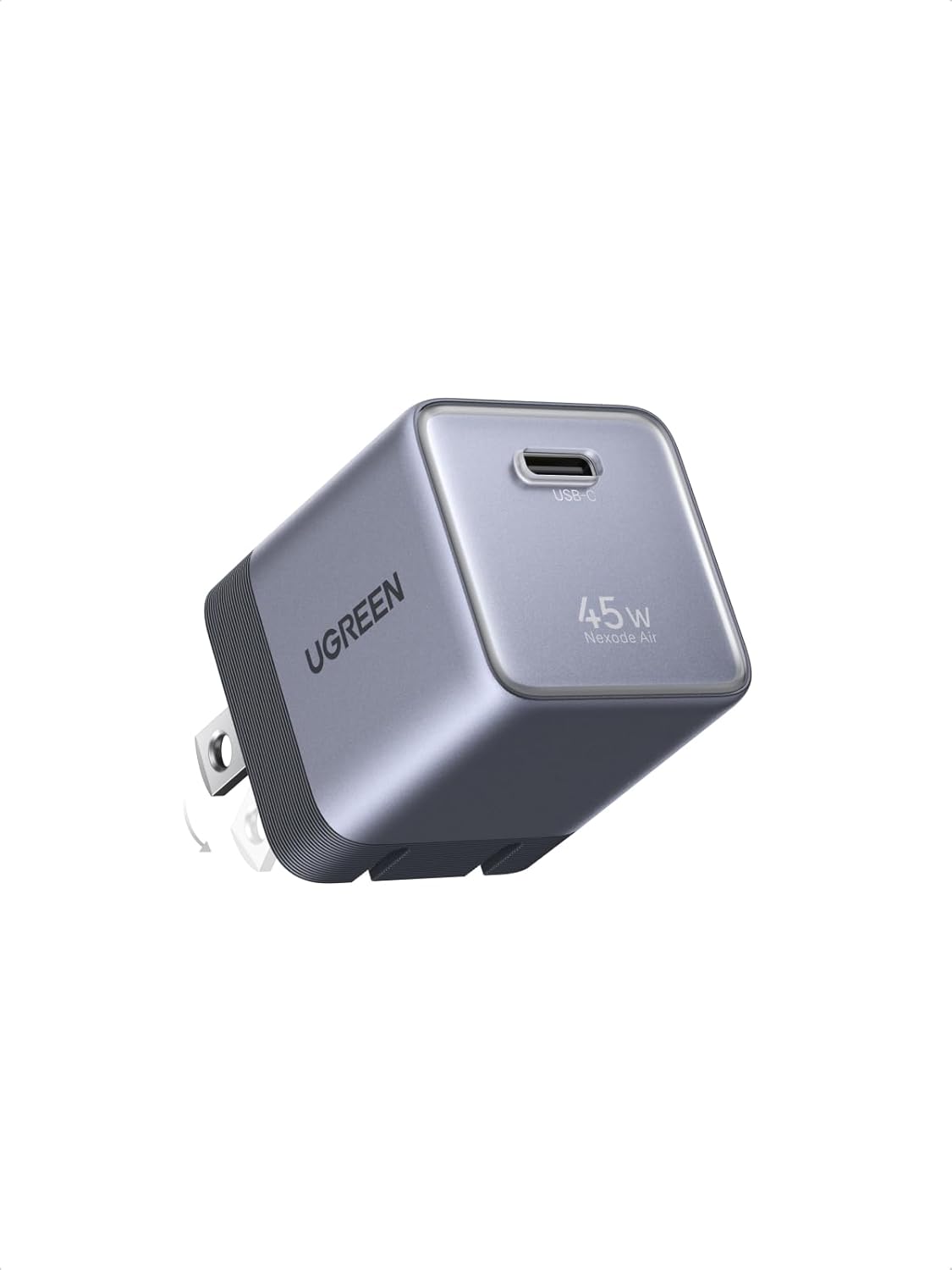 UGREEN Nexode Air 45W USB-C Charger Block
Compact foldable GaN charger for phones, tablets, and light laptop charging.
View on Amazon
UGREEN Nexode Air 45W USB-C Charger Block
Compact foldable GaN charger for phones, tablets, and light laptop charging.
View on Amazon