So, I kinda included a lot of scripts in my game all at once and I have a few major issues that I'm not sure how to solve. I have so many scripts that work fine that I'm just thankful I don't have more issues than this. 1st Issue: I have Khas's Awesome Lighting script on here, but I also have Dekita & Venka's Resolution Selection script. I know that Khas's lighting system has it set up so that the script itself tells the screen what dimensions to tint, but isn't...
So, I kinda included a lot of scripts in my game all at once and I have a few major issues that I'm not sure how to solve. I have so many scripts that work fine that I'm just thankful I don't have more issues than this.
1st Issue: I have Khas's Awesome Lighting script on here, but I also have Dekita & Venka's Resolution Selection script. I know that Khas's lighting system has it set up so that the script itself tells the screen what dimensions to tint, but isn't there a way I could tint the screen with a image that I could have at different resolutions so the image resizes accordingly? How could I change the script for this? I don't want to break the script trying to edit it when I don't know a lick of Ruby scripting. (if you don't know, the resolution script makes use of separate folders for any images which may need to be resized. Within the graphics folder, say there is a 1366x768 folder with images of that size so that the game refers to those instead of using the default size. (544x416 or 640x480)
2nd Issue: I have Moghunter's Animated Title Screen installed, but the resolution selector script adds a title menu option. Now the shutdown option doesn't show but the resolution one does. I can still choose shutdown but it doesn't show the words or animate it correctly; It's like the resolution knocked shutdown off of the top 3 leaderboard. Is there anyone out there who understands Moghunter's Animated Title script that can help me force it into actually animating a 4th menu option the same as the default 3?
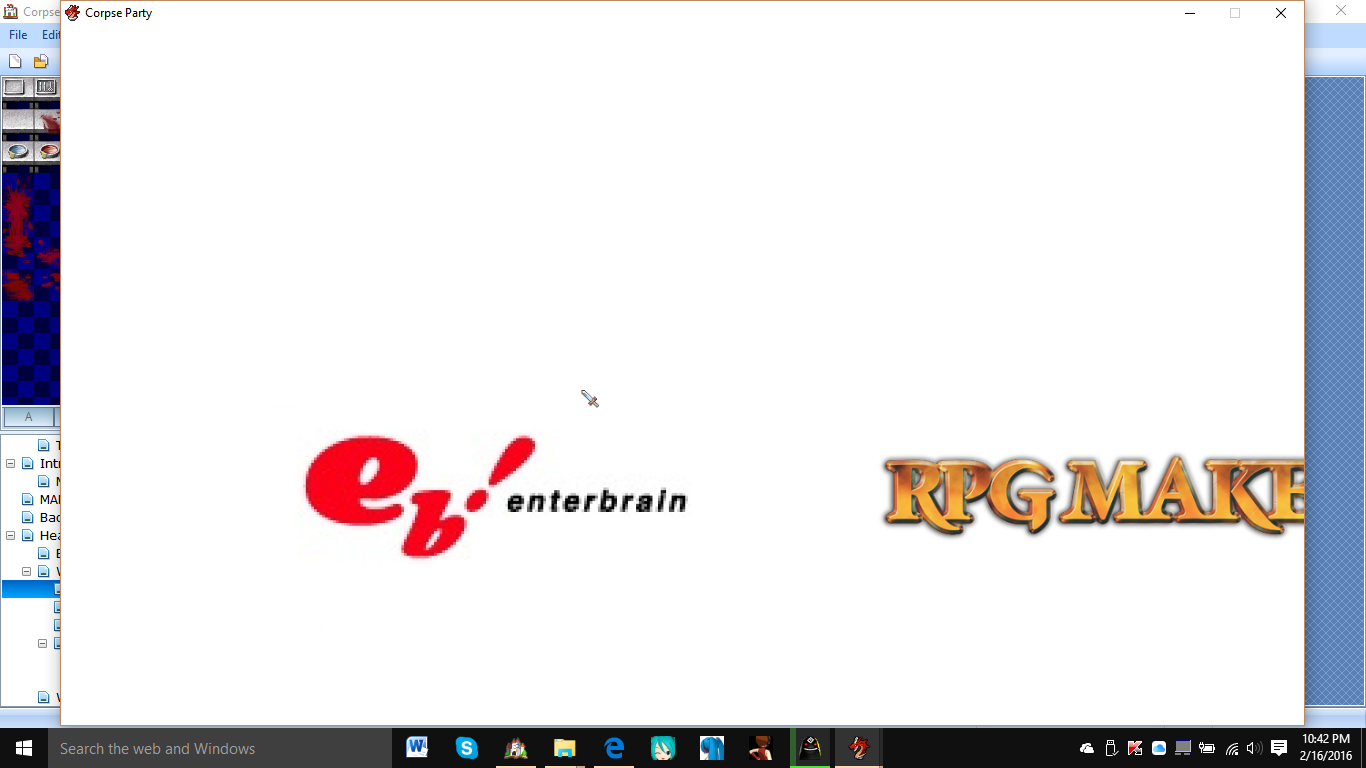
3rd Issue: Also relating to the resolution selector script, there seems to be a major flaw in the design. 1366x768 is my native resolution, but RPG Maker only expands as far as the Windows 10 startup bar before stopping, and doesn't even try to go all the way horizontally. The game's graphics expand accordingly fine, but the window itself does not expand correctly. It does this with every resolution that goes larger vertically than the usable desktop area. The game doesn't expand as far as it can horizontally no matter what. The window seems to be stuck at about 720p but the graphics themselves aren't. How can I fix this? Is there a way to remove the window around it so the actual game can expand more. How much would that really help?
As for any informations you may need, I'll list as many scripts as I can. I believe these are all of them, though:
- Claimh's Battle System Scripts
- Kal's Change Battleback Script
- Khas's Awesome Lighting Effects
- TDS's Low Health Sound Script
- Tsukihime's Gameover Events Script
- mjshi's More Informative Saves Script
- Moghunter's Animated Title Script
- Moghunter's Picture Gallery Script
- Galv's Music Player
- Galv's Shop Upgrade
- Galv's Menu Themes
- Galv's Message Background
- Galv's Message Busts
- Zeus Fullscreen++
- Zeus Video
- Theo's Insane Anti-lag
- karins_soulkeeper's Better Drops Script
- Mr. Trivel's Movement Healing Script
- Shaz's Mouse Script
- Yanfly Core Engine
- Yanfly's Victory Aftermath
- Yanfly's State Animations
- Yanfly's Class System
- Yanfly's Save Engine
- Yanfly's NewGame+
- Yanfly's Party System
- Yanfly's Item Menu
- Yanfly's System Options
- Yanfly's Parallax Lock
- Yanfly's Message System
- Yanfly's Status Menu
- Yanfly's Event Chase Script
- and a couple of small bugfixes
Protected download



 Amaran Halo 100X COB LED Video Light
Compact bi-color studio light for YouTube, TikTok, product shots, and live streaming.
View on Amazon
Amaran Halo 100X COB LED Video Light
Compact bi-color studio light for YouTube, TikTok, product shots, and live streaming.
View on Amazon