Hello guys! I need help… I hope this is the place to post this, I wasn’t sure. I think my problem is between a script, a timer and a variable. So what I was trying to do is create a ‘betting minigame’ in which the player has to gather more points (by defeating more monsters) than the NPC in a certain amount of time. So I got myself a timer, a ‘Score’ variable and Galv’s Respawn Timer Script.
Hello guys! I need help… I hope this is the place to post this, I wasn’t sure.
I think my problem is between a script, a timer and a variable.
So what I was trying to do is create a ‘betting minigame’ in which the player has to gather more points (by defeating more monsters) than the NPC in a certain amount of time.
So I got myself a timer, a ‘Score’ variable and Galv’s Respawn Timer Script.
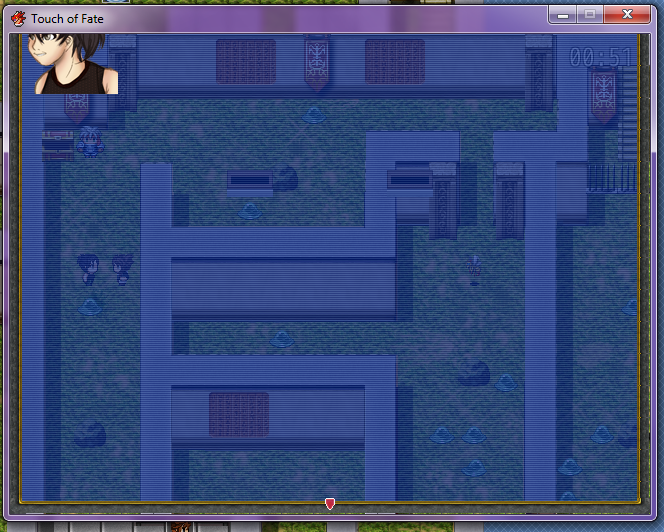
Though somewhere along the way I did something horribly wrong and ended up with an overfed Speech Box.
Protected download
What happens is… you talk to the NPC, the timer starts, all is good. After the first battle the speech box gets smaller by one line.
Protected download
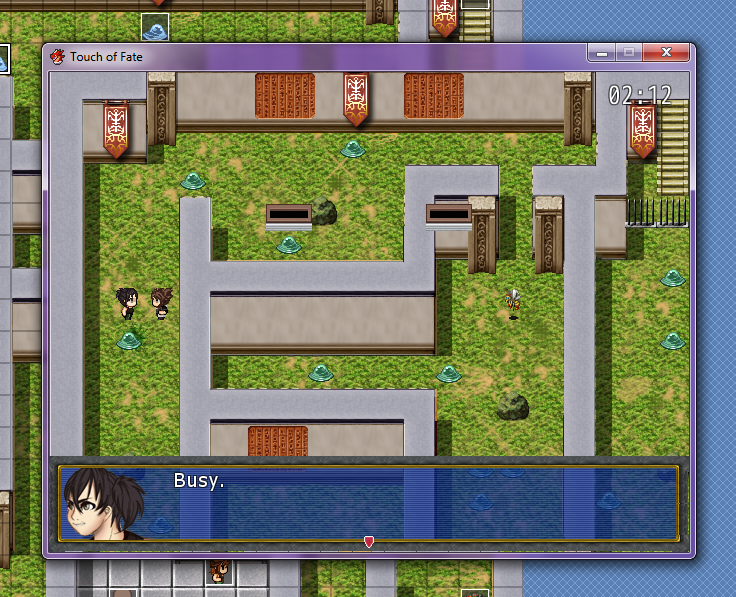
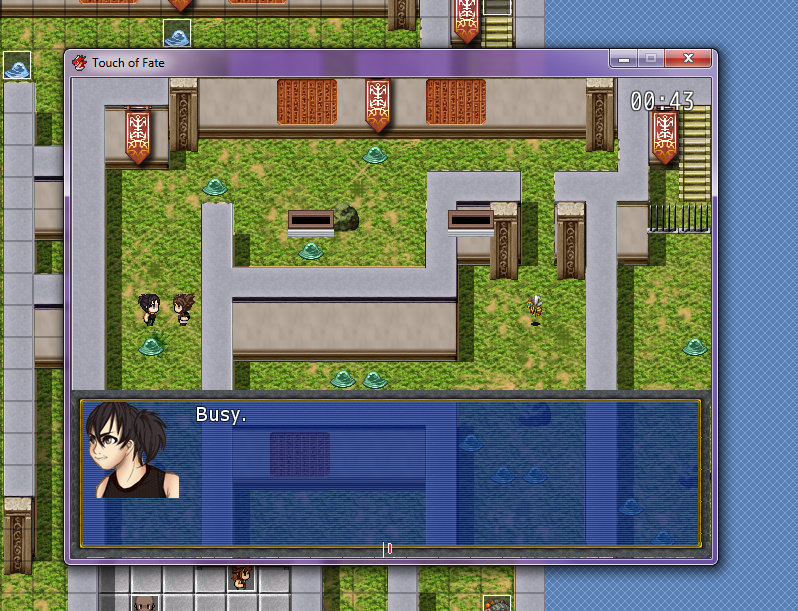
After the second battle it gets larger by one line and from then on it keeps growing.
Protected download
This happens precisely at the end of the battle, should the player run, or the timer stop mid-battle the speech box will remain as was. And this is permanent… save-and-loading won’t fix it.
I tried stuff… I erased the timer but kept the ‘Score’ variable and no problem whatsoever. Then I tried having an event setting the score to 0 and the window went back to its original size.
Here are the scripts I’m using in case you need to see them…
http://1drv.ms/1RnUqCk
Does anyone know how to fix this? And how did I manage to mess up the speech box of all things???
Thank you!




 Playstation DualSense Charging Station
Dock-style charging station for keeping two DualSense controllers ready between sessions.
View on Amazon
Playstation DualSense Charging Station
Dock-style charging station for keeping two DualSense controllers ready between sessions.
View on Amazon
