Preserved forum archive. This topic stores the original first post and locally mirrored RPG Maker Web attachments when available. It is posted by the BMMPlay archive account, not by the original creator.
Original Source
Original title: Help with Scripts! (High Fantasy Resource Pack)
Source forum path: Game Development Engines > Ruby Game System (RGSS) Scripts > RGSSx Script Support
Summary
Hello, I have a few questions about scripting. Can someone please give me some scripts for the following things, because I am not very good with coding scripts. (pictures included) 1. Is there a way I can make my characters walk in 8 directions? I'm using the High Fantasy packs for VX Ace and I noticed some characters are split into two different sheets, one in normal directions, and another in diagonal directions. I want to know if I can use them both so when the player presses, for example,...
Archived First Post
Hello, I have a few questions about scripting. Can someone please give me some scripts for the following things, because I am not very good with coding scripts. (pictures included)
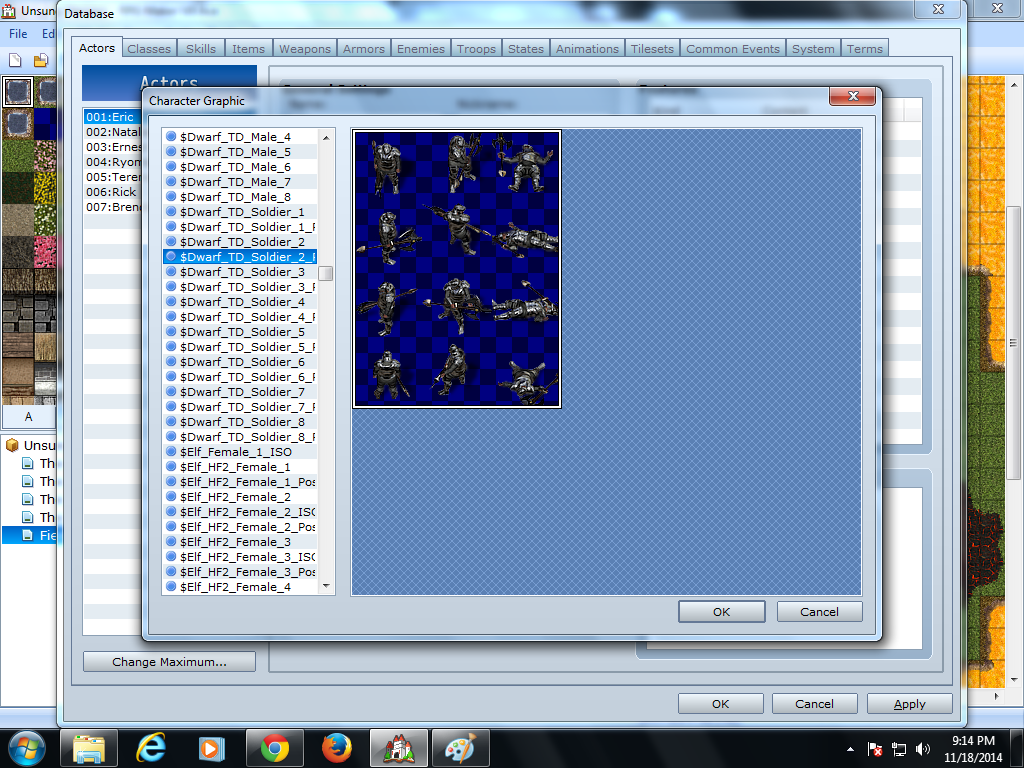
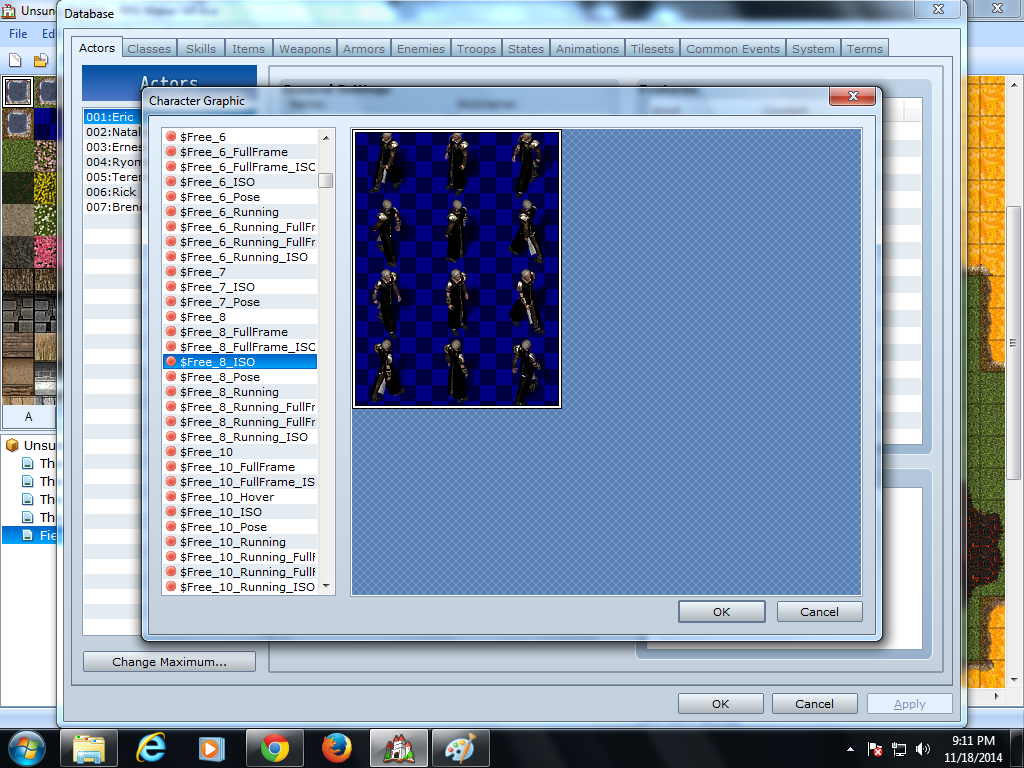
1. Is there a way I can make my characters walk in 8 directions? I'm using the High Fantasy packs for VX Ace and I noticed some characters are split into two different sheets, one in normal directions, and another in diagonal directions. I want to know if I can use them both so when the player presses, for example, S for south and D for west at the same time, they get another animation for south-west.
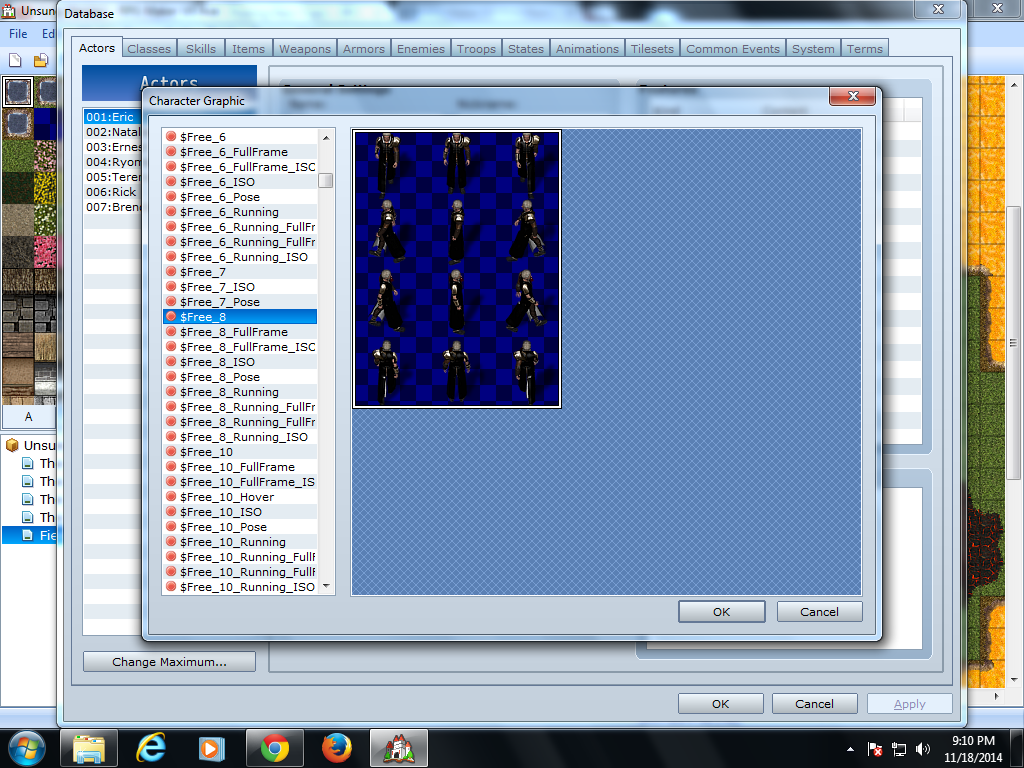
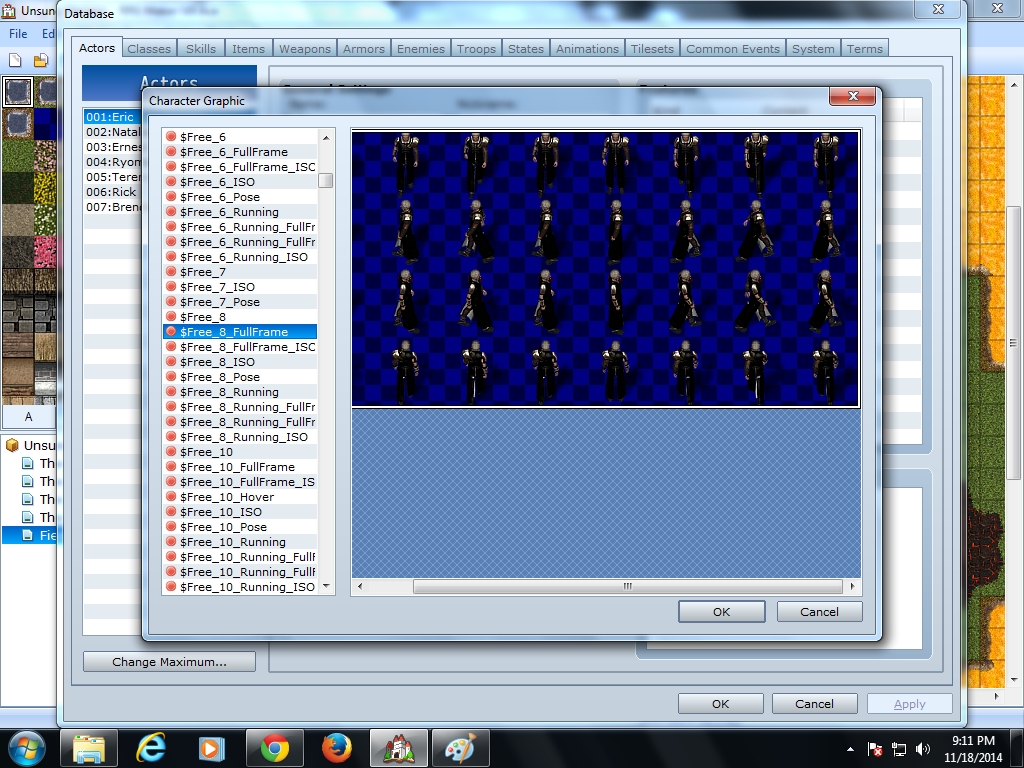
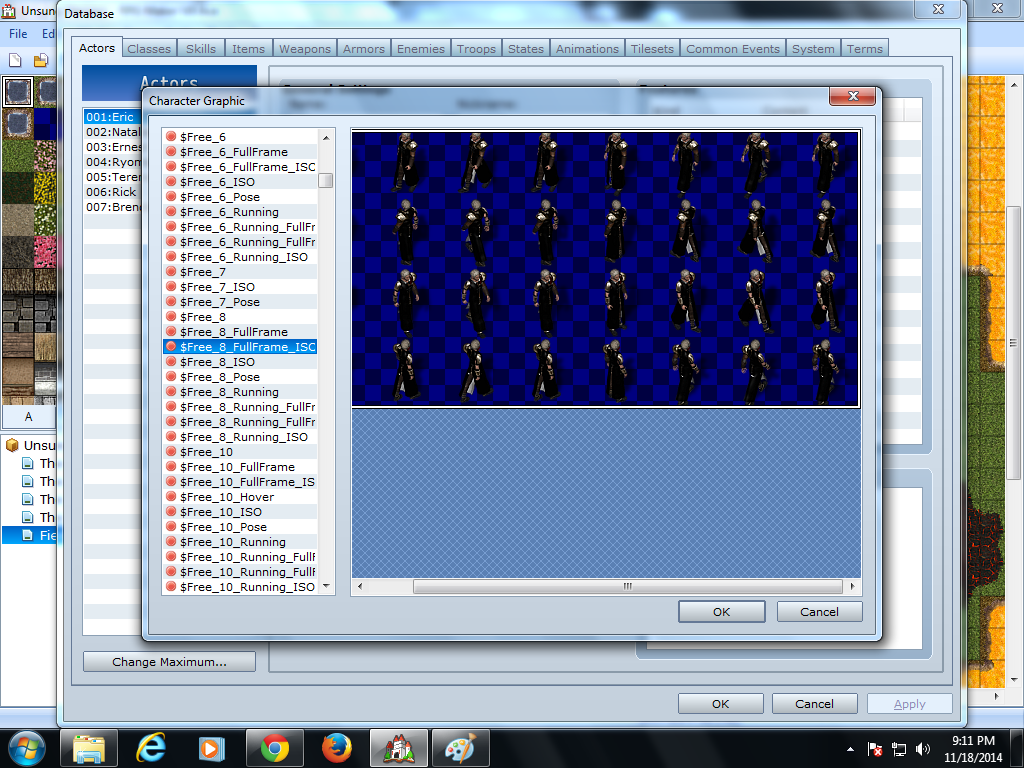
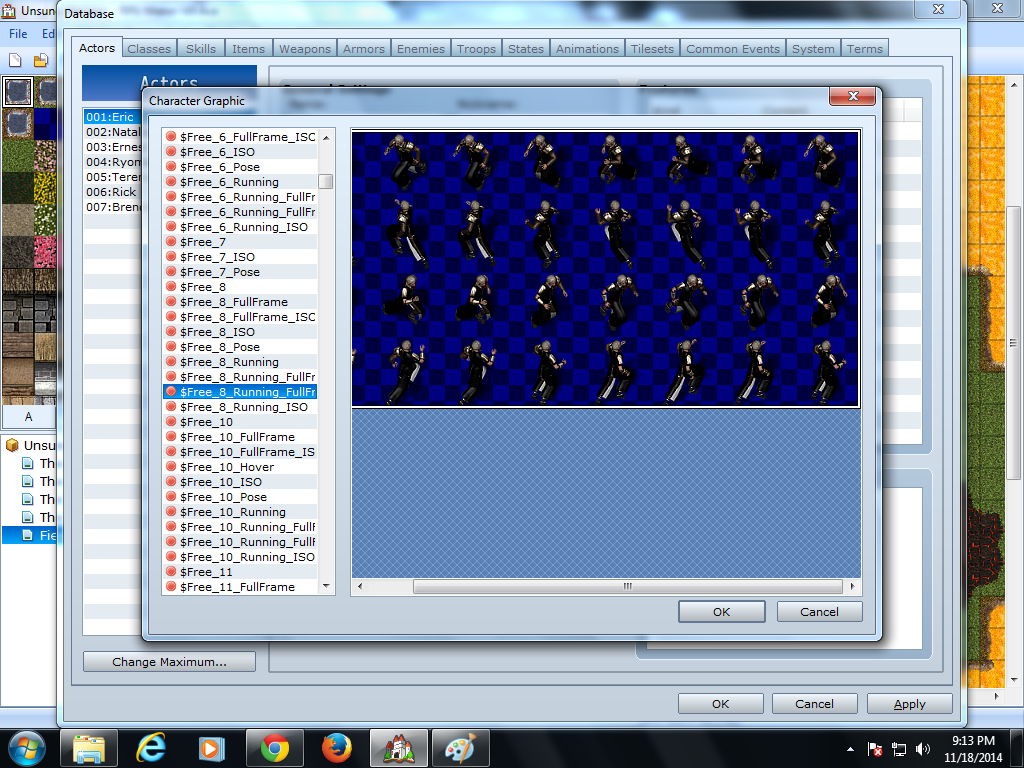
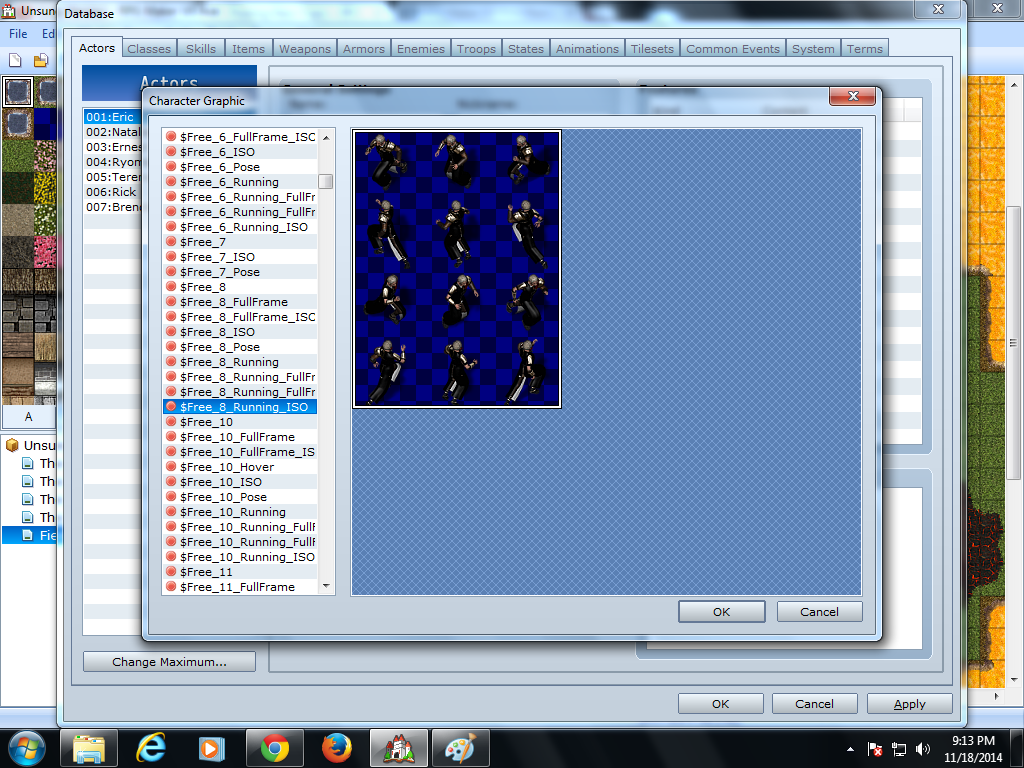
2. In the High Fantasy packs, there are graphics where some characters have 2 sheets, one of 4 animations per direction and another of 8, including diagonal directions. When I try to use the one for 8, my game shows up as showing 3 animations at the same time. I wanna know if I can fix this.
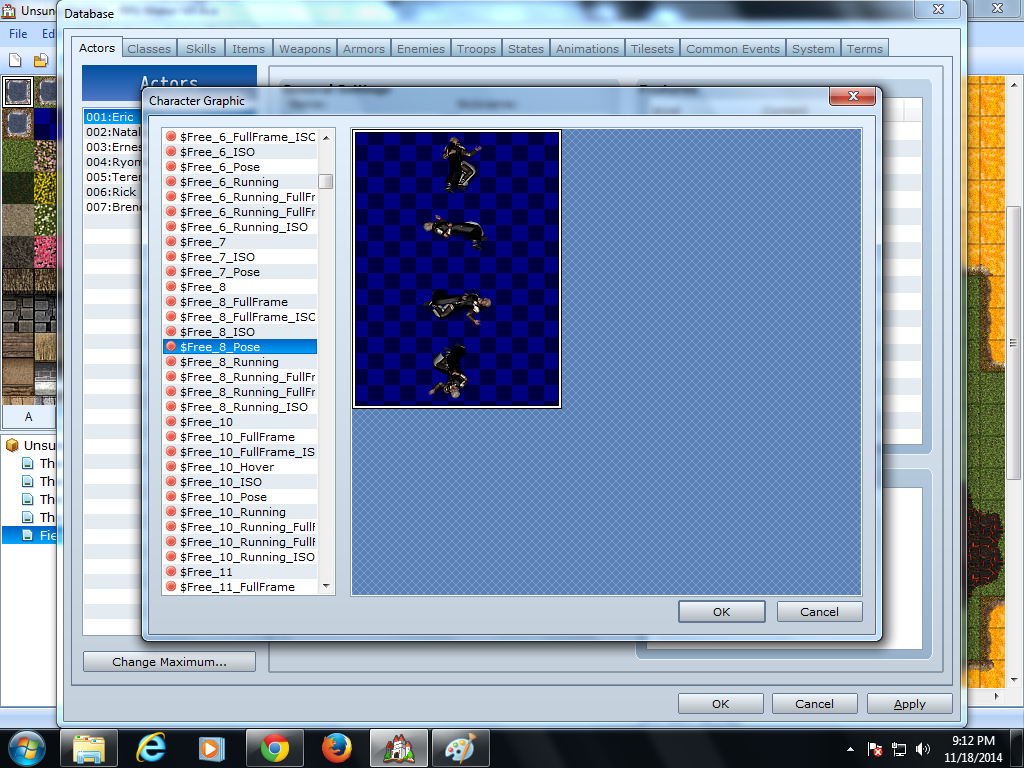
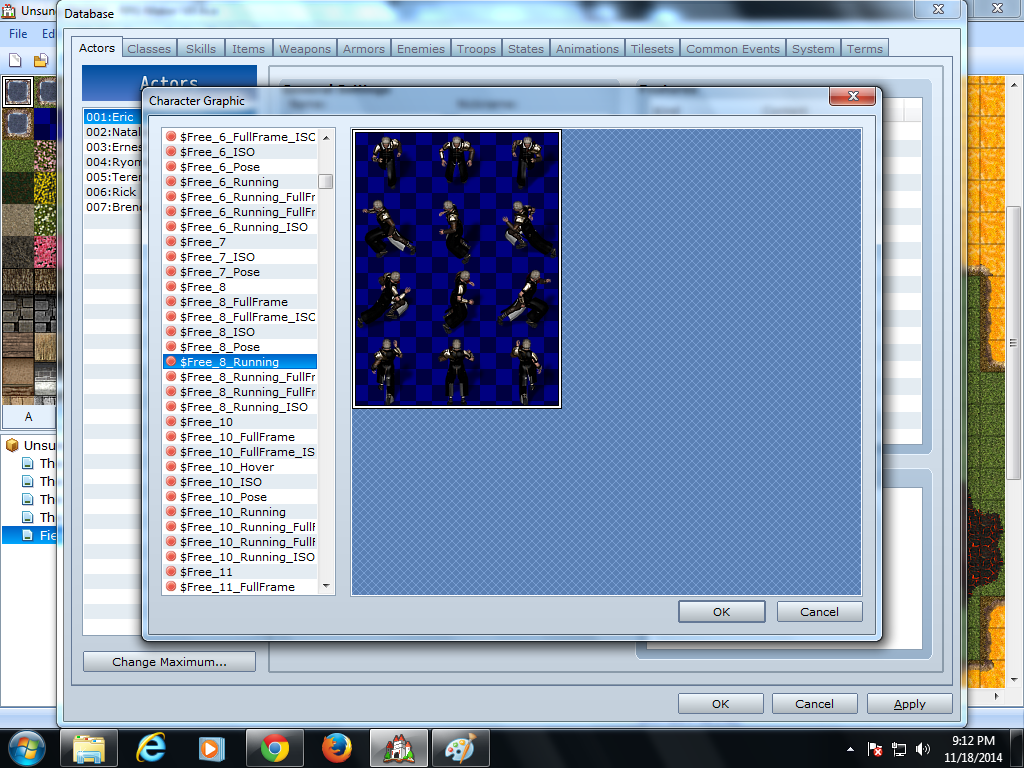
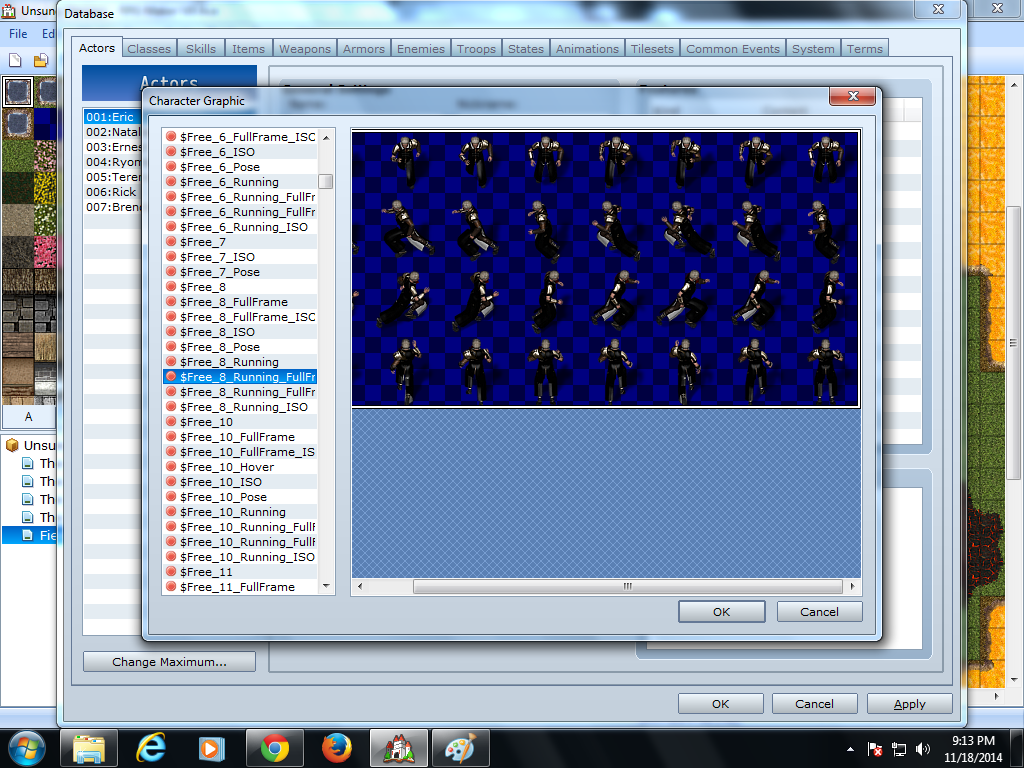
3. In the High Fantasy packs, some characters have a sheet where they walk and another where they run (including diagonal directions. I know with default VX Ace scripts, holding down shift makes a character "run" by just speeding up the animation, but I want to incorporate the running animation so my character can change animation AND speed up when they press shift.
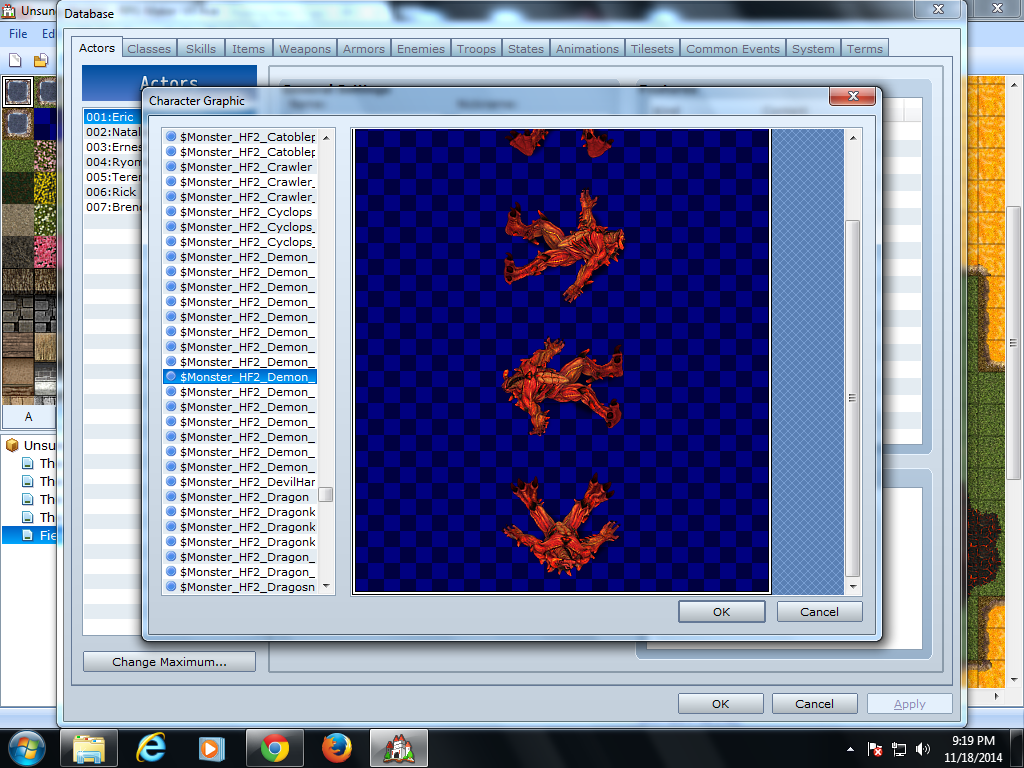
4. In the high Fantasy packs, most characters and enemies come with two other sheets where they attack and die, while still in the map. I want to use these for my game, so does anyone know how to take away the default combat system and how to add in a map-based combat system?
Thanks for all your help!!!
Protected download
Protected download
Protected download
Protected download
Protected download
Protected download
Protected download
Protected download
Protected download
Protected download
Protected download
Downloads / Referenced Files
Log in to download
Log in, then follow the RPG Maker Developers Group to see these download links.
If you are the original creator and want this listing reassigned, edited, or removed, join BMMPlay and contact the moderators with proof that matches the original RPG Maker Web profile, linked GitHub, itch.io page, or another public creator identity.




 ULANZI D200X Creative Deck Macro Keyboard
Programmable shortcut deck for OBS, streaming controls, editing macros, and studio workflows.
View on Amazon
ULANZI D200X Creative Deck Macro Keyboard
Programmable shortcut deck for OBS, streaming controls, editing macros, and studio workflows.
View on Amazon