SWAG GRID INVENTORY Bring the tactical depth and satisfying item management of classic ARPGs to your game! Tired of the default list inventory? Swag Grid completely overhauls the RPG Maker MV inventory system, replacing it with a fully interactive, "Tetris-style" grid. Perfect for survival horror (Resident Evil), loot fests (Diablo), or just a sleek modern UI!
SWAG GRID INVENTORY
Bring the tactical depth and satisfying item management of classic ARPGs to your game!
Tired of the default list inventory?
Swag Grid completely overhauls the RPG Maker MV inventory system, replacing it with a fully interactive, "Tetris-style" grid. Perfect for survival horror (Resident Evil), loot fests (Diablo), or just a sleek modern UI!
DOWNLOAD
 Core Features
- Custom Item Shapes: Go beyond 1x1 squares! Create 1x2 swords, 2x2 armors, or complex L/T-shapes.
- Item Rotation: Right-click or Shift to rotate items and optimize backpack space (Tarkov style!).
- Smart Auto-Sort: Perfectly pack the inventory with a single click.
- Expandable Backpacks: Create consumable items (like "Leather Pouch") that permanently add new rows to the grid!
- Direct Equipping: Click an item -> Hit "Equip" -> Choose a character. No menu diving needed.
- Epic Visuals: Rarity glows (Common to Legendary), custom high-res item graphics (no more tiny 32x32 limits!), and customizable tab filters.
- Deep Info Panel: Displays comprehensive details including full Traits (resists, speed) and Effects (healing, buffs).
️ Easy Setup (Notetags)
Setting up is incredibly easy via the item Notes box.
Code:
<GridSize: 2x3>        // Basic rectangular items
<StackLimit: 10>       // Max items per slot
<Rarity: 4>            // Epic rarity glow
<GridImage: BigSword>  // Uses a custom HD image instead of an icon
<BackpackExpansion: 2> // Consuming adds 2 rows to inventory
Use 1s (solid) and 0s (empty) to draw your shape. Example of an L-shaped key:
Code:
<GridShape>
1 0
1 0
1 1
</GridShape>
 Compatibility & Specs
- Engine: RPG Maker MV (v1.6+)
- Customization: Plug-and-play. Change colors, UI text, SFX, and sizes directly in the Plugin Manager.
- Languages: Native English & Russian support.
Terms of Use: Free for Commercial and Non-Commercial use. Credit required!
DOWNLOAD HERE
Terms of Use: Free for Commercial and Non-Commercial use. Credit required! DOWNLOAD HERE




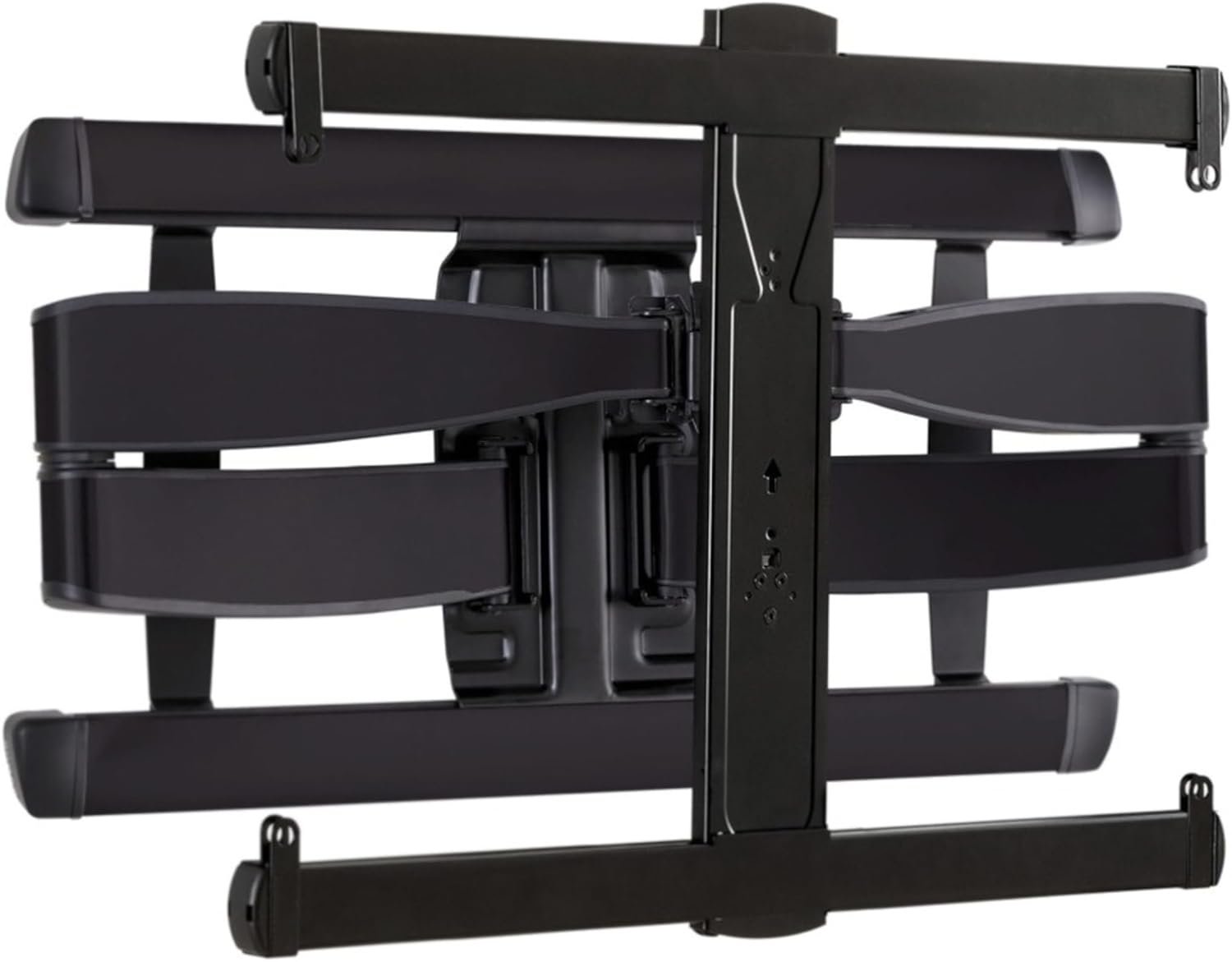 SANUS Advanced Full-Motion TV Wall Mount
Full-motion TV mount for flexible viewing angles and a cleaner entertainment wall.
View on Amazon
SANUS Advanced Full-Motion TV Wall Mount
Full-motion TV mount for flexible viewing angles and a cleaner entertainment wall.
View on Amazon