What does The plugins do? The main goal of this plugin is to provide the possibility to add more state overlay than the default set. To add a new overlay put a new line in the State.png file located in YourGameFolder/img/sytem/ Then use in the note of a state and replace the 'x' by the line number of your new overlay.
What does The plugins do?
The main goal of this plugin is to provide the possibility to add more state overlay than the default set.
To add a new overlay put a new line in the State.png file located in YourGameFolder/img/sytem/
Then use <STATE ANIMATION: x> in the note of a state and replace the 'x' by the line number of your new overlay.
Right click and save-as hte plugin link to get it.
https://serial-player.fr/download/rpgmaker/plugins/MoreStateOverlay/MoreStateOverlay.js
Here a State.png file modifier with bleeding overlay.
In the file above the bleeding overlay is at the 11nth ligne.
Now a little bit of configuration :
Then a video to show the result
https://serial-player.fr/download/rpgmaker/plugins/MoreStateOverlay/bleeding.mp4
Changelog :
- Version 1.04:Fixed the incompatibility problem with Yanfly's Animated Battlers. ( Please tell me if you have other problem with it)
- Version 1.03:Change the way how enemy animation overlay is activated.
- If you're using Yanfly's Animated Battlers plugin please set EnemyOverlay to false in order avoid conflict between Yep plugins an mine. ( i will try to fix this quickly)
[*]
Version 1.02
- Add an enemy overlay possibility.
- Add a param to activate or not enemy overlay.
- The enemy overlay animation also work in front view battle
[*]
Version 1.01
- Correcting a bug that set default state overlay to none.
Complementary information :
The 'enemy overlay' update Override some of the enemy State animation/icon.
Please let me know if you have any trouble.
Feel free to use it in your projects.
If you can notice me i will be very Happy






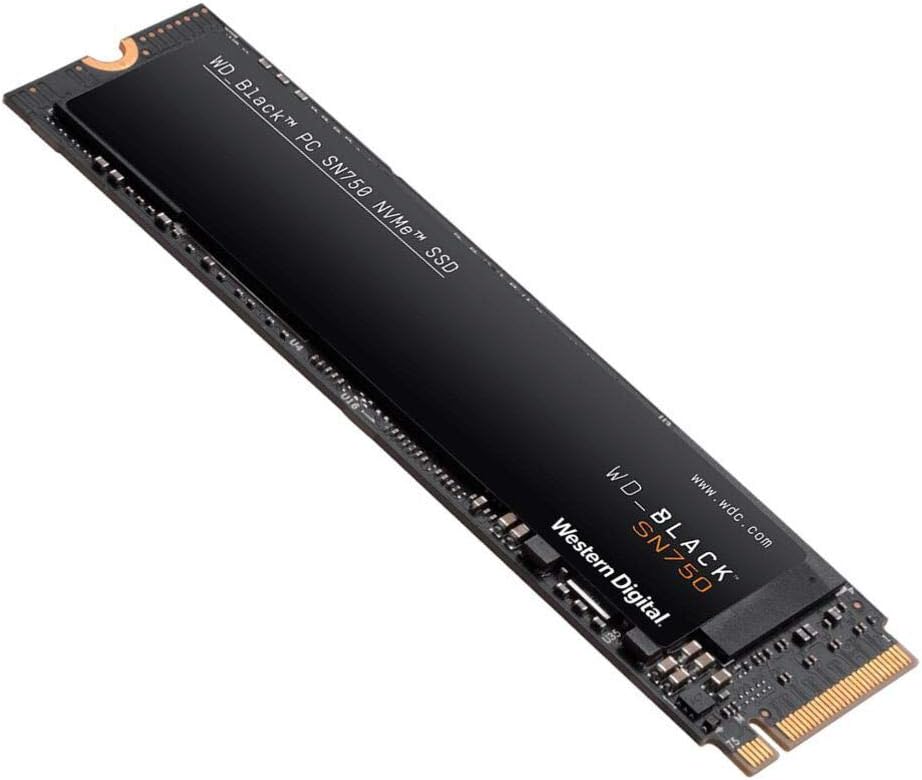 WD_BLACK 2TB SN750 NVMe Internal Gaming SSD
High-capacity NVMe storage pick for expanding a gaming PC or performance setup.
View on Amazon
WD_BLACK 2TB SN750 NVMe Internal Gaming SSD
High-capacity NVMe storage pick for expanding a gaming PC or performance setup.
View on Amazon
