Preserved forum archive. This topic stores the original first post and locally mirrored RPG Maker Web attachments when available. It is posted by the BMMPlay archive account, not by the original creator.
Original Source
- Original title: Window Background Image/Mapshot with Effects
- Original author: ct_bolt
- Original date: November 26, 2019
- Source thread: https://forums.rpgmakerweb.com/threads/window-background-image-mapshot-with-effects.115638/
- Source forum path: Game Development Engines > RPG Maker Javascript Plugins > JS Plugin Releases (RMMV)
Summary
Description: Display a custom image "behind" messagebox, pictures, busts. (animated effect optional) Features:
Archived First Post
Description:
Display a custom image "behind" messagebox, pictures, busts.
(animated effect optional)
Features:
How To Use:
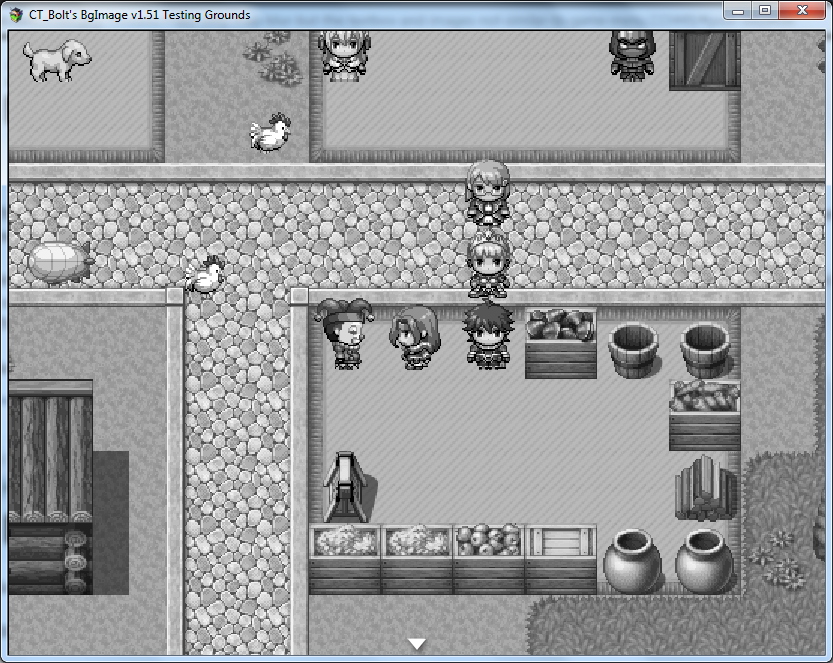
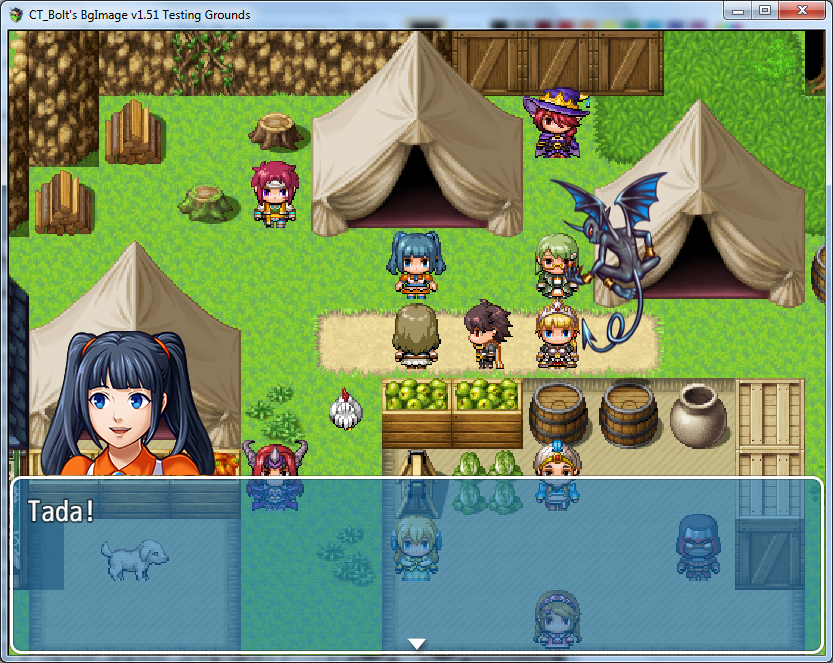
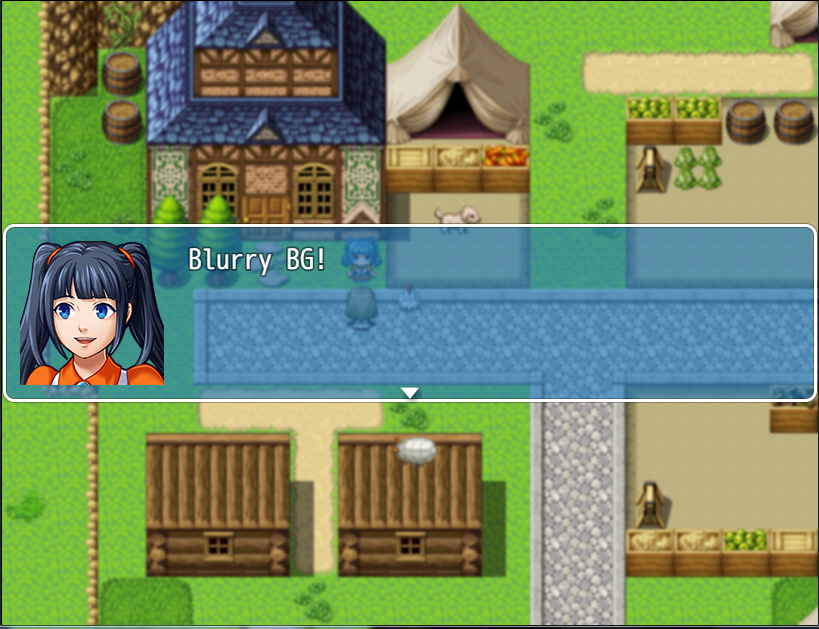
Screenshots:
Demo Download:
CT_Bolt's BgImage v1.51 (Testing) Demo: Click here To Download
Plugin Page:
ct-bolt.itch.io
History Log:
Version 1.00 Initial Release (11/22/2019)
Version 1.10 Pictures now also displayed with no blur (11/22/2019)
Version 1.20 Galv Busts now also displayed with no blur (11/22/2019)
Version 1.30 Rewrote how the plugin works
Version 1.40 Rewrote how the plugin works (again lol)
Version 1.51 Major Update, Many New Features & Bugfixes
Original Request Thread:
Click Here to View Thread (Requested by Hisao Shou)
Credits:
None necessary, no credit needed.
Happy Game Making!
Terms Of Use:
Use anyway you'd like. Feel free to make modifications even.
Display a custom image "behind" messagebox, pictures, busts.
(animated effect optional)
Features:
Custom image "behind" messagebox, pictures, busts.
Create a "snap" of current screen (excludes windows, pictures, busts)
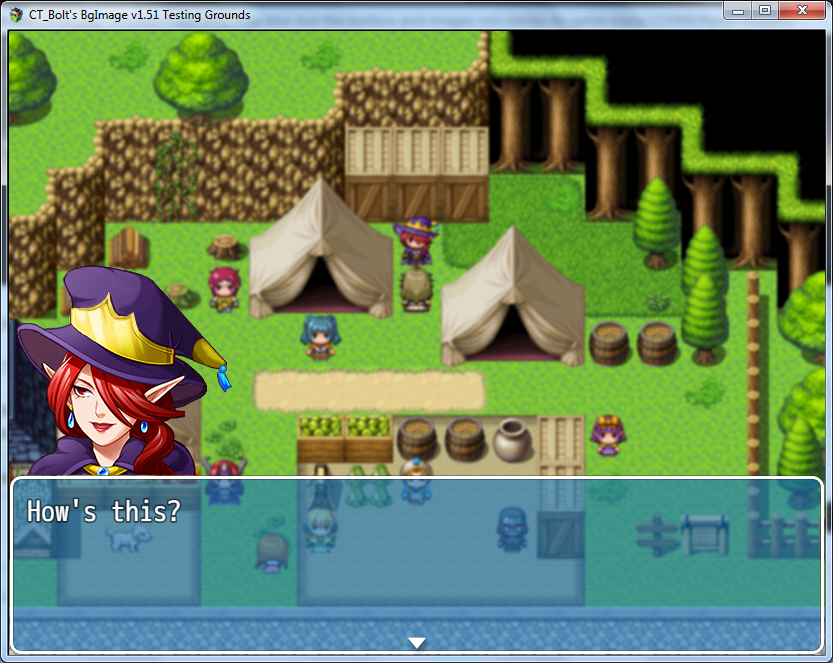
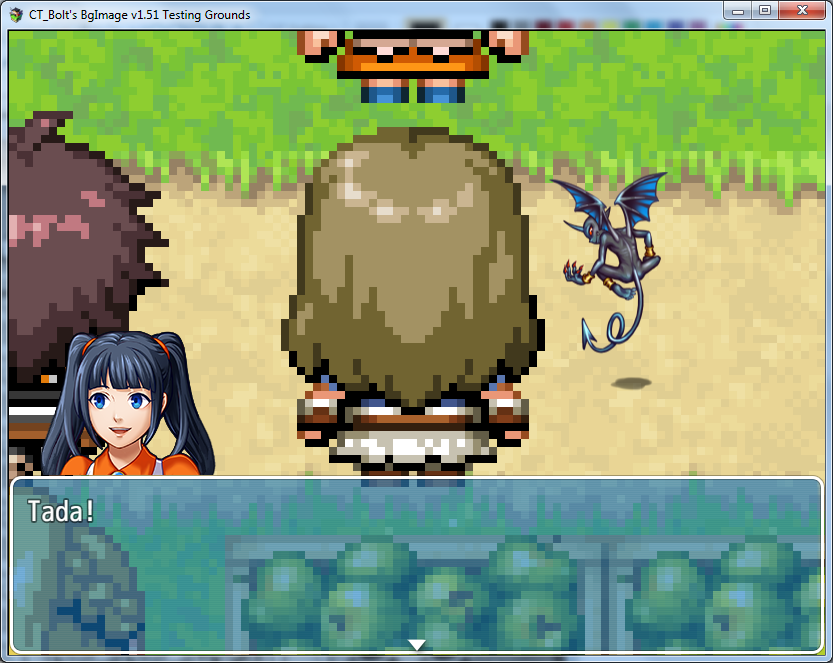
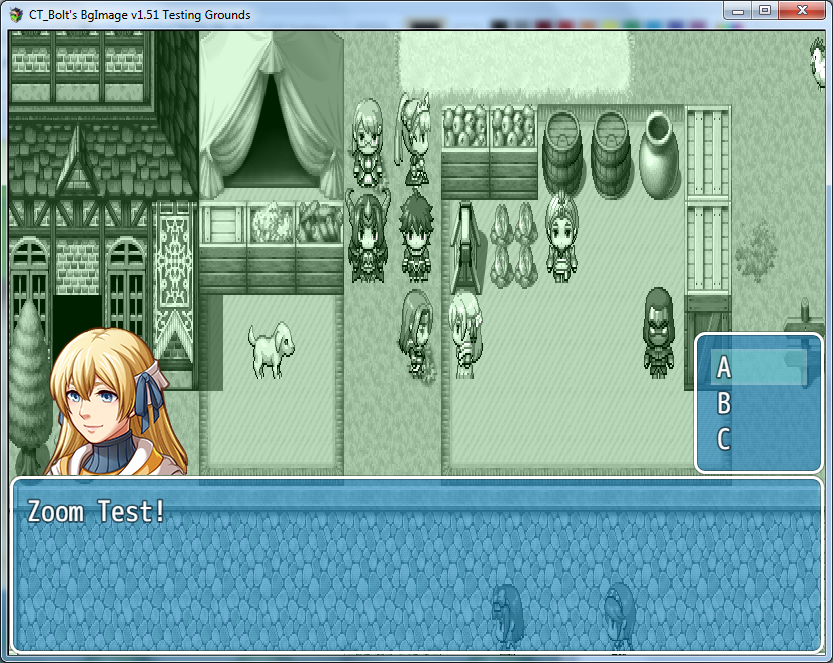
Add Blur, Rotation, Scale, Zoom, Transform, ColorTone Effect to BgImage
Optional Animated Effect
Ability to "Pause" Events on Map
Create a "snap" of current screen (excludes windows, pictures, busts)
Add Blur, Rotation, Scale, Zoom, Transform, ColorTone Effect to BgImage
Optional Animated Effect
Ability to "Pause" Events on Map
How To Use:
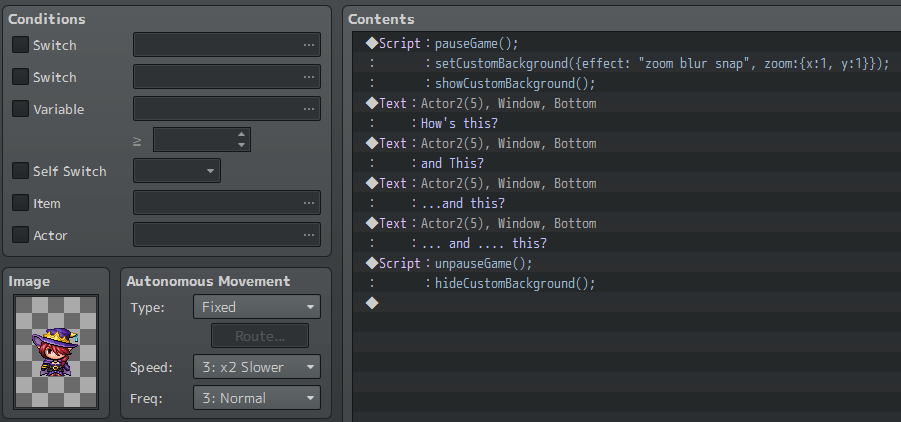
Basic example (Pause/Snapshot/Blur>Message(s)>Unpause/HideCustomBG):
Code:
pauseGame();
setCustomBackground({effect: "zoom blur snap", zoom:{x:1, y:1}});
showCustomBackground();
Code:
<<Display Message(s) Here>>
Code:
unpauseGame();
hideCustomBackground();
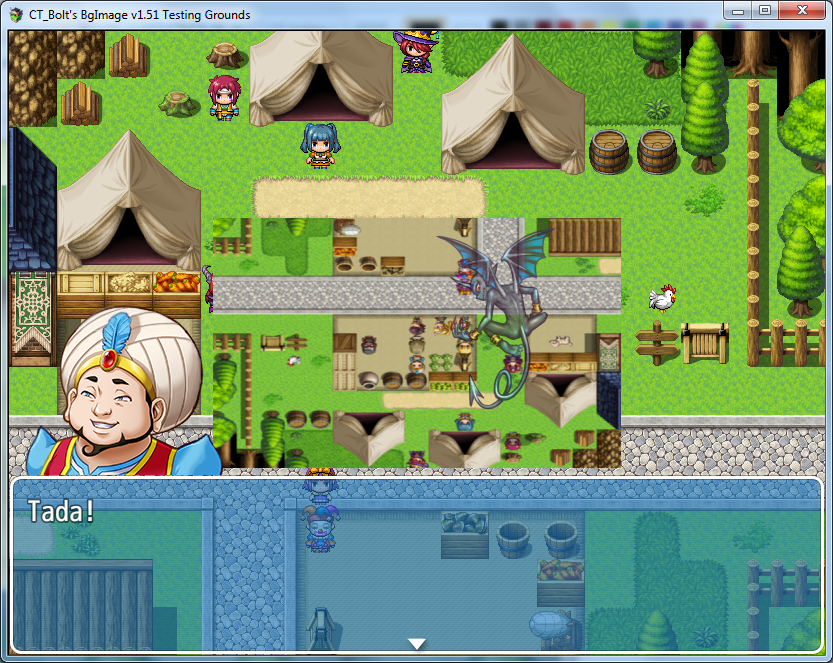
Screenshots:
Demo Download:
CT_Bolt's BgImage v1.51 (Testing) Demo: Click here To Download
Plugin Page:
[RMMV] Background Screenshot by CT_Bolt
Display a customize-able snapshot of the background
ct-bolt.itch.io
History Log:
Version 1.00 Initial Release (11/22/2019)
Version 1.10 Pictures now also displayed with no blur (11/22/2019)
Version 1.20 Galv Busts now also displayed with no blur (11/22/2019)
Version 1.30 Rewrote how the plugin works
Version 1.40 Rewrote how the plugin works (again lol)
Version 1.51 Major Update, Many New Features & Bugfixes
Original Request Thread:
Click Here to View Thread (Requested by Hisao Shou)
Credits:
None necessary, no credit needed.
Happy Game Making!
Terms Of Use:
Use anyway you'd like. Feel free to make modifications even.
Features Mentioned
- Spoiler
- Custom image "behind" messagebox, pictures, busts.
- Create a "snap" of current screen (excludes windows, pictures, busts)
- Add Blur, Rotation, Scale, Zoom, Transform, ColorTone Effect to BgImage
- Optional Animated Effect
- Ability to "Pause" Events on Map
- How To Use:
- Basic example (Pause/Snapshot/Blur>Message(s)>Unpause/HideCustomBG):
- Code:
- pauseGame();
- setCustomBackground({effect: "zoom blur snap", zoom:{x:1, y:1}});
- showCustomBackground();
- unpauseGame();
- hideCustomBackground();
Downloads / Referenced Files
Log in to download
Log in, then follow the RPG Maker Developers Group to see these download links.
Log in to downloadLicense / Terms Note
Credits: None necessary, no credit needed. Happy Game Making! Terms Of Use:
Referenced Images / Attachments
Creator Claims / Removal
If you are the original creator and want this listing reassigned, edited, or removed, join BMMPlay and contact the moderators with proof that matches the original RPG Maker Web profile, linked GitHub, itch.io page, or another public creator identity.
Replies (0)
No replies yet.
0
replies
1
view
Topic Summary
Loading summary...