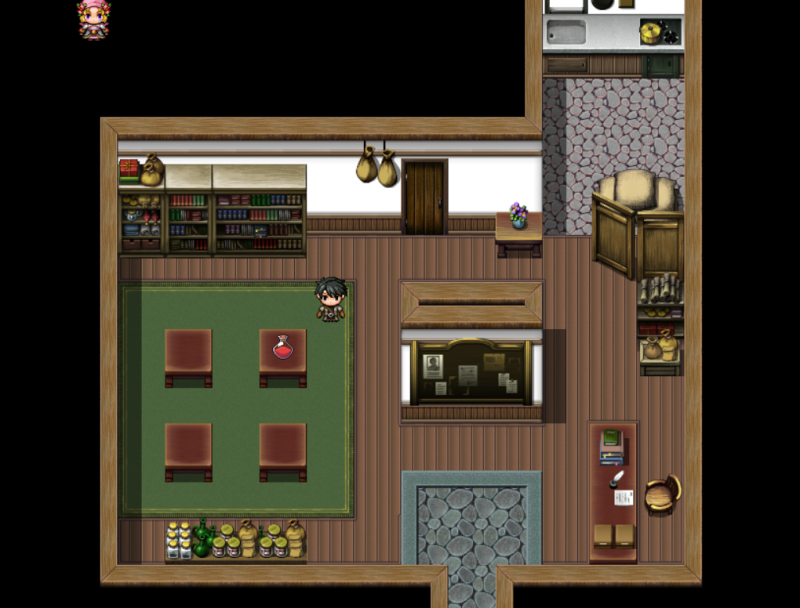
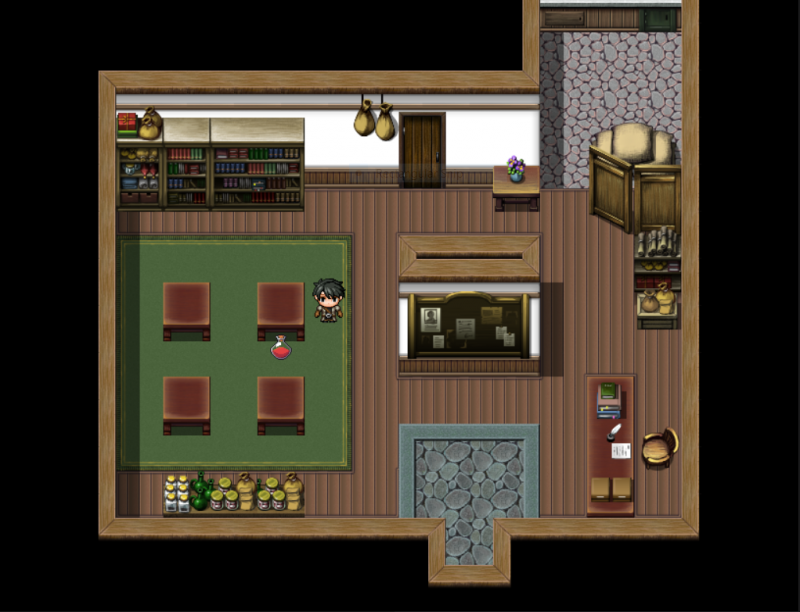
Hi. So I'm able to add a sprite into the Scene_Map. However, the sprite moves with the character relative to its x and y on the screen. How do I make it so it just stays in the specified position?
Protected download
Protected download
Here is the code for my sprite
Code:
Sprite_ItemIcons.prototype = Object.create(Sprite.prototype);
  Sprite_ItemIcons.prototype.constructor = Sprite_ItemIcons;

  Sprite_ItemIcons.prototype.initialize = function(item = {}, event){
    Sprite.prototype.initialize.call(this);

    this._item = item;
    this._event = event;

    this.createIcon();
    this.refreshIcon();
  }

  Sprite_ItemIcons.prototype.createIcon = function() {
    this._iconBitmap = ImageManager.loadSystem('IconSet');
    this._icon = new Sprite(this._iconBitmap);

    var x = this._event.screenX() - 16;
    var y = this._event.screenY() - 40;
    this.setTransform(x,y);

    this.addChild(this._icon);
  }

  Sprite_ItemIcons.prototype.refreshIcon = function() {
    var w = Window_Base._iconWidth;
      var h = Window_Base._iconHeight;
      var iconindex = this._item.iconIndex;
      var sx = iconindex % 16 * w;
      var sy = Math.floor(iconindex / 16) * h;
    this._icon.setFrame(sx,sy,w,h);
  }
Then I used this.addChild() from the Scene_Map class to add the sprite into the map.






 Playstation DualSense Charging Station
Dock-style charging station for keeping two DualSense controllers ready between sessions.
View on Amazon
Playstation DualSense Charging Station
Dock-style charging station for keeping two DualSense controllers ready between sessions.
View on Amazon