Description This plugin allows you to force pc, linux, android to read audio format you specified. Important note I have developed it for my game that uses RpgMakerMV 1.6.1, and I test in 1.6.2, it's all ok. It should be works in other versions.
Description
This plugin allows you to force pc, linux, android to read audio format you specified.
Important note
I have developed it for my game that uses RpgMakerMV 1.6.1, and I test in 1.6.2, it's all ok. It should be works in other versions.
License
The MIT License. Credits appreciated but not required.
Terms of Use
Free and commercial use and redistribution.
Known bugs
None, but tested only in RpgMakerMV 1.6.1 and 1.6.2.
Note and Changelog
Please put in this thread your experience with the plugin, errors that arise or anything else related.
Introduction
* This plugin allows to Change Audio's staff.
* Example:
* 1.It's very simple, so there's no example.
* 2.var support = AXY_Audio.showSupport(); //then you got a variable named as support that is your client support audios.
*
* changelog
* 1.02 2019.10.11
* add: support .wav, .webm, .aac, .opus;
* add: SupportText and NotSupportText;
* 1.01 2019.9.27
* add: ForcePCAudioExt and ForceMobileAudioExt
* change: priority list from .m4a, .ogg, .mp3, .flac to .ogg, .m4a, .mp3, .flac;
* 1.0 2019.9.26
* first release.
How to Use
- Download plugin in the link below.
- Place in your /RPG Maker MV/[YourGameTitle]/js/plugins/ folder.
- Open the Plugin Manager, and create a new entry at the bottom of the list
- Under the Name dropdown, find AXY_Audio.js near the bottom of the list.
- Customize the plugin parameters to the right and click OK.
- Click OK to exit the Plugin Manager, and save your project.
If you are updating, refresh the plugin in the Plugin Manager by opening the plugin in the list and clicking OK.
Download
https://github.com/aaixy/rmmv-plugins
My Best Practices
Force audio format to ogg, and then, you could be
deployed once and
used anywhere except the Apple platform.
How to?
1.deploy pc then you got a pc game pack;
2.into deployed pc, you will see a www folder, copy www to android assets folder, then build apk, now you got a android game pack;
3.And so on, you could use this www folder to web, to linux.
If you want to deploy to apple platform, you maybe need m4a.
License The MIT License. Credits appreciated but not required. Terms of Use Free and commercial use and redistribution.




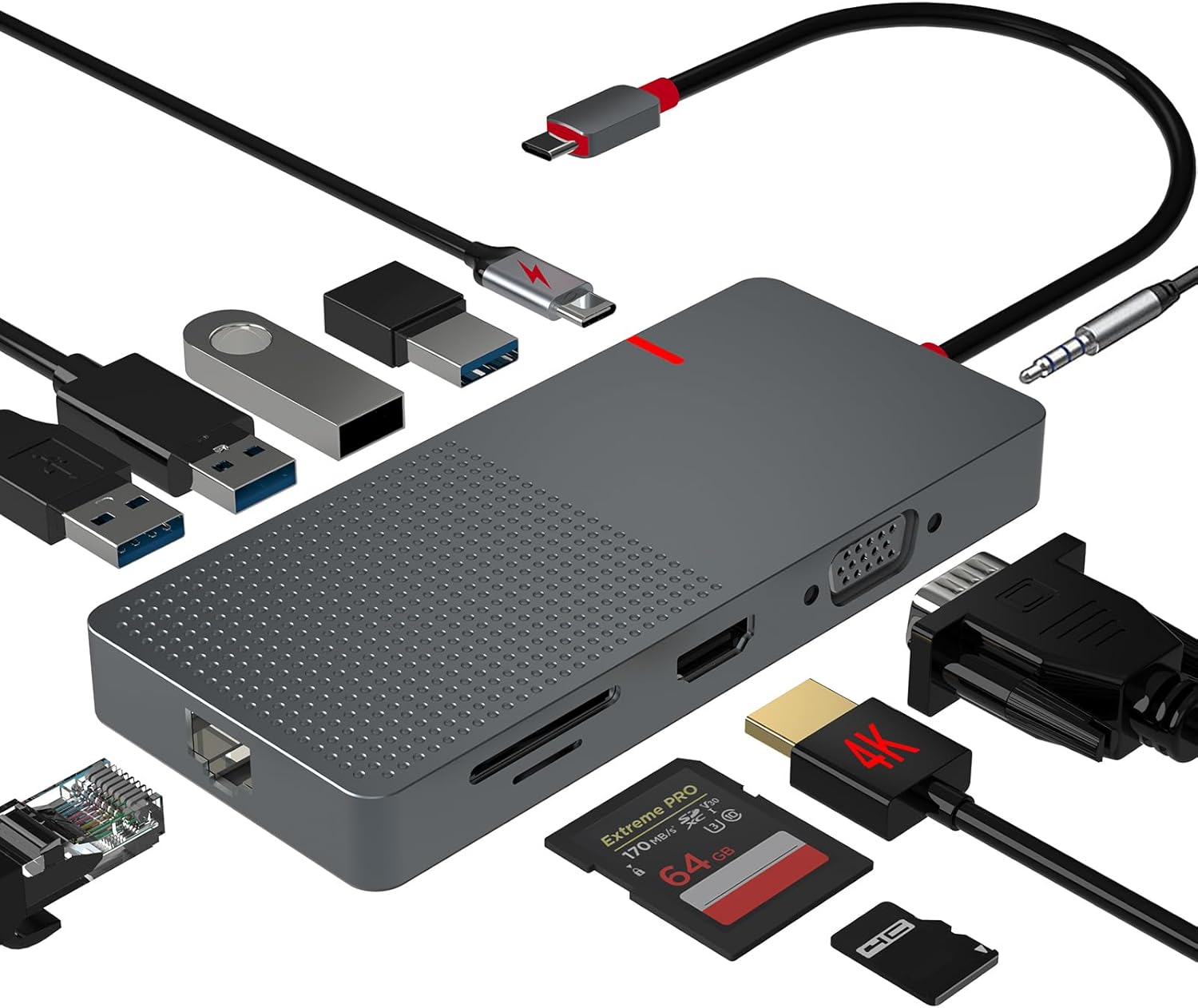 ANYPLUS USB C Docking Station Dual Monitor
Multiport USB-C dock for dual-monitor laptop desks and cleaner cable management.
View on Amazon
ANYPLUS USB C Docking Station Dual Monitor
Multiport USB-C dock for dual-monitor laptop desks and cleaner cable management.
View on Amazon
