Hammy - MKXP-Z Screenshot v1.01 Configurable screenshot capture with timestamped filenames for mkxp-z Introduction This script provides a screenshot capture system for RPG Maker VX Ace running on mkxp-z. It allows players to capture the current game screen and save it as a timestamped image file.
Hammy - MKXP-Z Screenshot v1.01
Configurable screenshot capture with timestamped filenames for mkxp-z
Introduction
This script provides a screenshot capture system for RPG Maker VX Ace running on mkxp-z. It allows players to capture the current game screen and save it as a timestamped image file.
#FF6B6B">AI Disclaimer: Generative AI was used to refine the documentation and presentation of this script, as I am not a native English speaker. Additionally, AI was used for naming conventions in some places and for general beautification of the script.
#FF6B6B">mkxp-z Disclaimer: This script is made exclusively for RPG Maker VX Ace running on mkxp-z (Ruby 3.1). It will not run on standard RPG Maker VX Ace without mkxp-z. See the
mkxp-z section below for more information.
Features
Core Screenshot Features
- One-press screenshot capture with Graphics.screenshot
- Configurable keyboard and optional controller triggers
- Automatic screenshot folder creation on first use
- Timestamped filenames with collision-safe counter suffixes
- European and American timestamp format support
- Optional sound effect playback after capture
- Configurable filename template and image file format
mkxp-z
mkxp-z is an open-source, cross-platform player for RPG Maker XP, VX, and VX Ace games. It is a heavily modified fork of mkxp originally built to run games based on Pokémon Essentials, which depends heavily on Windows APIs. It is best described as MKXP but supercharged - capable of running all but the most demanding RGSS projects with a bit of porting work.
mkxp-z supports Windows, Linux (x86, ARM, and POWER), and both Intel and Apple Silicon versions of macOS. Because it ships with Ruby 3.1 rather than the original Ruby 1.9.2 bundled with RPG Maker VX Ace, scripts written for mkxp-z can take advantage of modern Ruby syntax and standard library features.
This script requires mkxp-z and will not run on default RPG Maker VX Ace.
Configuration
Edit the constants in the
Hammy::MkxpzScreenshot module to configure the keyboard and controller triggers, file locations, timestamp formats, and sound effect options.
Keyboard Key Settings
Configure the keyboard key used to capture a screenshot.
SCREENSHOT_KEY
Keyboard key used as the screenshot trigger.
Bare RGSS3 symbols are routed through
Input.trigger?. Tagged arrays can force routing with
[:rgss, :SYM] or
[:sdl, :SYM]. SDL routing and bare VK integers are mkxp-z only and use
Input.triggerex?.
-
Valid values: RGSS symbol, tagged array, or VK integer
-
Default: :F8
Example
Controller Button Settings (mkxp-z only)
Configure the controller button used to capture a screenshot on mkxp-z.
SCREENSHOT_BUTTON
Controller button used as the screenshot trigger.
Only needed when
SCREENSHOT_KEY has no default controller binding, such as an SDL-only key or a raw VK integer. Set to
nil to disable the separate controller trigger.
-
Valid values: Any controller button symbol, or nil
-
Default: nil
Example
File Settings
Configure where screenshots are saved and which image format is used.
FOLDER_NAME
Folder used for saved screenshots.
Created automatically during startup if it does not already exist.
-
Valid values: Folder name or relative folder path
-
Default: "Screenshots"
Example
Ruby:
FOLDER_NAME = "Screenshots"
BASE_FILENAME
Base name used for generated screenshot filenames.
Combined with timestamp and collision counter by FILENAME_TEMPLATE.
-
Valid values: String
-
Default: "screenshot"
Example
Ruby:
BASE_FILENAME = "screenshot"
FILE_EXTENSION
Image file extension used by
Graphics.screenshot.
mkxp-z automatically selects the encoder based on this extension.
-
Valid values: "png", "jpg", or "bmp"
-
Default: "png"
Example
Timestamp & Filename Format
Configure the timestamp text and final screenshot filename structure.
EU_TIMESTAMP_FORMAT
Timestamp format used for European date order.
Uses standard Ruby
Time#strftime directives.
-
Valid values: String
-
Default: "%d-%m-%Y_%H-%M-%S"
Example
Ruby:
EU_TIMESTAMP_FORMAT = "%d-%m-%Y_%H-%M-%S"
US_TIMESTAMP_FORMAT
Timestamp format used for American date order.
Uses standard Ruby
Time#strftime directives.
-
Valid values: String
-
Default: "%Y-%m-%d_%H-%M-%S"
Example
Ruby:
US_TIMESTAMP_FORMAT = "%Y-%m-%d_%H-%M-%S"
FILENAME_TEMPLATE
Final path template for saved screenshots.
Available placeholders are
%{dir},
%{base},
%{time},
%{counter}, and
%{ext}. The counter placeholder is empty unless a filename collision is detected.
-
Valid values: String using the placeholders above
-
Default: "%{dir}/%{base}_%{time}%{counter}.%{ext}"
Example
Ruby:
FILENAME_TEMPLATE = "%{dir}/%{base}_%{time}%{counter}.%{ext}"
Date Format Fallback
Configure the fallback date order used when no runtime setting exists.
FORCE_EUROPEAN_FORMAT
Controls the fallback timestamp date order.
Only used when
$game_system.european_format is unavailable.
-
Valid values: true:
EU_TIMESTAMP_FORMAT,
false:
US_TIMESTAMP_FORMAT
-
Default: false
Example
Ruby:
FORCE_EUROPEAN_FORMAT = false
Sound Effect Settings
Configure the sound effect played after a screenshot is captured.
PLAY_SOUND
Enables or disables screenshot sound playback.
-
Valid values: true / false
-
Default: true
Example
SOUND_NAME
SE filename from the Audio/SE folder.
Do not include the file extension.
-
Valid values: String
-
Default: "Decision1"
Example
SOUND_VOLUME
Playback volume for the screenshot sound effect.
-
Valid values: 0 to 100
-
Default: 80
Example
SOUND_PITCH
Playback pitch for the screenshot sound effect.
-
Valid values: 50 to 150
-
Default: 100
Example
Usage
This section explains when screenshots are captured and how saved files are named.
Screenshot Capture
The screenshot check runs once per frame from
Scene_Base after the standard scene update. When the configured trigger fires, the current game screen is captured via
Graphics.screenshot and written to disk immediately.
- The default keyboard trigger is :F8.
- A separate controller trigger can be enabled for SDL controller buttons.
- Do not add a separate controller trigger for RGSS action buttons that already map to controller input through Input.trigger?.
File Output
The screenshot folder is created during startup before gameplay begins. Each capture uses the configured filename template to combine the output folder, base filename, timestamp, collision counter, and file extension.
- Existing files are never overwritten; a numeric counter suffix is added when the generated filename is already taken.
- The image encoder is selected by the configured file extension.
- An optional sound effect can be played after a successful capture.
Date Format Behavior
If
$game_system.european_format is available, its runtime value controls which timestamp format is used. Otherwise, the script falls back to the configured default format.
- The optional Date Format Addon provides $game_system.european_format.
- Both timestamp layouts are configured separately in the settings below.
Installation
- Copy the script to an open slot below ▼ Materials but above ▼ Main
- If using Hammy - MKXP-Z Input Constants, place this script BELOW it
- If using Hammy - Yanfly System Options - Date Format Addon, place this script BELOW it
Note: Hammy - Yanfly System Options - Date Format Addon has not yet been released. It is currently in development and will be made available in a future update.
Compatibility
This script is made strictly for RPG Maker VX Ace running on mkxp-z (Ruby 3.1). It will not run on default RPG Maker VX Ace without mkxp-z.
License
MIT License - Free for commercial and non-commercial use.
Credits
No credits are required.
Why VX Ace?
You might wonder why I'm still making scripts for VX Ace instead of MV/MZ. The answer is simple: Ruby is pure beauty, while JavaScript is a terrible language. Ruby's elegant syntax, intuitive design, and expressive power make scripting a joy. JavaScript, on the other hand, is a chaotic mess of inconsistencies and quirks that I simply despise.
I work with RPG Maker VX Ace for my own game project, and I share the scripts I create with the community. If you're still using VX Ace, you're in good company!
Download
Script: Download from GitHub
Demo: Download from GitHub
License MIT License - Free for commercial and non-commercial use. Credits No credits are required.






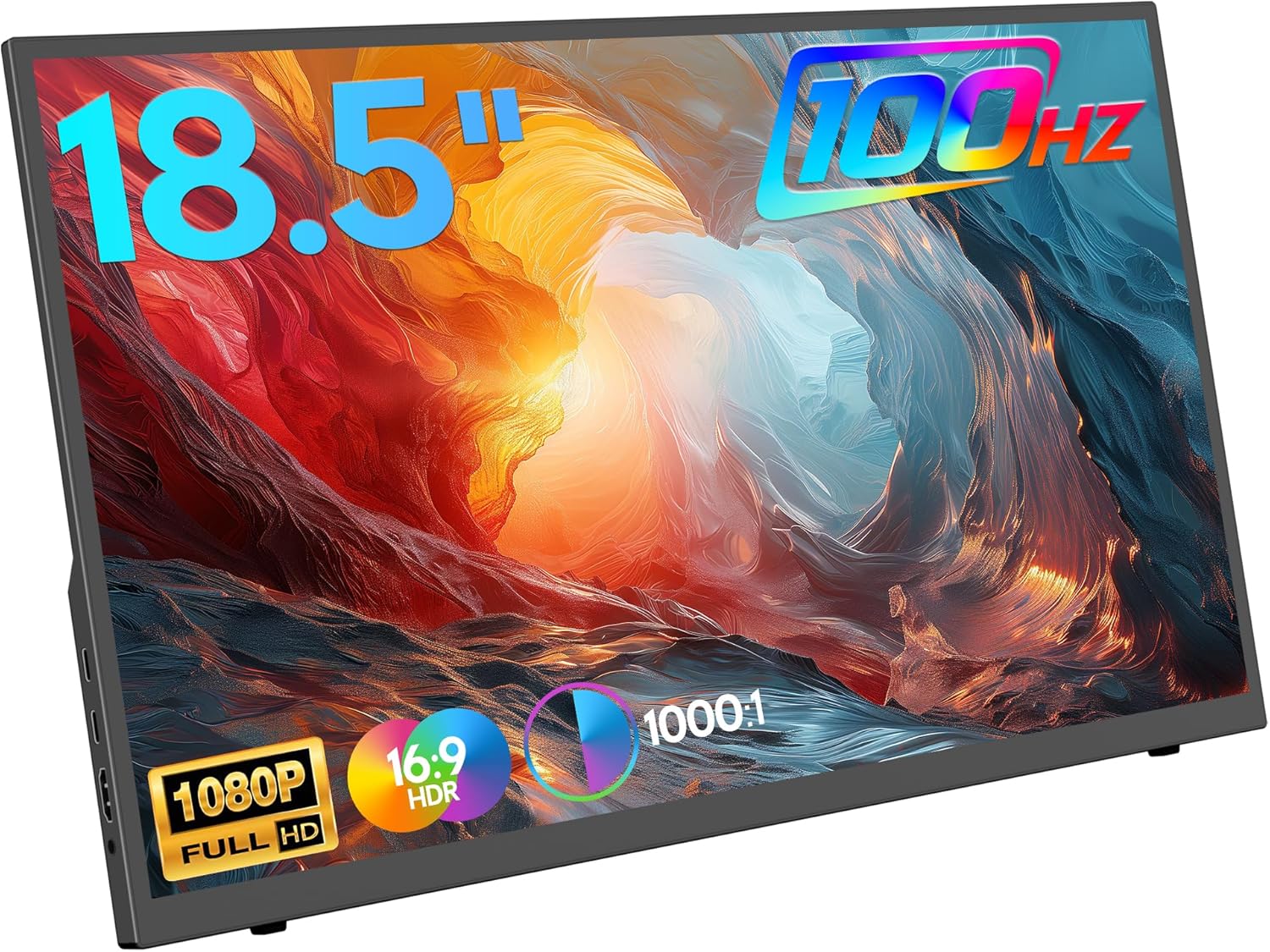 ZSCMALLS 18.5-Inch Portable Monitor
Portable 1080p screen for laptop expansion, travel desks, and compact workstations.
View on Amazon
ZSCMALLS 18.5-Inch Portable Monitor
Portable 1080p screen for laptop expansion, travel desks, and compact workstations.
View on Amazon