Hammy - Menu Binding Patch v1.01 Rebind the main menu trigger away from the default :B button to any configurable input Introduction This script provides a customizable menu trigger system that rebinds the main menu away from the default :B button onto alternative inputs.
Hammy - Menu Binding Patch v1.01
Rebind the main menu trigger away from the default :B button to any configurable input
Introduction
This script provides a customizable menu trigger system that rebinds the main menu away from the default
:B button onto alternative inputs.
#FF6B6B">AI Disclaimer: Generative AI was used to refine the documentation and presentation of this script, as I am not a native English speaker. Additionally, AI was used for naming conventions in some places and for general beautification of the script.
Features
Core Menu Binding Features
- Configurable menu trigger button via module setting
- Clean override of Scene_Map menu trigger logic
- Seamless integration with existing game systems
Configuration
Edit the constants in the
Hammy::MenuBinding module to configure the input button used to trigger the main menu.
Menu Trigger Settings
Configure the input button used to trigger the main menu. The player must press this button while on the map to open the menu.
MENU_KEY
Keyboard key used to trigger the menu.
-
Valid values: Any RGSS3 input symbol (e.g.
:X,
:CTRL,
:SHIFT)
-
Default: :X
Example
Installation
- Copy the script to an open slot below ▼ Materials but above ▼ Main
Compatibility
This script is made strictly for RPG Maker VX Ace. It is highly unlikely that it will run with RPG Maker VX without adjusting.
License
MIT License - Free for commercial and non-commercial use.
Credits
No credits are required.
Why VX Ace?
You might wonder why I'm still making scripts for VX Ace instead of MV/MZ. The answer is simple: Ruby is pure beauty, while JavaScript is a terrible language. Ruby's elegant syntax, intuitive design, and expressive power make scripting a joy. JavaScript, on the other hand, is a chaotic mess of inconsistencies and quirks that I simply despise.
I work with RPG Maker VX Ace for my own game project, and I share the scripts I create with the community. If you're still using VX Ace, you're in good company!
Download
Script: Download from GitHub
Demo: Download from GitHub
License MIT License - Free for commercial and non-commercial use. Credits No credits are required.






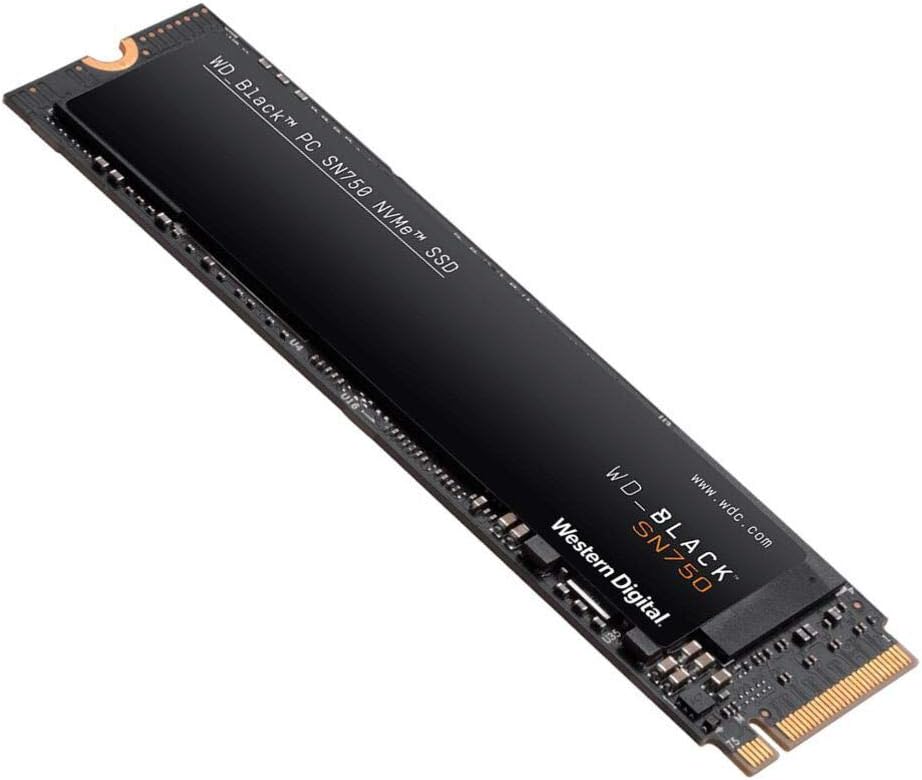 WD_BLACK 2TB SN750 NVMe Internal Gaming SSD
High-capacity NVMe storage pick for expanding a gaming PC or performance setup.
View on Amazon
WD_BLACK 2TB SN750 NVMe Internal Gaming SSD
High-capacity NVMe storage pick for expanding a gaming PC or performance setup.
View on Amazon