Hammy - Disable Player Input v1.01 Simple switch-controlled blocking of player movement and event interaction Introduction This script provides a simple toggle for disabling player movement input in RPG Maker VX Ace. It allows developers to lock player controls during specific game events, cutscenes, or gameplay sequences.
Hammy - Disable Player Input v1.01
Simple switch-controlled blocking of player movement and event interaction
Introduction
This script provides a simple toggle for disabling player movement input in RPG Maker VX Ace. It allows developers to lock player controls during specific game events, cutscenes, or gameplay sequences.
The system supports switch-based activation, configurable switch ID selection, and automatic input blocking without affecting other game systems.
#FF6B6B">AI Disclaimer: Generative AI was used to refine the documentation and presentation of this script, as I am not a native English speaker. Additionally, AI was used for naming conventions in some places and for general beautification of the script.
Features
Core Movement Input Features
- Complete player movement input blocking
- Switch-based input blocking via configurable setting
- Alias method pattern for safe compatibility
Script Calls
The following script calls are available for use in events and other scripts.
Input Control
$game_switches[Hammy::DisablePlayerInput::MOVEMENT_SWITCH_ID] = true/false
Directly set the movement input switch state using the game switches array.
-
true: Disables player movement input
-
false: Enables player movement input
Examples
Ruby:
$game_switches[Hammy::DisablePlayerInput::MOVEMENT_SWITCH_ID] = true
$game_switches[Hammy::DisablePlayerInput::MOVEMENT_SWITCH_ID] = false
$game_switches[Hammy::DisablePlayerInput::ACTION_SWITCH_ID] = true/false
Directly set the interaction switch state using the game switches array.
-
true: Disables event interaction with
:C input
-
false: Enables event interaction with
:C input
Examples
Ruby:
$game_switches[Hammy::DisablePlayerInput::ACTION_SWITCH_ID] = true
$game_switches[Hammy::DisablePlayerInput::ACTION_SWITCH_ID] = false
Configuration
Edit the switch constants in the
Hammy::DisablePlayerInput module to set which game switches control the input locks.
MOVEMENT_SWITCH_ID
Game switch ID for movement input blocking. Set to any valid switch ID (1 to maximum switches in your project). When this switch is ON, player movement input is blocked. When this switch is OFF, player movement input works normally.
-
Valid values: Any valid switch ID
-
Default: 10
Example
ACTION_SWITCH_ID
Game switch ID for event interaction blocking. Set to any valid switch ID (1 to maximum switches in your project). When this switch is ON, event interaction with
:C input is blocked. When this switch is OFF, event interaction with
:C input works normally.
-
Valid values: Any valid switch ID
-
Default: 11
Example
Usage
Use event commands or script calls to toggle the specified switches.
Event Command Method
- Control Switches: Turn ON switch MOVEMENT_SWITCH_ID
Disables player movement input
- Control Switches: Turn OFF switch MOVEMENT_SWITCH_ID
Re-enables player movement input
- Control Switches: Turn ON switch ACTION_SWITCH_ID
Disables event interaction with :C input
- Control Switches: Turn OFF switch ACTION_SWITCH_ID
Re-enables event interaction with :C input
Important Notes
This script provides independent control over movement input and event interaction. Each feature is controlled by a separate switch.
- Menu access is not affected by this script. If you want to block menu access as well, use the "Disable Menu Access" event command.
- Both switches can be set to the same ID to control movement and interaction simultaneously with a single switch if desired.
Installation
- Copy the script to an open slot below ▼ Materials but above ▼ Main
Compatibility
This script is made strictly for RPG Maker VX Ace. It is highly unlikely that it will run with RPG Maker VX without adjusting.
License
MIT License - Free for commercial and non-commercial use.
Credits
No credits are required.
Why VX Ace?
You might wonder why I'm still making scripts for VX Ace instead of MV/MZ. The answer is simple: Ruby is pure beauty, while JavaScript is a terrible language. Ruby's elegant syntax, intuitive design, and expressive power make scripting a joy. JavaScript, on the other hand, is a chaotic mess of inconsistencies and quirks that I simply despise.
I work with RPG Maker VX Ace for my own game project, and I share the scripts I create with the community. If you're still using VX Ace, you're in good company!
Download
Script: Download from GitHub
Demo: Download from GitHub
License MIT License - Free for commercial and non-commercial use. Credits No credits are required.




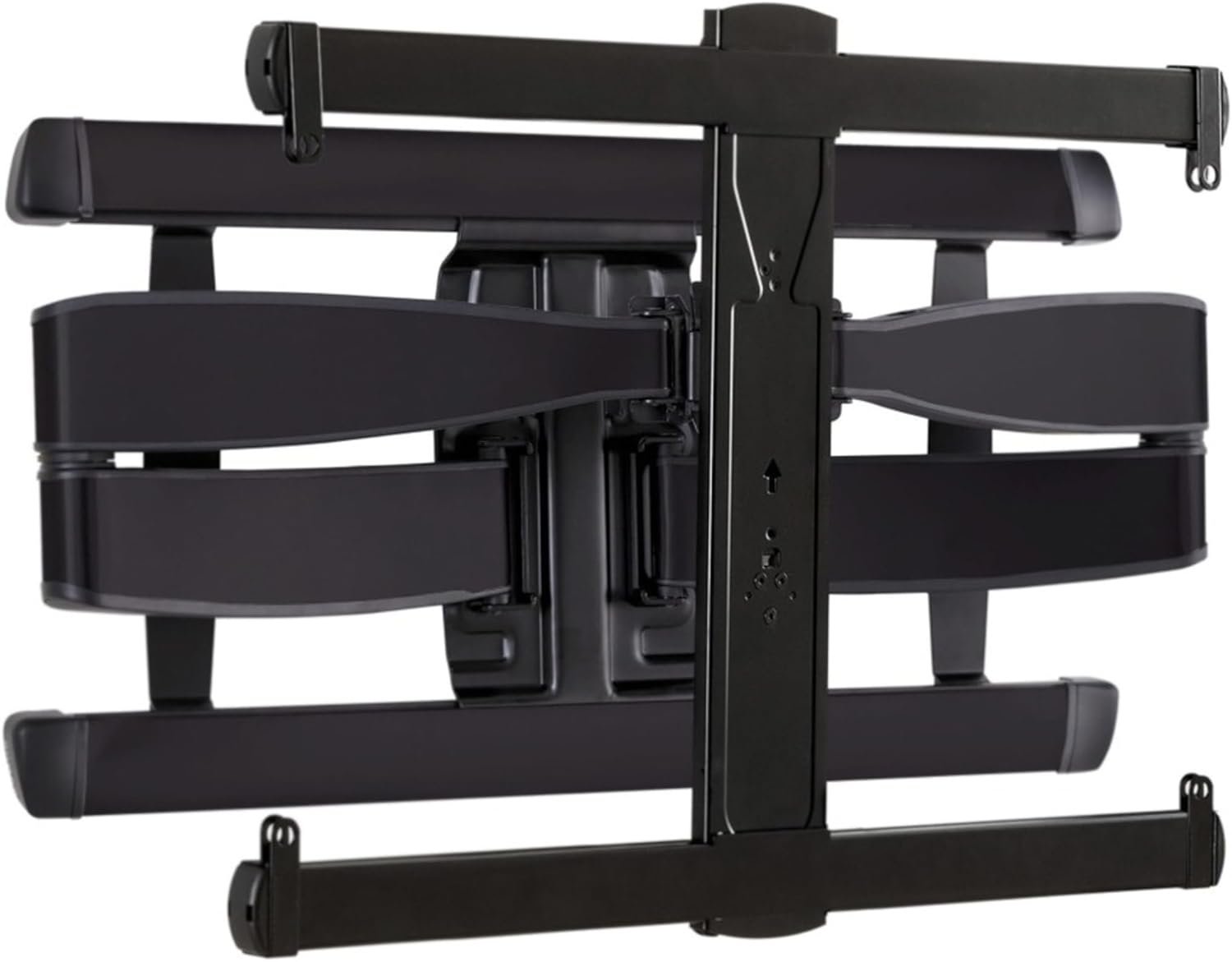 SANUS Advanced Full-Motion TV Wall Mount
Full-motion TV mount for flexible viewing angles and a cleaner entertainment wall.
View on Amazon
SANUS Advanced Full-Motion TV Wall Mount
Full-motion TV mount for flexible viewing angles and a cleaner entertainment wall.
View on Amazon
