

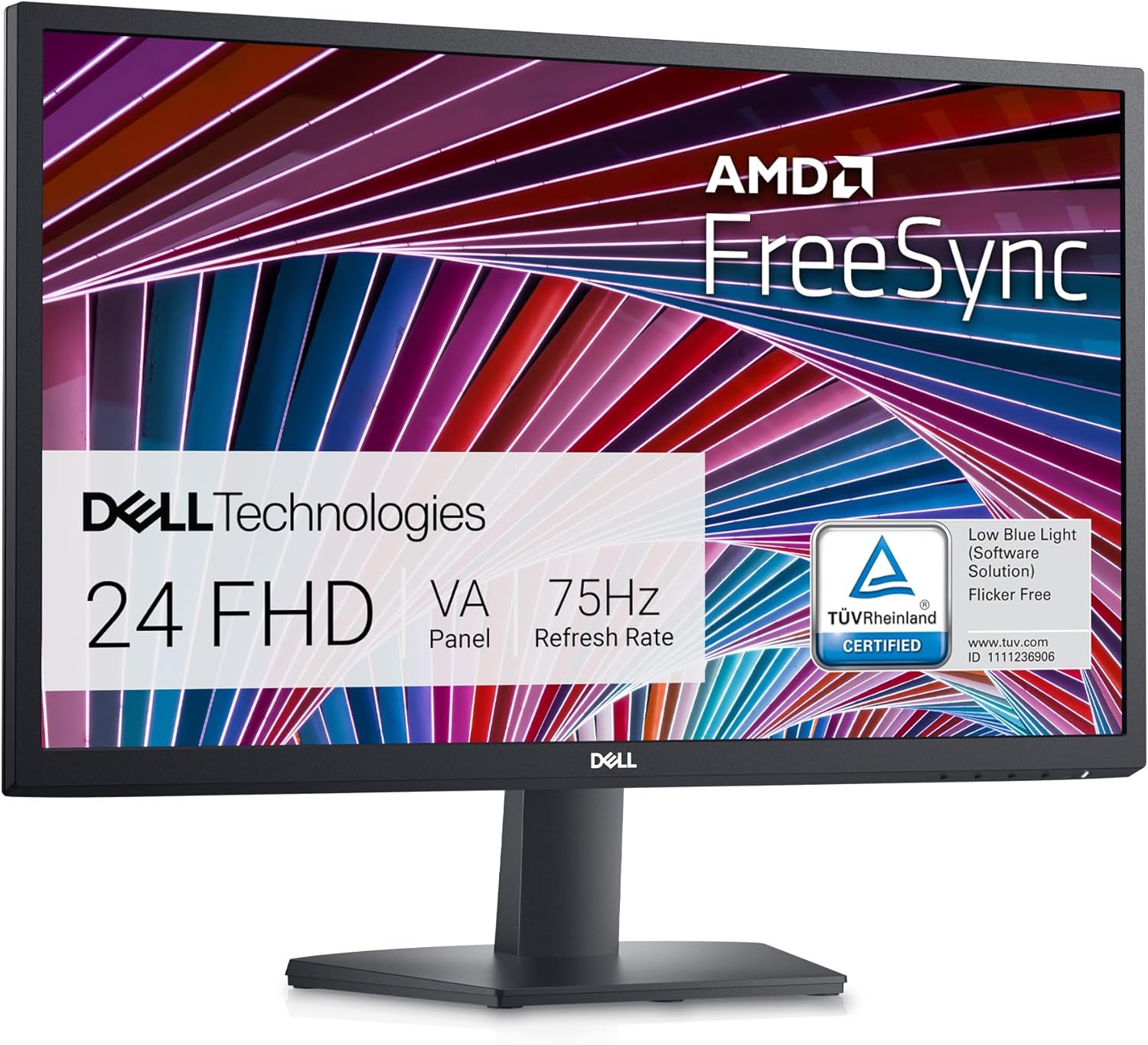
 Dell SE2422HX 24-Inch FHD Monitor
Slim 24-inch Full HD monitor for a clean desk, second screen, or work setup.
View on Amazon
Dell SE2422HX 24-Inch FHD Monitor
Slim 24-inch Full HD monitor for a clean desk, second screen, or work setup.
View on Amazon
Bmmplay may earn a commission from qualifying purchases made through these links.
No products in the cart.


Simple enough for a child, powerful enough for a developer
BMM_Archive · July 15, 2026
# Create 1 local variable: Use integers only, i.e. 1, 16 or 25. # W stands for Width or how wide this rectangle is supposed to be. # H stands for Height or how tall this rectangle is supposed to be. # area = [X, Y, W, H]
# * KWeatherArea ACE * #
#   Scripter : Kyonides
#   v1.2.0 - 2025-03-23

# This scriptlet allows you to set regional weather effects on the current map.
# It works as usual. If you enter an area, the rain or snow will soon appear.
# Obviously, it will quickly vanish once you leave that area.

# If you ever remove an active weather area, it will revert the weather to
# the last effect set via weather effects event command if any.

# * Script Call * #

# - Add a Regional Weather Area
# - Step #1
#   Create 1 local variable: Use integers only, i.e. 1, 16 or 25.
#   W stands for Width or how wide this rectangle is supposed to be.
#   H stands for Height or how tall this rectangle is supposed to be.
# area = [X, Y, W, H]
#   Example:
# area = [7, 10, 4, 6]

# - Step #2
#   Use this call now:
#   - AreaID is an integer, 1+.
#   - Type is one of the RM's weather types: :none, :rain, :storm & :snow
# $game_map.add_weather_area(AreaID, Type, area)
#   Example:
# $game_map.add_weather_area(1, :rain, area)

# - Remove a Regional Weather Area (Temporarily?)
#   - AreaID is an integer, 1+.
# $game_map.remove_weather_area(AreaID)

class WeatherArea
  def initialize
    @id = 0
    @type = 0
    @area = Rect.new(0, 0, 0, 0)
  end

  def set_rect(*coords)
    coords = coords.flatten
    @area.x = coords.shift
    @area.y = coords.shift
    @area.width = coords.shift
    @area.height = coords.shift
  end

  def inside?(px, py)
    w = @area.x + @area.width - 1
    h = @area.y + @area.height - 1
    px.between?(@area.x, w) and py.between?(@area.y, h)
  end
  attr_accessor :id, :type, :area
end

class << BattleManager
  alias :kyon_weather_area_scn_btl_end :battle_end
  def battle_end(result)
    $game_map.aftermath_weather_area
    kyon_weather_area_scn_btl_end(result)
  end
end

class Game_Screen
  alias :kyon_weather_area_gm_scr_chng_wthr :change_weather
  def change_weather(type, power, duration)
    kyon_weather_area_gm_scr_chng_wthr(type, power, duration)
    @old_weather_type = @weather_type
  end

  def modify_weather(type, max)
    @weather_type = type
    @weather_power = max
    @weather_duration = 0
  end

  def previous_weather
    @weather_type = @old_weather_type || :none
    @weather_power_target = 0.0 if @weather_type == :none
    @weather_power = @weather_power_target
    @weather_duration = 0
  end
end

class Game_Map
  alias :kyon_weather_area_gm_map_init :initialize
  alias :kyon_weather_area_gm_map_stp :setup
  alias :kyon_weather_area_gm_map_up :update
  def initialize
    kyon_weather_area_gm_map_init
    init_weather
  end

  def init_weather
    @weather_map_areas = {}
    @weather_area_id = 0
  end

  def setup(map_id)
    kyon_weather_area_gm_map_stp(map_id)
    load_weather_areas
  end

  def load_weather_areas
    @weather_areas = @weather_map_areas[@map_id] || {}
  end

  def add_weather_area(area_id, new_type, *coords)
    area = WeatherArea.new
    area.id = area_id
    area.type = new_type
    area.set_rect(*coords)
    areas = @weather_map_areas[@map_id] ||= {}
    areas[area_id] = area
    @weather_areas = areas
  end

  def remove_weather_area(area_id)
    @weather_areas.delete(area_id)
    return if @weather_area_id != area_id
    reset_weather
  end

  def reset_weather
    @screen.previous_weather
    @weather_area_id = 0
  end

  def update(main=false)
    kyon_weather_area_gm_map_up(main)
    update_weather_areas
  end

  def update_weather_areas
    return if @weather_areas.empty?
    px, py = $game_player.xy
    return if @weather_x == px and @weather_y == py
    @weather_x = px
    @weather_y = py
    new_area = @weather_areas.find {|key, val| val.inside?(px, py) }
    unless new_area
      reset_weather
      return
    end
    return if @weather_area_id == new_area[0]
    @weather_area_id, area = new_area
    @screen.modify_weather(area.type, 9)
  end

  def aftermath_weather_area
    if @weather_area_id == 0
      reset_weather
    else
      area = @weather_areas[@weather_area_id]
      @screen.modify_weather(area.type, 9)
    end
  end
end

class Game_Player
  def xy
    [@x, @y]
  end
end

class Spriteset_Battle
  alias :kyon_weather_area_sprtst_btl_crt_pix :create_pictures
  alias :kyon_weather_area_sprtst_btl_up_pix :update_pictures
  alias :kyon_weather_area_sprtst_btl_disp :dispose
  def create_pictures
    create_weather
    kyon_weather_area_sprtst_btl_crt_pix
  end

  def create_weather
    @weather = Spriteset_Weather.new(@viewport2)
    update_weather
  end

  def update_weather
    @weather.type = $game_map.screen.weather_type
    @weather.power = $game_map.screen.weather_power
    @weather.ox = $game_map.display_x * 32
    @weather.oy = $game_map.display_y * 32
    @weather.update
  end

  def update_pictures
    kyon_weather_area_sprtst_btl_up_pix
    update_weather
  end

  def dispose
    @weather.dispose
    kyon_weather_area_sprtst_btl_disp
  end
endLog in, then follow the RPG Maker Developers Group to see these download links.
Log in to downloadPlease include my nickname in your game credits. Also mention the forum where you found it. That's it!
If you are the original creator and want this listing reassigned, edited, or removed, join BMMPlay and contact the moderators with proof that matches the original RPG Maker Web profile, linked GitHub, itch.io page, or another public creator identity.
Dell SE2422HX 24-Inch FHD Monitor
Slim 24-inch Full HD monitor for a clean desk, second screen, or work setup.
View on Amazon
Bmmplay may earn a commission from qualifying purchases made through these links.
No replies yet.
Loading summary...
Bmmplay creator tools
Log in or create an account to use this creator tool.
Join the conversation
Your reaction is ready. Log in and you will return to this page to add it.
Are you sure you want to close this music player?
 Playstation DualSense Charging Station
Dock-style charging station for keeping two DualSense controllers ready between sessions.
View on Amazon
Playstation DualSense Charging Station
Dock-style charging station for keeping two DualSense controllers ready between sessions.
View on Amazon
Bmmplay may earn a commission from qualifying purchases made through these links.
Community safety