OtherLayers ACE by Kyonides Introduction This script allows you to use a static picture or a series of pictures as a custom upper layer for the current map.
OtherLayers ACE
by Kyonides
Introduction
This script allows you to use a static picture or a series of pictures as a custom upper layer for the current map.
I am sure there gotta be other scripts that provide similar features and you know what?
I don't care about that!
Embedded Notes
Ruby:
# Create a directory called Layers inside the Graphics folder.
# Thereafter you can add as many images as deemed necessary.

# Examples: fall_1.png, fall_2.png, fall_3.png

# The state of a specific Game Switch will determine whether or not a given
# layer is visible at that moment.

# - Set a Map's Total Number of Upper Layers - Pattern: <layers n>
<layers 2>

# - Predefine an Upper Layer
#   - It must follow one of these patterns:
<layer up n filename pix n frames n>
<layer up n filename pix n frames n switch n>
# - Examples Using the fall_ image files:
<layer up 1 fall pix 3 frames 20>
<layer up 2 fall pix 3 frames 20 switch 10>
Optional Script Calls
Ruby:
# - Change the Map's Upper Layer - It will replace any previous one!
upper_layer(Number).name = "BaseFileName"

# - Change the Upper Layer's Number of Pictures - if Animated
upper_layer(Number).total = TotalPictures

# - Change the Upper Layer's Timer (in Frames)
upper_layer(Number).timer = Frames

# - Change the Upper Layer's Switch ID
upper_layer(Number).switch_id = SwitchID

# - Change the Upper Layer's Data With a Single Call
upper_layer(Number).set_data(TotalPictures, Frames, SwitchID)

# - Freeze or Thaw the Upper Layer
# upper_layer(Number).freeze!
# upper_layer(Number).thaw!

# - Check whether or not the Upper Layer is Frozen
# upper_layer(Number).frozen?
Terms & Conditions
Free for use in non commercial games.
Due credit is mandatory.
Do not repost it anywhere!
That's it!
Free for use in non commercial games. Due credit is mandatory. Do not repost it anywhere! That's it!




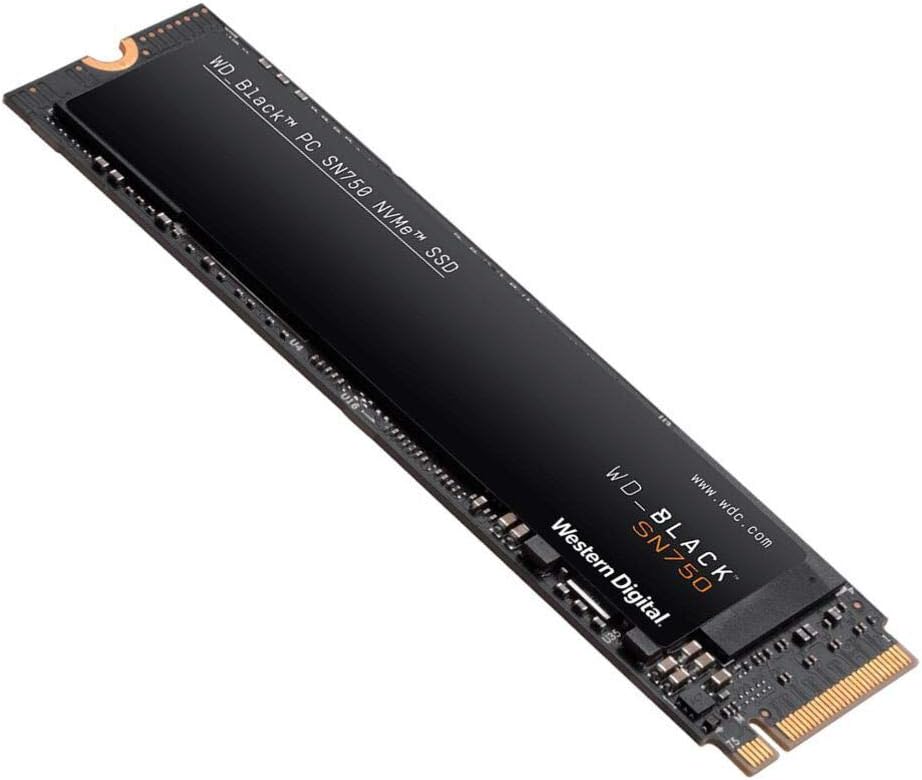 WD_BLACK 2TB SN750 NVMe Internal Gaming SSD
High-capacity NVMe storage pick for expanding a gaming PC or performance setup.
View on Amazon
WD_BLACK 2TB SN750 NVMe Internal Gaming SSD
High-capacity NVMe storage pick for expanding a gaming PC or performance setup.
View on Amazon
