Variable Calendar/Weather System Ver. 2.0 SelcharIntroduction This script adds an easy to use calendar and weather system, that should also be easy to customize if needed. - Controls time through variables(you can change which ones), allowing for easy use for/through eventing without scriptcalls.
Variable Calendar/Weather System Ver. 2.0
Selchar
Introduction
This script adds an easy to use calendar and weather system, that should also be easy to customize if needed.
Features
- Controls time through variables(you can change which ones), allowing for easy use for/through eventing without scriptcalls.
- Changes the weather once a day(midnight), currently has Sun, Rain, and Snow(also output to a variable for easy access for events)
- Choose what maps stop time automatically, or maps that don't show the weather and use normal tint.
- Easily adjustable settings
How to Use
Place below Materials and above Main, adjust the settings as needed, should be Plug'n Play(Read the notes for extra info for customizing. Remember to name your variables you choose to use properly so that you know what's what.
Script
Main Script
Basic Clock Add-On
Calendar Clock Add-On
Calendar Clock Menu Add-On
Seasonal Tones Add-On
Demo
The demo features some extra scripts, and addons working together for an extra feature . I should also mention, in case some people don't know, that you can have multiple rpg maker projects open at the same time, which makes it easy to copy events/scripts/etc... from one game into another. Note: Demo is a little out of date.
>
Here<
Credits for the demo:
Selchar
Tsukihime
Galv
PK8
Fomar
Ceilianna
Shaz(For answering an important question of mine to make this work)
Lemony
FAQ
Q: Non-Commercial or Commercial?
A: Anything goes.
Q: Are there any script calls/notetags I should know about?
A: Covered in the script.
Q: Are there any required scripts or compatibility issues?
A: It's unlikely to have problems with other scripts.
Credit
- Selchar
- Vlue & deilin(For inspiration with their own time/weather scripts, and the tone/weather settings came from there as well, tho added in my own way once I figured out how.)
10/8/14 Update: Clock Add-Ons have been updated, removed the toggle and fixed a bug with them as well as cleaned up the code. They automatically vanish when time stops and come back when it starts again.




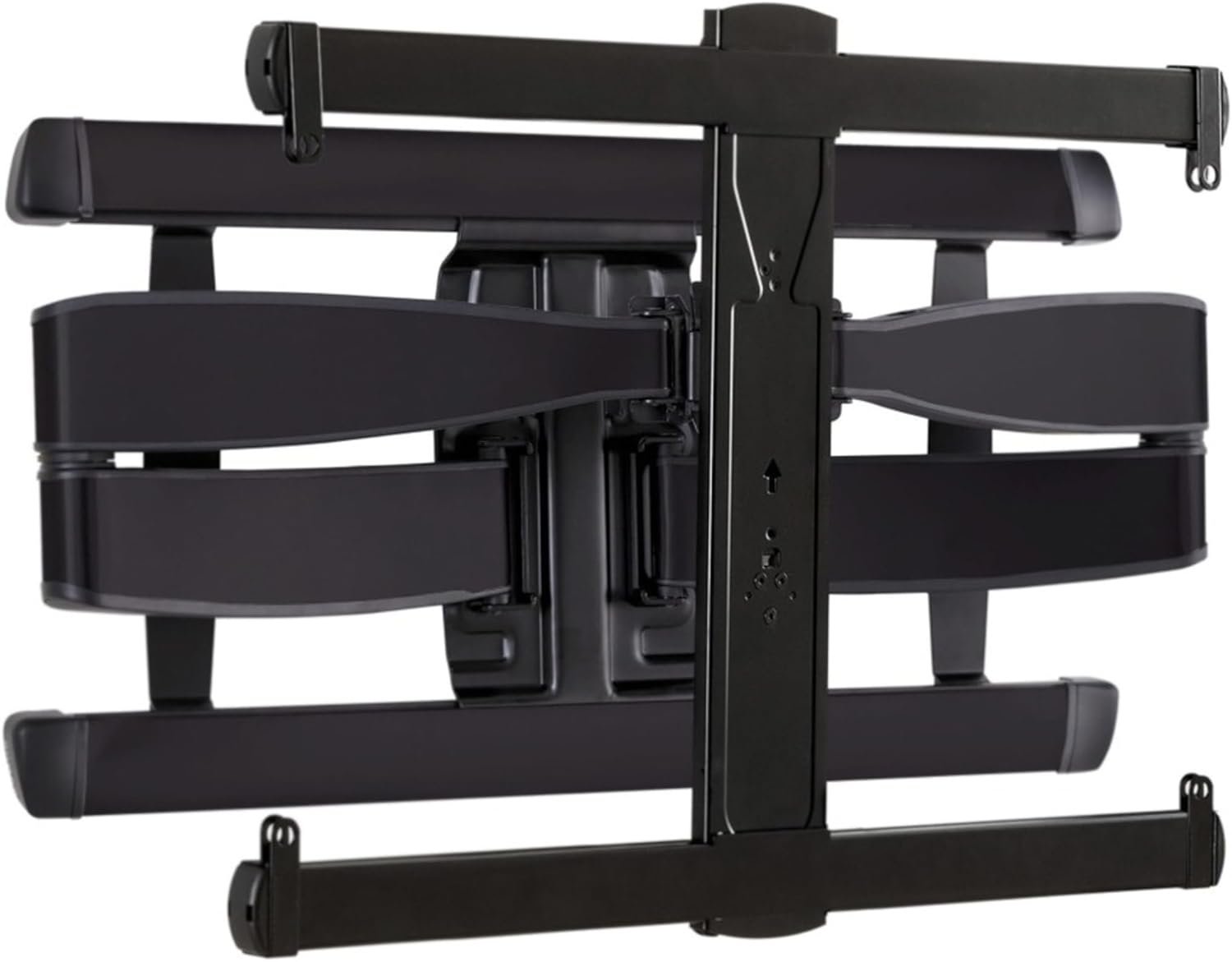 SANUS Advanced Full-Motion TV Wall Mount
Full-motion TV mount for flexible viewing angles and a cleaner entertainment wall.
View on Amazon
SANUS Advanced Full-Motion TV Wall Mount
Full-motion TV mount for flexible viewing angles and a cleaner entertainment wall.
View on Amazon