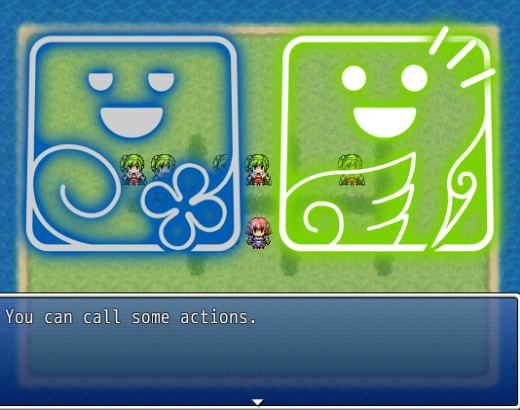
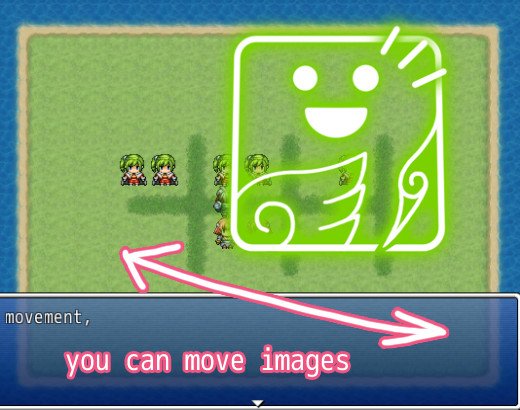
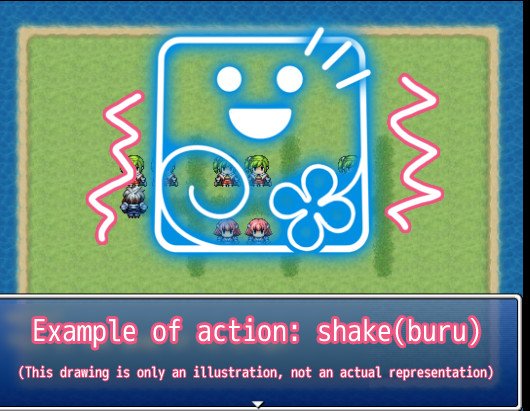
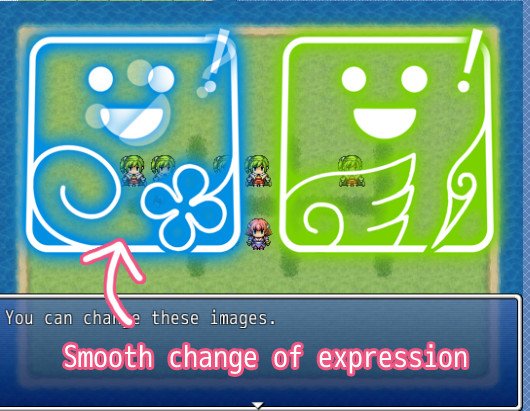
CC_FG v4.3 by CC This script gives you more control on character images in a dialog scene. You can move those images, darken for highlighting a narrator, shake as comical action, et cetra.
CC_FG v4.3
by CC
Features
This script gives you more control on character images in a dialog scene.
You can move those images, darken for highlighting a narrator, shake as comical action, et cetra.
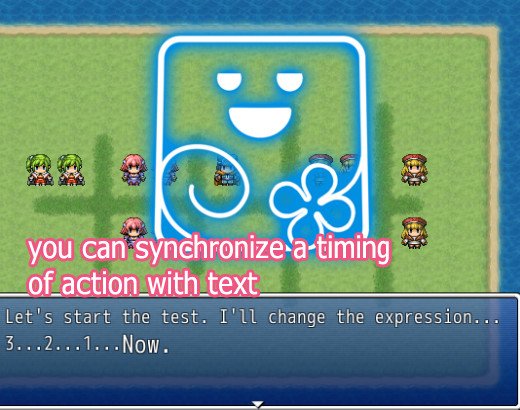
(Optional) You can synchronice a timing of actions with text flow by using a controll character.
Screenshots
Protected download Protected download Protected download Protected download Protected download Protected download
Video
https://www.youtube.com/watch?v=keHprIVCaG0
https://www.youtube.com/watch?v=SCrD0V0jKUk
Demo (Script included)
>> Here
How to Use
[1] Please try demo.
[2] Install
This script has four-part. set in order as below.
CC_FGMSG : (Optional) Control characters for the use in the message window.
CC_FGIMG : Image loader. If you change filename format, see this.
CC_FGCOM : Script calls. If you change orders, see this.
CC_FG : Main.
[3] Prepare files
In default, directory is "Graphics/fgimage/"
it is written in Module(CC::FGIMG) in CC_FGIMG.
filename format is written in fg_select() in CC_FGIMG.
example : "./Graphics/fgimage/CC/CC00_smile.jpg"
Perhaps you think default format is unnessarily long and want to change.
So, this is list of involved method:
fg_select() in FG_IMG, img() in FG_FGCOM, face() in FG
[4] Cache
This script use Cache. It can be heavy load for memory.
Call Cache.clear_fg_cache to clear cache manually.
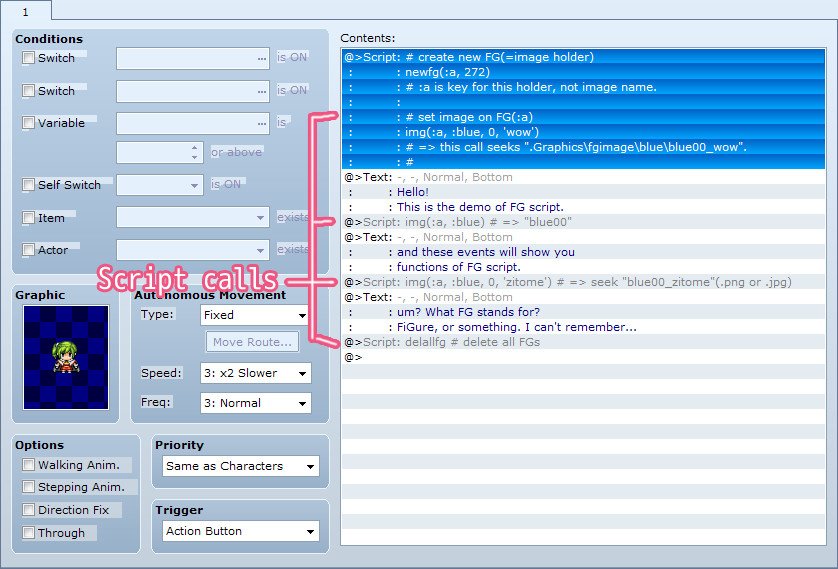
[5] Basic flow of event command script
1. newfg(key) to make new image holder(=FG).
2. img(key, ccode, cloth = 0, emo = nil) to set image on FG.
(to see how filename is determined, see fg_select() in CC_FGIMG.)
3. let FG act through the commands, script calls.
(to see commands, see CC_FGCOM.)
4. delfg(key), delallfg() to delete image holder. Call it when dialog is over.
[6] (Optional) Combination with 'show text' by CC_FGMSG
If CC_FGMSG is installed, you can use 'control character'(such as \C[1]) \FG to
synchronize a timing of texts and actions of FG.
For more detail, please see CC_FGMSG.
References
qut, "バストアップ表示スクリプト",
http://lud.sakura.ne.jp/.
Author's notes
This work is licensed under the Creative Commons Attribution 4.0 International License.
To view a copy of this license, visit
http://creativecommons.org/licenses/by/4.0/.
In Short:
As long as you give credits, you are free to use this script in Commercial/Non-Commercial Projects.
We appreciate your donation.
If you find this script useful, please consider to make a donation. Pledgie URL:
https://pledgie.com/campaigns/26257This work is licensed under the Creative Commons Attribution 4.0 International License. To view a copy of this license, visit http://creativecommons.org/licenses/by/4.0/. In Short: As long as you give credits, you are free to use this script in Commercial/Non-Commercial Projects.






 Amaran Halo 100X COB LED Video Light
Compact bi-color studio light for YouTube, TikTok, product shots, and live streaming.
View on Amazon
Amaran Halo 100X COB LED Video Light
Compact bi-color studio light for YouTube, TikTok, product shots, and live streaming.
View on Amazon