NovelStyle.js (2019-08-17) Creator name: Kanji the Grass Overview visual novel style with menu buttons
NovelStyle.js (2019-08-17)
Creator name: Kanji the Grass
Overview
visual novel style with menu buttons
Features
- Possible to save during text message process
- Plugin parameters to set up buttons on the screen
- Character can appear depending on window position
How-to
When setting up characters on screen, use Show Text.
For character to appear, face and picture must be prepared separately.
Character uses the same name in both faces and pictures.
Set face in Show Text and picture will show up automatically.
Window position = Bottom, picture appears on the left.
Window position = Middle, picture appears in the middle.
Window position = Top, picture appears on the right.
When you have finished displaying images,
call the common event to hide the pictures.
Project demo includes example of common event for clearing pictures.
Preview
Button image is divided into two halves-
the lower half of which will be displayed when the button is pressed.
You can replace them with your own images, inside img/system folder.
Buttons has to be same name as the default button files which is provided in the demo.
Note: Also thank triacontane for BugFixLoadErrorChoiceSetup.js plugin
Terms of Use- Free for commercial and non-commercial use. However, the sale of the material alone is prohibited.
Credits display: Kanji the Grass
License - MTCM Blue:
https://en.materialcommons.tk/mtcm-b-summary
Project demo
https://www.dropbox.com/s/lv3yeov72ghimcx/novelplugin.zip?dl=1
You can download js file from the thread attachment or Dropbox link:
https://www.dropbox.com/s/shynjm4a5lf10bx/NovelStyle.js?dl=1
Terms of Use- Free for commercial and non-commercial use. However, the sale of the material alone is prohibited. Credits display: Kanji the Grass License - MTCM Blue: https://en.materialcommons.tk/mtcm-b-summary Project demo







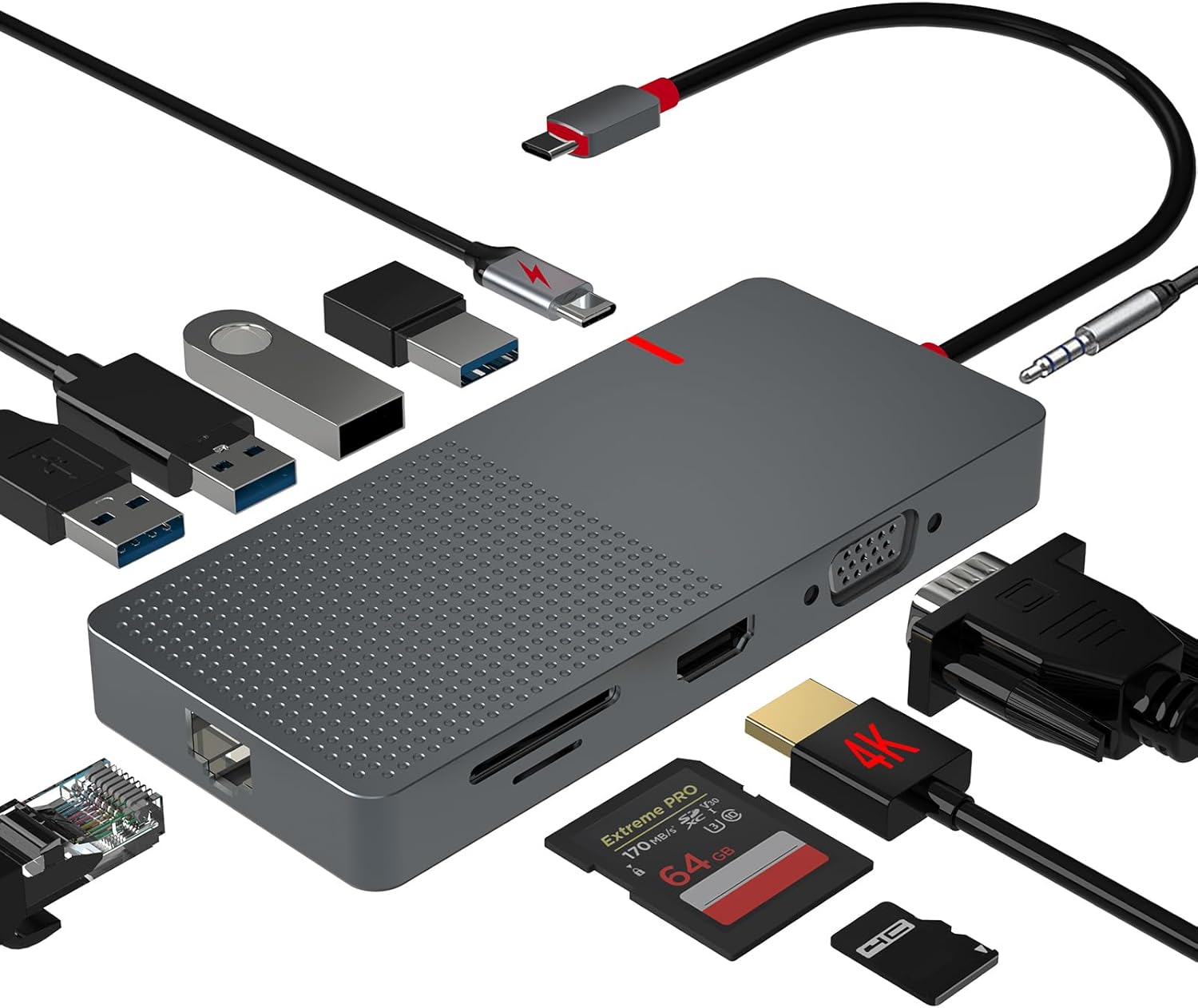 ANYPLUS USB C Docking Station Dual Monitor
Multiport USB-C dock for dual-monitor laptop desks and cleaner cable management.
View on Amazon
ANYPLUS USB C Docking Station Dual Monitor
Multiport USB-C dock for dual-monitor laptop desks and cleaner cable management.
View on Amazon