

Auto Bust
BMM_Archive · July 15, 2026

Original Source
- Original title: Auto Bust
- Original author: LTN Games
- Original date: May 3, 2016
- Source thread: https://forums.rpgmakerweb.com/threads/auto-bust.61317/
- Source forum path: Game Development Engines > RPG Maker Javascript Plugins > JS Plugins In Development
Summary
Auto Bust v1.2 [SIZE=10.5pt]LTN Games[/SIZE] [SIZE=10.5pt]Introduction[/SIZE]If you have bust images(Full Portrait Characters) then this plugin is for you. Auto bust plugin will automatically detect if your pictures folder contains a bust image matching the name & index of the face you selected in the show text command and display it above the message window. FeaturesAuto detection of bust images – If none is available it will proceed to the default behavior and show the face you selected.
Archived First Post
[SIZE=10.5pt]LTN Games[/SIZE]
[SIZE=10.5pt]Introduction[/SIZE]If you have bust images(Full Portrait Characters) then this plugin is for you. Auto bust plugin will automatically detect if your pictures folder contains a bust image matching the name & index of the face you selected in the show text command and display it above the message window.
FeaturesAuto detection of bust images – If none is available it will proceed to the default behavior and show the face you selected.
[SIZE=10.5pt]Pre-check for all images!. You can choose to manually enter in the filenames of your bust images so that this plugin can check for file existence on game boot up. Recommended for smoother web browser performance.[/SIZE]
[SIZE=10.5pt]Mirror the image, and choose the position (Left/Right) with simple script calls.
Screenshots[/SIZE]
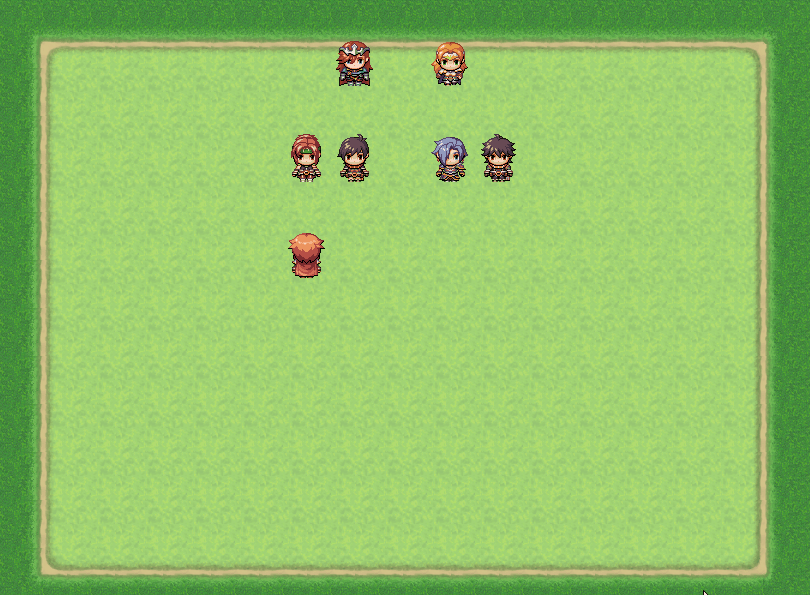
[SIZE=10.5pt]How to Use[/SIZE]To install, place LTN_AutoBust.js in your plugins folder and turn it on. The plugin contains documentation.
Demo
Comming soon!
[SIZE=10.5pt]Script[/SIZE]https://rpgmakermv.co/resources/auto-bust.823/
[SIZE=10.5pt]Currently, this is the only place to download any updated version and you have to be signed up, at least until I have finished with all bug fixes and updates. As soon as I complete all features and possible bug fixes I will upload to google drive for you all. [/SIZE]
[SIZE=10.5pt]Future Plans:[/SIZE]
[SIZE=10.5pt]Allow for setting of own filenames to look for, instead of relying on the face image(s) name & index.[/SIZE]
[SIZE=10.5pt]Slide in and slide out effect[/SIZE]
[SIZE=10.5pt]Animate bust images[/SIZE]
[SIZE=10.5pt]Increased web browser performance.[/SIZE][SIZE=10.5pt] [/SIZE]
Features Mentioned
- [SIZE=10.5pt]Pre-check for all images!. You can choose to manually enter in the filenames of your bust images so that this plugin can check for file existence on game boot up. Recommended for smoother web browser performance.[/SIZE]
- [SIZE=10.5pt]Mirror the image, and choose the position (Left/Right) with simple script calls.
- Screenshots[/SIZE]
- "lightbox_close": "Close",
- "lightbox_next": "Next",
- "lightbox_previous": "Previous",
- "lightbox_error": "The requested content cannot be loaded. Please try again later.",
- "lightbox_start_slideshow": "Start slideshow",
- "lightbox_stop_slideshow": "Stop slideshow",
- "lightbox_full_screen": "Full screen",
- "lightbox_thumbnails": "Thumbnails",
- "lightbox_download": "Download",
- "lightbox_share": "Share",
- "lightbox_zoom": "Zoom",
- "lightbox_new_window": "New window",
- "lightbox_toggle_sidebar": "Toggle sidebar"
- [SIZE=10.5pt]How to Use[/SIZE]To install, place LTN_AutoBust.js in your plugins folder and turn it on. The plugin contains documentation.
- Demo
Downloads / Referenced Files
RPG Maker Web attachments are mirrored locally when available. Other external links remain hosted by their original creator or third-party service.
- Local mirror: 22250-83bda256b08ac8e2fc4665dda36f2442.gif
SHA-256:0e328a42edf3e83f6432aa745ae68118147c0dca7d4b0ef1d30748963749e065
Original attachment URL: https://forums.rpgmakerweb.com/attachments/ltn-autobust-gif.37439/
Referenced Images / Attachments
Creator Claims / Removal
If you are the original creator and want this listing reassigned, edited, or removed, join BMMPlay and contact the moderators with proof that matches the original RPG Maker Web profile, linked GitHub, itch.io page, or another public creator identity.
Replies (0)
No replies yet.
Topic Summary
Loading summary...