

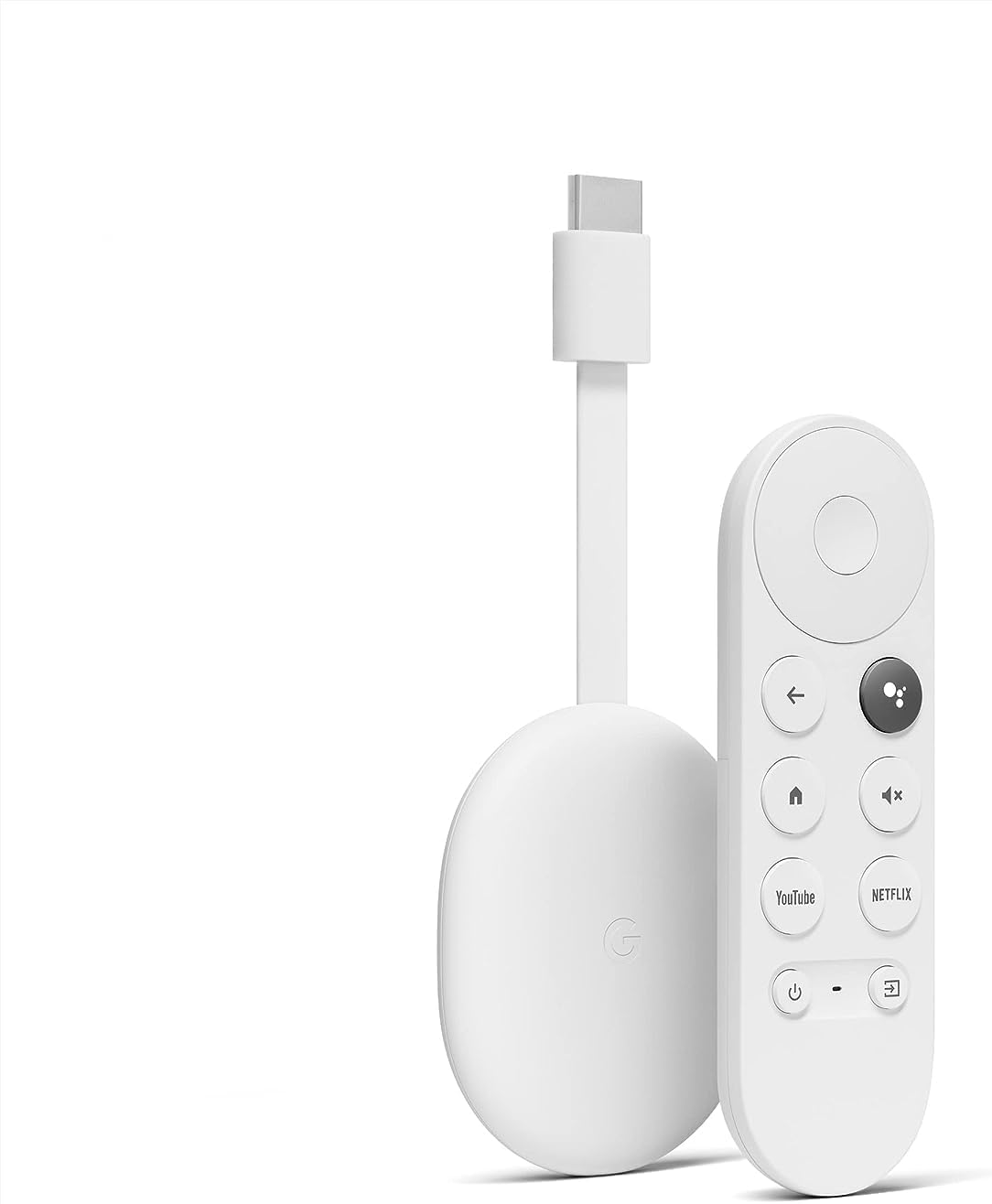
 Chromecast with Google TV HD
Compact streaming device for movies, live TV apps, and personalized entertainment.
View on Amazon
Chromecast with Google TV HD
Compact streaming device for movies, live TV apps, and personalized entertainment.
View on Amazon
Bmmplay may earn a commission from qualifying purchases made through these links.
No products in the cart.


Simple enough for a child, powerful enough for a developer
BMM_Archive · July 15, 2026
{ "lightbox_close": "Close", "lightbox_next": "Next", "lightbox_previous": "Previous",
 * =====================================================================================
 * == About this Plugin ================================================================
 * =====================================================================================
 * This plugin provide a jump and fall system for your game.
 *
 * The instructions bellow only gives a quick overview of the
 * plugin fonctionnalities. I strongly advise to play a bit with
 * the demo project to get in touch with its mechanics.
 *
 *     *This system is tile-based. It's not intended to be used to
 *      make an action/platformer game. But simply to add some spice
 *      to your rpg games for exploration, puzzles and secrets.
 *
 *     *The 'action' nature of this jump system make it hardly
 *      compatible with visible followers as they will jump all
 *      over the place, trying to follow the lead of the player.
 *
 *
 *    *** Important note ***
 *     The plugin need the image file Shadow3.png to be present
 *     in the /img/system folder of your project. The file can
 *     be found in the /img/system folder of the demo project.
 *    **********************
 *
 *
 * How to use:
 * ===========
 * Use the (OK) button to make the player jump at anytime.
 * You cannot jump if the player is facing an interactable event.
 * Activating the event will takes priority over jumping.
 *
 *   -Simply pressing (OK) will make the player jump in place.
 *
 *   -Pressing (OK) while moving will make the player jump 2 tiles
 *    in the direction it's facing.
 *
 *   -Pressing (OK) while moving and holding the (DASH) button will
 *    make the player jump 3 tiles in the direction it's facing.
 *
 * You cannot jump in or through impassable tiles nor map edge.
 * But it's possible to leap over some impassable tiles that have
 * been marked accordingly.
 *
 *
 * Overleap
 * ========
 * By performing a 'dash jump', you can leap over single impassable
 * tiles that have the 'overleap tag'. You cannot jump over an over-
 * leap tile if you're directly adjacent to it. You must be one tile
 * away to effectively leap over something.
 *
 *
 * MAP NOTETAG:
 *              <OVERLEAP REGION: x, y, z>
 *
 *      Use this notetag to identity map region Id that can be jumped
 *      over. You can put these region Ids on scenery parts such as
 *      bushes, barrels, crates and fences.
 *
 *      Example 1: <OVERLEAP REGION: 1>
 *
 *                  A map with this notetag will allow the player
 *                  to jump over single tiles mark by region 1.
 *
 *      Example 2: <OVERLEAP REGIONS: 1, 2>
 *
 *                  A map with this notetag will allow the player to
 *                  jump over single tiles mark by regions 1 and 2.
 *                  Usually, a single region Id should be enough, but
 *                  you can assign as many region Ids as you need.
 *
 *
 * EVENT COMMENT TAG:
 *
 *             <OVERLEAP EVENT>
 *
 *       Use this event comment tag to allow the player to jump over
 *       the event when the page having the comment tag is active.
 *       With correct timing, you can even leap over moving events
 *       such as NPCs and visual encounters.
 *
 *
 * Cliff regions
 * =============
 * Cliff regions Ids are put over wall tiles to make the player fall
 * to the bottom floor when it pass over. Cliff regions makes the
 * walls passables, but forces the player to immediately move downward
 * at high speed like if it's falling down. The player will keep falling
 * downward until it reach the last cliff tile of the vertical stretch.
 *
 *  *** Important note ***
 * Actually, the falling move will stop one tile away from the last cliff
 * tile. This permit to leave the last wall tile (next to the floor) to
 * be not a cliff. This way, the player can jump in front of the wall on
 * the bottom floor without being 'catched' by the cliff.
 *  ***********************
 *
 * Using a 'dash jump', you can jump over up to 2 cliff tiles.
 *
 *
 * MAP NOTETAG:
 *              <CLIFF REGION: x, y, z>
 *
 *       This notetag is used to assign region Ids as cliff tiles.
 *
 *
 * EVENT COMMENT TAG:
 *
 *              <NO FALL>
 *
 *       Any events located on a cliff tile will fall down in the same
 *       way as the player. If for any reasons, you need an event not
 *       to be affected by cliff, use the comment tag above on the event
 *       active page.
 *
 *             <PREVENT FALL EVENT>
 *
 *       This comment tag has the same effect as the <NO FALL> tag on
 *       the event itself. In addition, it will disabled the cliff effect
 *       for the player and other events that stand on the same tile as
 *       the event with that comment tag.
 *
 *       *using the event hit box extension feature of my other plugin
 *        TSR_TransferTrigger, you can use a single event to disable many
 *        cliff tiles. See the demo project.
 *
 *
 * Pitfalls
 * ========
 * Pitfalls are passable tiles (usually representing a hole or gape in the
 * floor) that will make the player fall to the floor bellow whenever it
 * walk (or land) on it. Basically pitfalls are events that activate when
 * the player pass on it. This trigger a short animation where the player
 * sprite gradually fade out while it shrink and spin as it fall into the
 * pit (like pitfalls in Zelda games). This is followed by a transfer
 * command to send the player to whatever map you want.
 *
 * SCRIPTCALL:
 *
 *           this.setupPitfall();
 *
 *       Use this scriptcall to turn an event page into a pitfall.
 *
 *       A simple pitfall consist of an event set with 'bellow' priority
 *       and touch trigger that have the following command lines:
 *
 *            -this.setupPitall()
 *            -wait: 60 frames (wait for the falling motion)
 *            -transfer player command
 *
 *    *if you have a plugin that can extend the hit box of events, you
 *     can make large pitfall area with a single event. My trigger plugin
 *     TSR_TransferTrigger provided with the demo project can be used for
 *     that, but unlike the <prevent fall event> comment tag, any trigger
 *     plugins could probably work to extend pitfalls.
 *
 *
 * MAP NOTETAG:
 *               <PITFALL REGION: x, y, z>
 *
 *           Use this map notetag to identify region Ids as pitfalls.
 *           By default, this is used by the plugin to detect if the
 *           player will land on a pitfall and prevent the landing SE
 *           to play when it's the case. But it can also be used to
 *           check if a tile is a pitfall before the player actually
 *           walk or land on it, or if the pitfall event isn't active.
 *
 *     *** Important note ***
 *    A tile that is marked by a pitfall region doesn't become a pitfall.
 *    Only events with the setup above have the pitfall effect. Thus,
 *    the pitfall region is optionnal. But it you don't mark a pitfall
 *    tile with a pitfall region, the landing sound will play if the
 *    player jump and land in a pitfall, as if it is solid ground...
 *     ***********************
 *
 *
 * Additionnal stuff
 * =================
 *
 * NO JUMP REGION:
 *                 <NO JUMP REGION: x, y, z>
 *
 *          Use this map notetag to identify region Ids to make passable
 *          tiles unreachable by jump. This is mainly usefull to prevent
 *          the player to access rooftop and ceiling tiles by jumping.
 *
 *
 * WATER REGION:
 *                <WATER REGION: x, y, z>
 *
 *          Use this map notetag to mark floor tiles as 'water'. When
 *          the player land on a water tile, the 'splash' sound will
 *          play instead of the landing sound. This is compatible with
 *          the region notetag of my foot steps plugin TSR_FootSteps.
 *
 *
 * TSR_MoveEvent
 *
 *          This plugin is compatible with my push/pull/throw plugin.
 *          Pushing, pulling, or picking up an event with the (OK) button
 *          has priority over jumping.
 *
 *          Yet, you can add a <overleap event> tag to a moveable or
 *          pickable event, allowing to jump over it from one tile away.
 *
 *          An event that is thrown or pushed into a cliff tile will
 *          fall down accordingly.
 *
 *
 *
 *   *** Hope you'll enjoy the plugin! ***
* * =======================================================================================
* == Term of Usage ======================================================================
* =======================================================================================
*
* Use in any independant RPG Maker MZ and MV projects, including commercials.
*
* Credit is required for using this Plugin.
* For crediting, use 'TSR' along with one of
* the following terms:
* 'The Northern Frog' or 'A frog from the north'
*
* Do not change the Header or the Terms of usage.
*
* Do not change the main Object name.
*
* Editing of the script is allowed for your personal use for your project.
*
* DO NOT REDISTRIBUTE!
* If you want to share it, share the link to my itch.io account:
* https://the-northern-frog.itch.io/
*
*
* =======================================================================================
* == Version and compatibility ==========================================================
* =======================================================================================
* 07/12/2020 completed plugin, v1.0.0
* 11/11/2023 add plugin instructions and demo project, v1.0.2
*
*Log in, then follow the RPG Maker Developers Group to see these download links.
Log in to download* Use in any independant RPG Maker MZ and MV projects, including commercials. * * Credit is required for using this Plugin. * For crediting, use 'TSR' along with one of
Chromecast with Google TV HD
Compact streaming device for movies, live TV apps, and personalized entertainment.
View on Amazon
Bmmplay may earn a commission from qualifying purchases made through these links.
If you are the original creator and want this listing reassigned, edited, or removed, join BMMPlay and contact the moderators with proof that matches the original RPG Maker Web profile, linked GitHub, itch.io page, or another public creator identity.
No replies yet.
Loading summary...
Bmmplay creator tools
Log in or create an account to use this creator tool.
Join the conversation
Your reaction is ready. Log in and you will return to this page to add it.
Are you sure you want to close this music player?
Community safety

